

"Populating Style Packs"?
Background information:
- I routinely synchronize my InDesign files between my desktop and laptop computers. Although the laptop is pretty powerful the desktop is more powerful. This allows me to take my work with me and work on my laptop while away (like today waiting to get my Land Cruiser serviced) and then sync back to my desktop with the better keyboard and monitor and bigger CPU and more RAM. It also serves as a regular backup every time I leave the house.
- I just upgraded from InDesign 19.1 to 19.2 yesterday.
So, when at the car dealer, did a bunch of work on a file on my laptop, everything went swimmingly. (Or sucking diesel as the British might say.) I synced my files back to my desktop, and tried to open one of my files. I got a crash notice, saying the file was corrupted, and telling me to do something to send info to Adobe which I couldn't do because the error message popup box, as well as InDesign, were frozen.
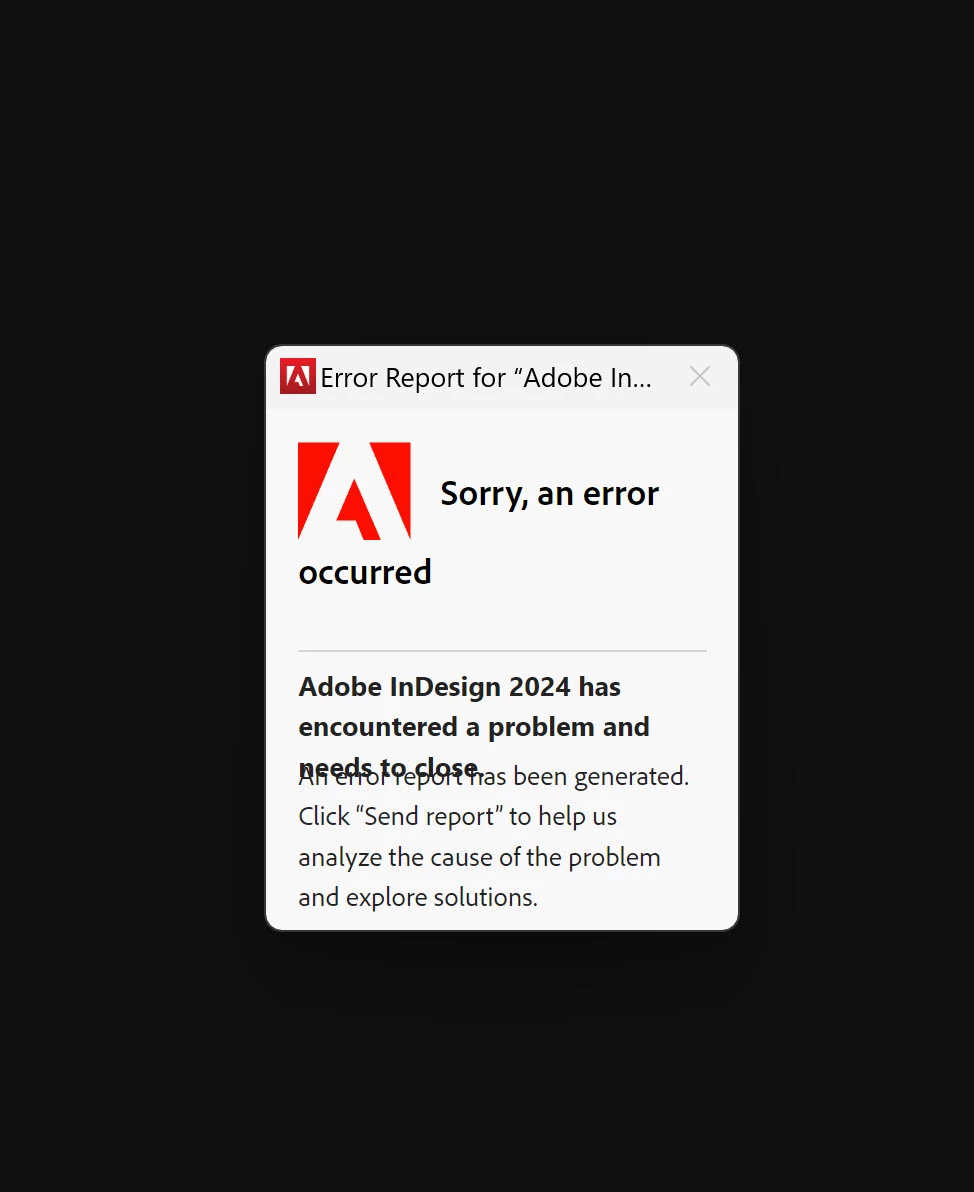
There was no button to click, so I couldn't.
I opened the file on my laptop, and it opened fine. I then again copied that file from my laptop to my desktop and tried opening again: >crash< >boom< InDesign locked up the same way as shown above. On the laptop, just in case, I saved my work in an .idml file. I then rebooted my desktop PC, and desinstalled and reinstalled InDesign 19.2, though saving my preferences an' 'at. This time, since my file was part of a Book File (Book Panel), I decided to open the Book Panel and then open the file from there.
InDesign then locked up with this on the screen.
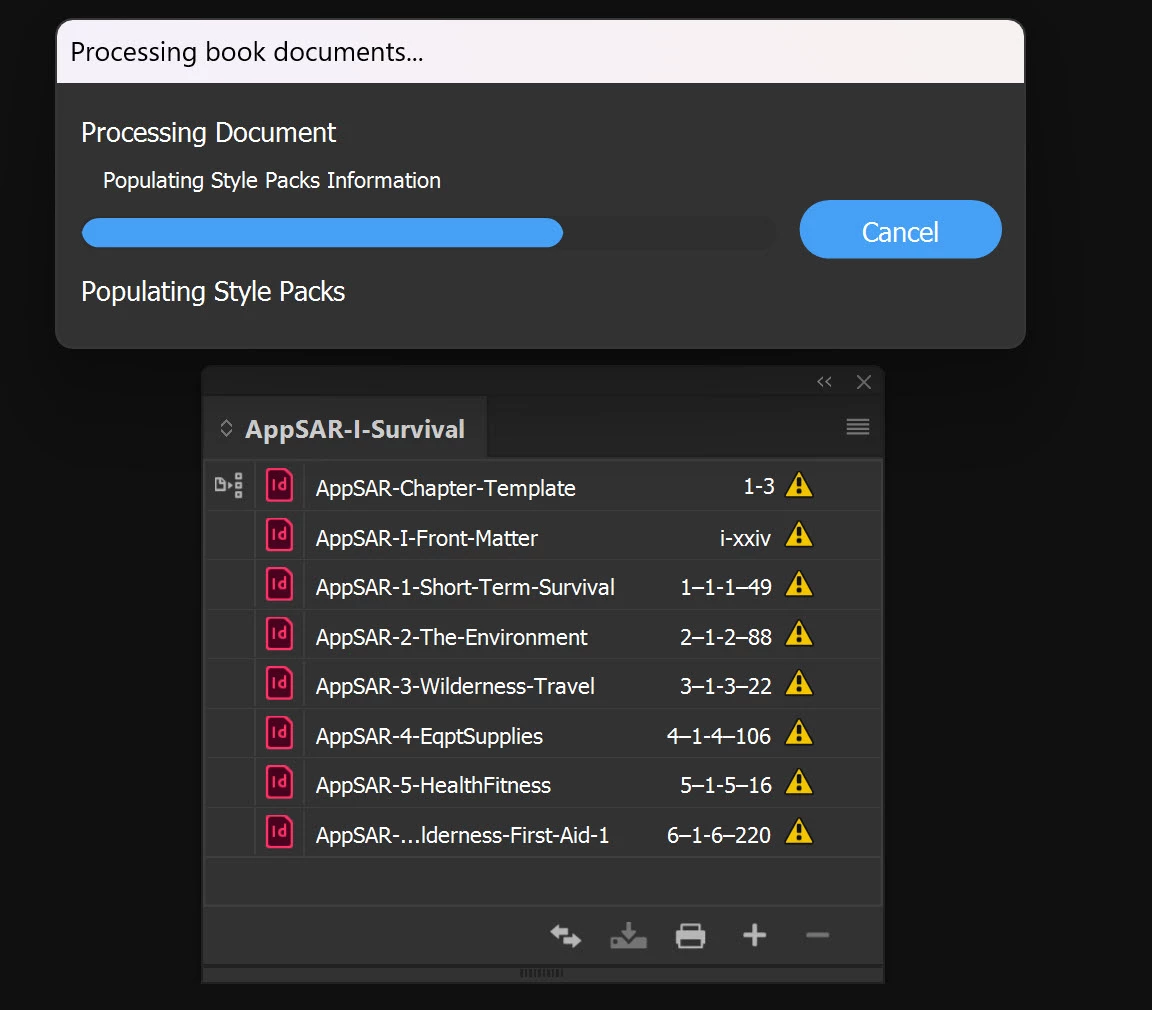
I didn't even know about Style Packs until InDesign crashed this way. I reviewed all of the messages on the forum about them, and thought it was a cool idea, but my projects are complex enough that they are a bit too limited for me to want to use. (If you check out my post https://community.adobe.com/t5/indesign-discussions/cascading-book-panels-multiple-book-panels-for-a-single-book-keeping-styles-synced-across-them/m-p/14411952 you can see why in detail.)
Why is InDesign populating my Style Packs (of which I have created none) and why is it locking up my PC?
I closed InDesign, without having to resort to using Task Manager, just right-clicking on the TaskBar and selecting close.
I restarted InDesign and tried to open the same file got this error message:
I then closed InDesign again, copied the .idml file from my laptop to my desktop PC, and tried opening that. It seemed to open properly, recreating the file that was locking up InDesign before. I saved it under a new name. I exited it and InDesign again asked me whether I wanted to save. Sure, I said yes.
I then opened the Book File (Book Panel) of which the original .indd file was an included document.
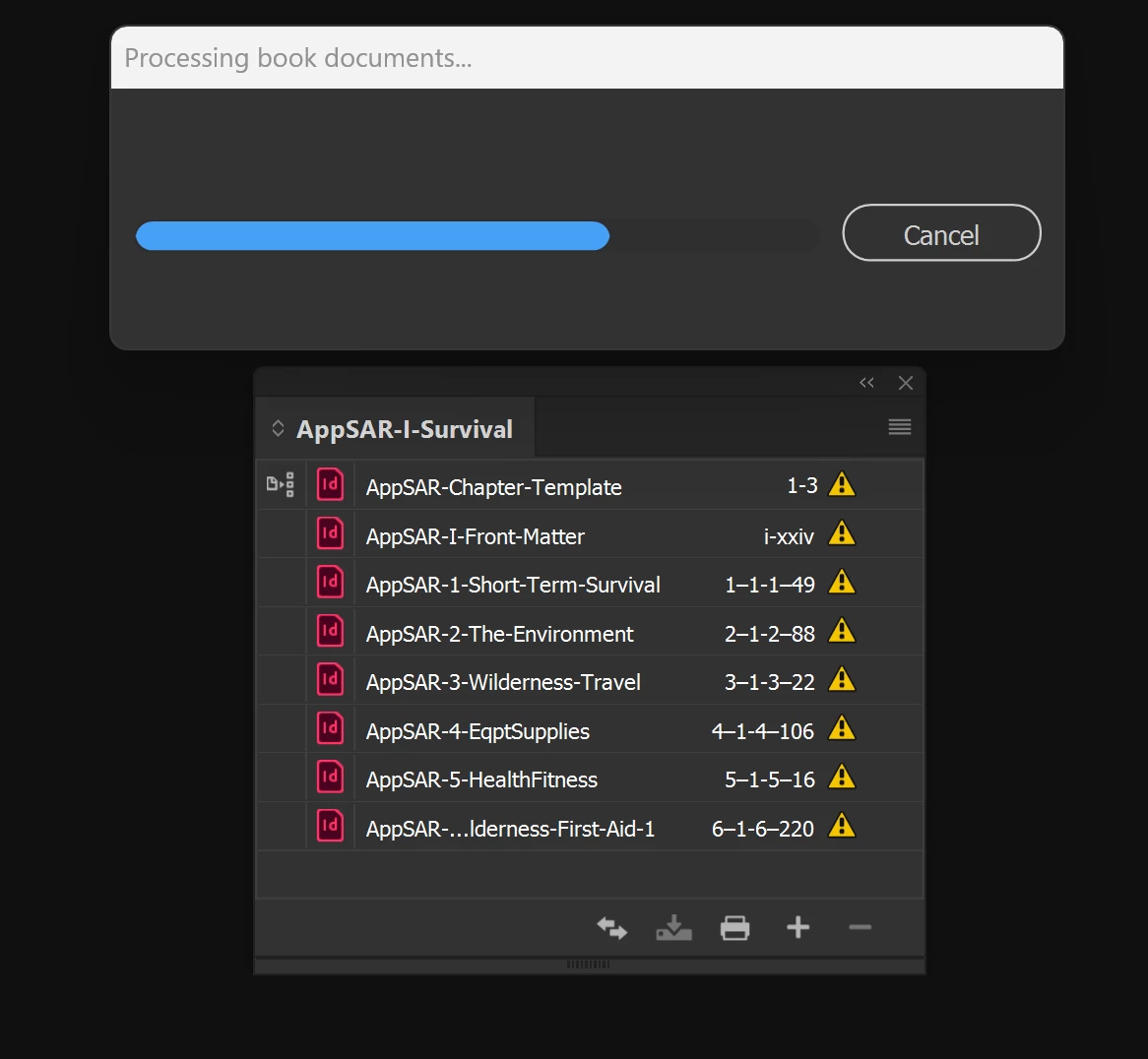
It posted a message on my screen as shown and locked up:
I just spent quite literally hundreds of hours over the past several months dividing my too-big, too-complex four textbook volumes each up into several chapters, and getting them formatted appropriately. (See https://community.adobe.com/t5/indesign-discussions/three-documents-freezing/m-p/14416194#M561484.) Just yesterday I got Volume I all reformatted into six chapters, with a Front Matter "chapter" at the beginning. I got all the cross-references fixed. (I really liked how helpful the cross-referenc panel was in getting me through this quickly, kudos for whoever worked on that panel.) I switched from working on formatting and fixing cross-references to editing content today.
I thought 19.2 was minor bug-release with maybe a few new features and it would be safe to update to it. Yes, maybe I need to roll back, but I would like to get the benefits of the latest version.
In case anyone would like to play with the file that seems to be clogging up InDesign 19.2's cerebral arteries, at least on my desktop PC, it's in http://www.conovers.org/ftp/AppSAR-Source-Files/ and it's named AppSAR-6-Wilderness-First-Aid-1.indd.
WHAT IS HAPPENING???!!!
 AdChoices