
Inspiring
February 17, 2020
Answered

Spine crop marks shorter than edge crop marks when exporting PDF

  • February 17, 2020
  • 2 replies
  • 2916 views

Hi everyone,


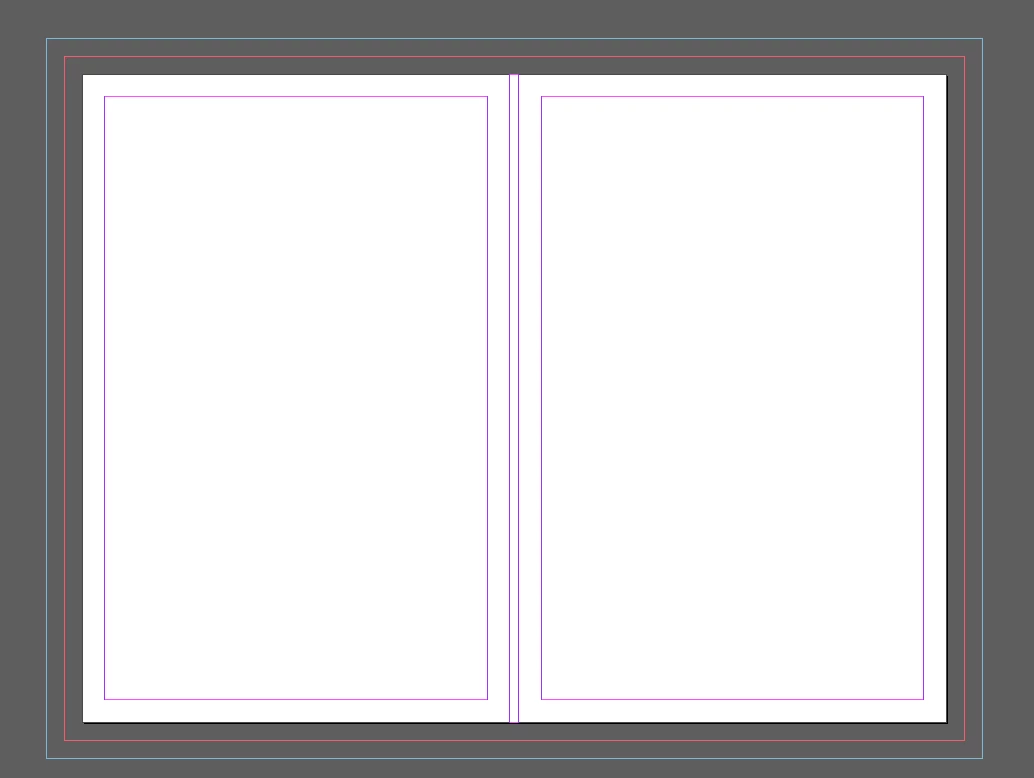
I have this issue where if I have a cover spread set up in InDesign as 3 facing pages...the crop marks for the spine always get exported shorter than the crop marks on the outside. You can see they sit off of the trim more than the outer crop marks. I'm not manually placing these crop marks--they are being set in the export settings of the PDF. I can't figure it out for the life of me. I've attached some screenshots. Any help would be appreciated!
Correct answer Randy Hagan

Specifically, to indicate they are not cutlines.


If you run those pages separately instead of in spreads, you'll get full cut/trim/bleeds on each corner. If you run them as spreads, you'll get the same — full cut/trim/bleeds on each corner, and the short lines where you're not supposed to cut in the spine/saddle of the spread.

2 replies

tukusejssirs
Known Participant
July 22, 2020

@adamh88, sorry for being a bit OT, but I have designed a hardcover and I need printer’s marks (incl crop marks) just you have in your first screenshot of the OP. Now I know how to export to PDF with the printer’s marks, but they tend to be inserted where the page should be cropped and thus the marks are within about 6 mm from the page edge, but that part will be visible on the hardcover (when glued to the board). Even an example document would help me very much. Anyway I have tried to design the cover using both single page for front cover, spine and back cover, and three pages with each page for one part of the cover. Thank you for your answer. (BTW, I have created a question/post for this, but it was marked as spam for some reason. You may want to answer me there.)

rob day
Community Expert
Community Expert
July 22, 2020

I have tried to design the cover using ... three pages with each page for one part of the cover.


For a 3 page cover include a slug to hold the fold marks, and export as a Spread.


Here my Document Setup includes a .5" Slug, and I have manually added the fold marks outside of the bleed and inside the slug


Export to Spreads with Include Slug Area checked:


The Exported PDF:


Even an example document would help me very much.


https://shared-assets.adobe.com/link/16bbba50-60ae-4fed-7bc7-7924cfa9225f


tukusejssirs
Known Participant
July 22, 2020

@rob_day, thanks for you time!


However, it still does not work for me, see cover_test_three_pages.indd and cover_test.pdf.

Randy Hagan
Community Expert
Community Expert
February 17, 2020

I think I can help.


The lines at the saddle/spine are not cutlines; they're folding lines. If you want cuts there, you'll have to either run them as single pages or manually draw them in.


Hope this helps you,


Randy

adamh88Author
Inspiring
February 17, 2020

Hi Randy,


Thanks for the reply! Right, I get that they're folding lines...I just dont see why they are getting exported at a different size/distance than the other marks. It doesn't make sense to me that when InDesign places the marks on the spine--they come out shorter than the outisde marks.

Randy Hagan
Community Expert
Randy HaganCommunity ExpertCorrect answer
Community Expert
February 17, 2020

Specifically, to indicate they are not cutlines.


If you run those pages separately instead of in spreads, you'll get full cut/trim/bleeds on each corner. If you run them as spreads, you'll get the same — full cut/trim/bleeds on each corner, and the short lines where you're not supposed to cut in the spine/saddle of the spread.