Participating Frequently
February 15, 2022
Question

Trouble with Creating DCS 2 file in photoshop and placing in indesign

  • February 15, 2022
  • 3 replies
  • 1039 views

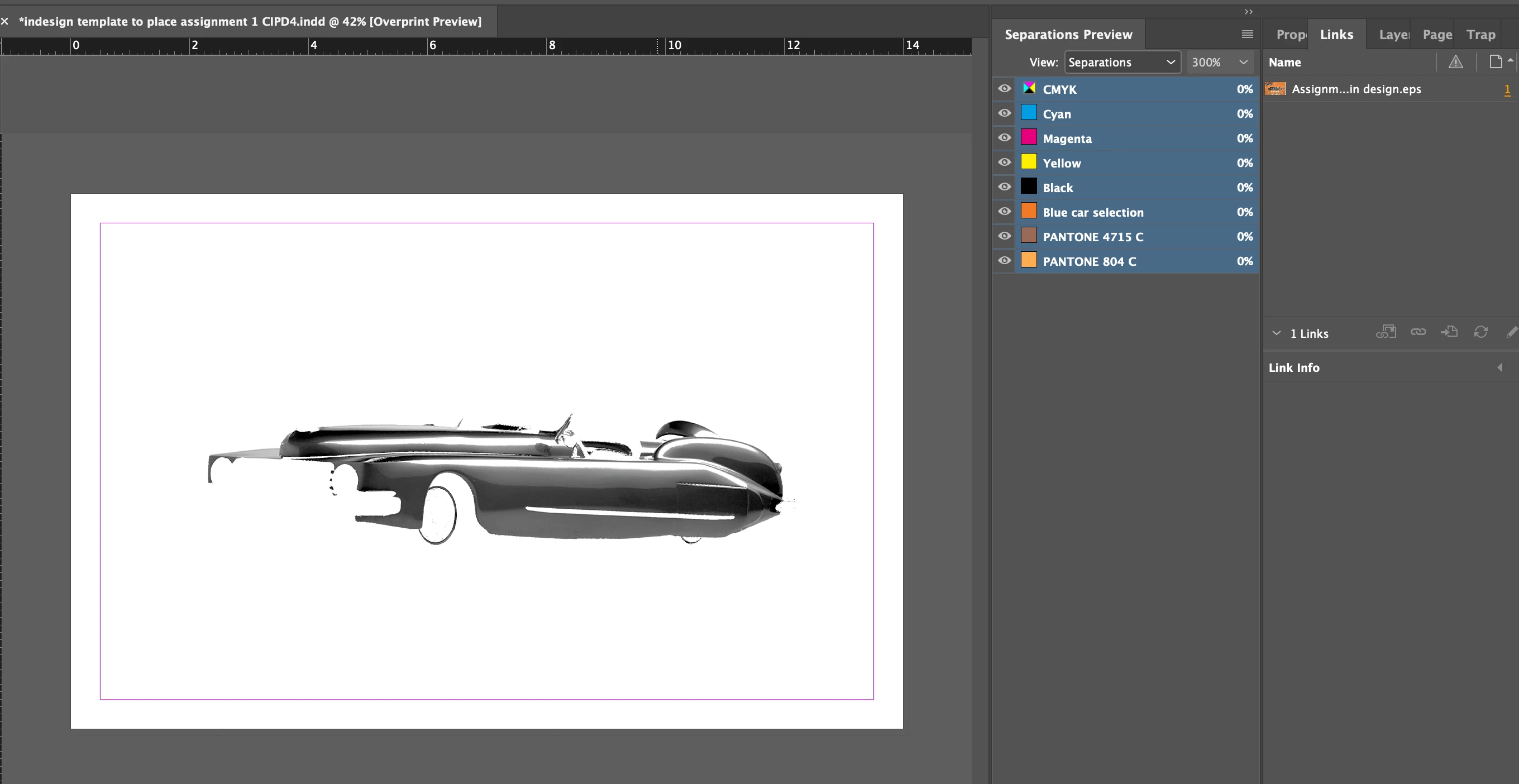
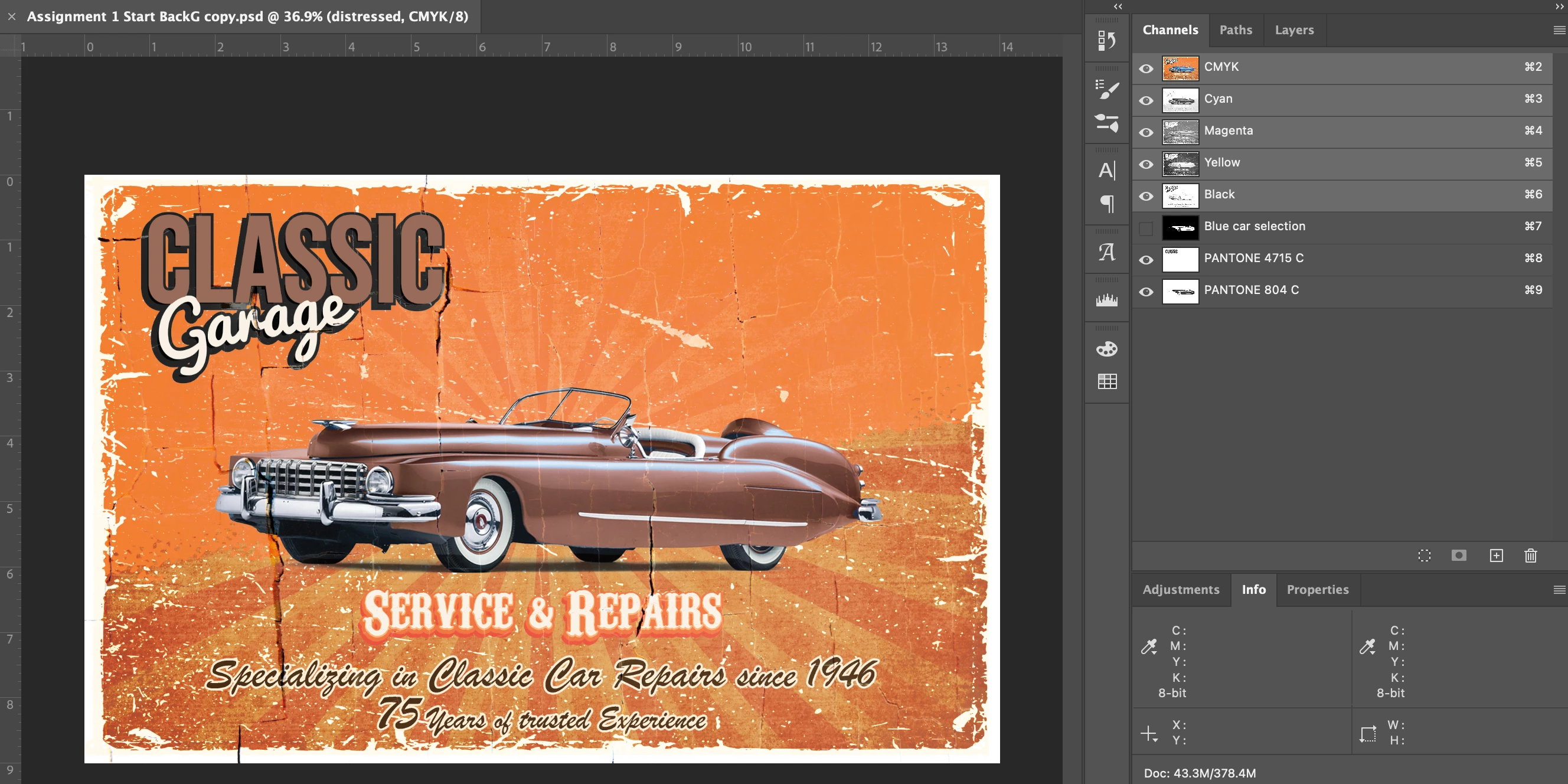
I am dont know why this is happening!! please help! So I created this file in photoshop for a college assignment and we need to save the file as a DCS 2.0 file because as you can see in the images there is pantone colours in the file. But when I follow the teachers directions with the file creation and place in indesign, all of the layers dont show up. It is a large file. Does anyone know why it could be happening? I deleted some files on my computer to make space and I also reset the preferences in Indesign, and made sure the pantones are proper spot colours and still did not work.


The DCS 2 file settings are..

spot colours enable is checked

and Tiff 8 bit

single file with colour composite

Binary

and include vector data is checked
3 replies

Community Expert
February 16, 2022

Hi RegiC002,

FWIW: You may see a correct rendition of the placed EPS if you save it with no preview at all.

You have to check the import options when you place the EPS to enable InDesign to render the preview.

( Just a guess. For the last 10 years or more I did not work with a DCS2 image. )


Regards,
Uwe Laubender

( ACP )

Peter Spier
Community Expert
Community Expert
February 15, 2022
Frans v.d. Geest
Community Expert
Community Expert
February 15, 2022

Wow, now that teacher needs a class him/herself very, very soon! OMG... 

Frans v.d. Geest
Community Expert
Community Expert
February 15, 2022

DCS format? Who the hell teaches you thát for an assignment!?

Save it as .PSD.

Get with the times...

RegiC002Author
Participating Frequently
February 16, 2022

It worked when I saved as psd or pdf so I just sent finished the assignment that way, but he deducts marks for not having the file as DCS 2. it's stupid.

Frans v.d. Geest
Community Expert
Community Expert
February 16, 2022

You should get another teacher, this one is stuck in 35 years old workflows of the previous century...