


Participant
December 5, 2022
Question

Trying to publish online with videos embedded. Keep getting error code #16.

  • December 5, 2022
  • 2 replies
  • 1335 views

Hi,

I would really, really appreciate help with this as I have a major deadline for tomorrow and I have been trying to fix this one issue for over 3 hours!


I'm using the current version of InDesign (2023) I have finished an Annual Review and go to publish it online but just keep getting the same error message (see below). I have four videos embedded in InDesign. I thought it might be the size of the videos as it does allow me to publish online without the videos. I have downsized all the videos to SD and halfed the size but it still won't let me publish. The average length of the videos is 3 minutes. 


The other all size of the InDesign file is: 20,500 kb.


I found the recent post about re-starting InDesigning, turning off the firewall etc. Nothing has worked.


HELP! Thanks so much. 
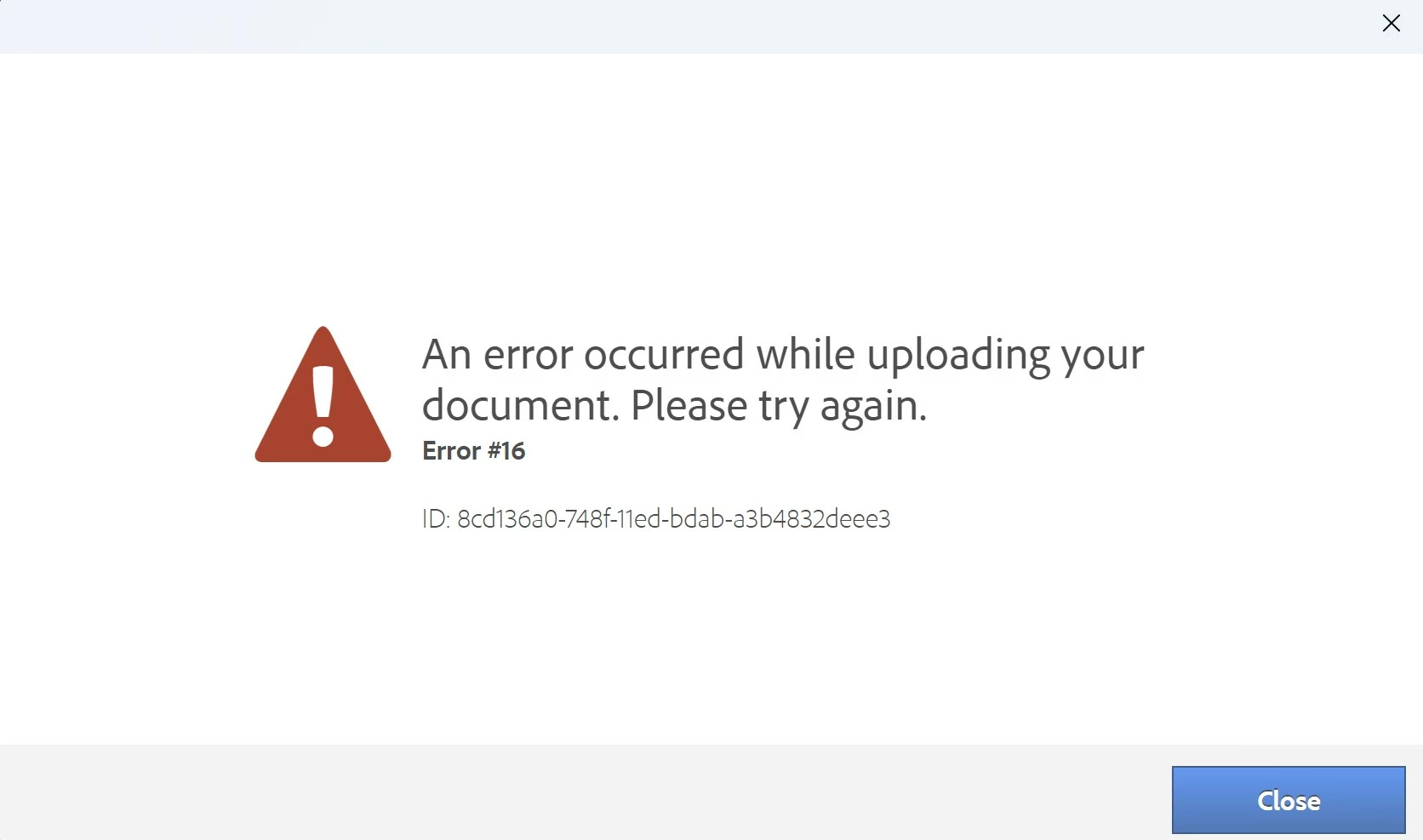
 

This topic has been closed for replies.

2 replies

Eric Dumas
Community Expert
Community Expert
December 5, 2022

Also, someone reported the same issue here Solved: Indesign Publish Online Tool - Error #16 - Adobe Support Community - 11347969

Can you test the suggested answer and let uis know if that worked?

MMcGrathAuthor
Participant
December 5, 2022

Thanks Eric. Appreciate you reaching out.


Yes, saw those posts before and that's what led me to downsample the videos in Media Encoder. I can't go any lower in terms of quality - I'm gutted that it will be in SD anyway.


The videos are all in my root folder. As I was typing this, I tried to export a version without two of the videos and it has worked. All the videos are saved in the same place. It's just really frustrating that it can't seem to cope with four small(ish) videos!! Kind of defeats the point of using the online features.


Thanks again,

Michelle

MMcGrathAuthor
Participant
December 5, 2022

For the benefit of others who might get the same error message, I think Error #16 is related to the file size of videos, which is really frustrating as Adobe claims there is no file size restriction. I have played around with the four different videos (embedding just 2, then 3, then 4). It has only allowed me to upload 3 SD videos. I tried the same three videos at medium quality and got the error message again. I'll therefore have to stick to 3 SD videos which is disappointing and frustrating, but there we go.


If anyone has any other thoughts or possible solutions, please do let me know.


Thanks so much,

Michelle

Eric Dumas
Community Expert
Community Expert
December 5, 2022

Have you tried the options suggested here: Resolve configuration errors 1, 15, or 16 | Creative Cloud (adobe.com)

Can you share mode details about the videos: format, location (local, same folder as Indd file, server, online), compression method...