Inspiring
February 28, 2021
해결됨

Letters uneven in terms of height

  • February 28, 2021
  • 2 답변들
  • 1502 조회

Hi all,

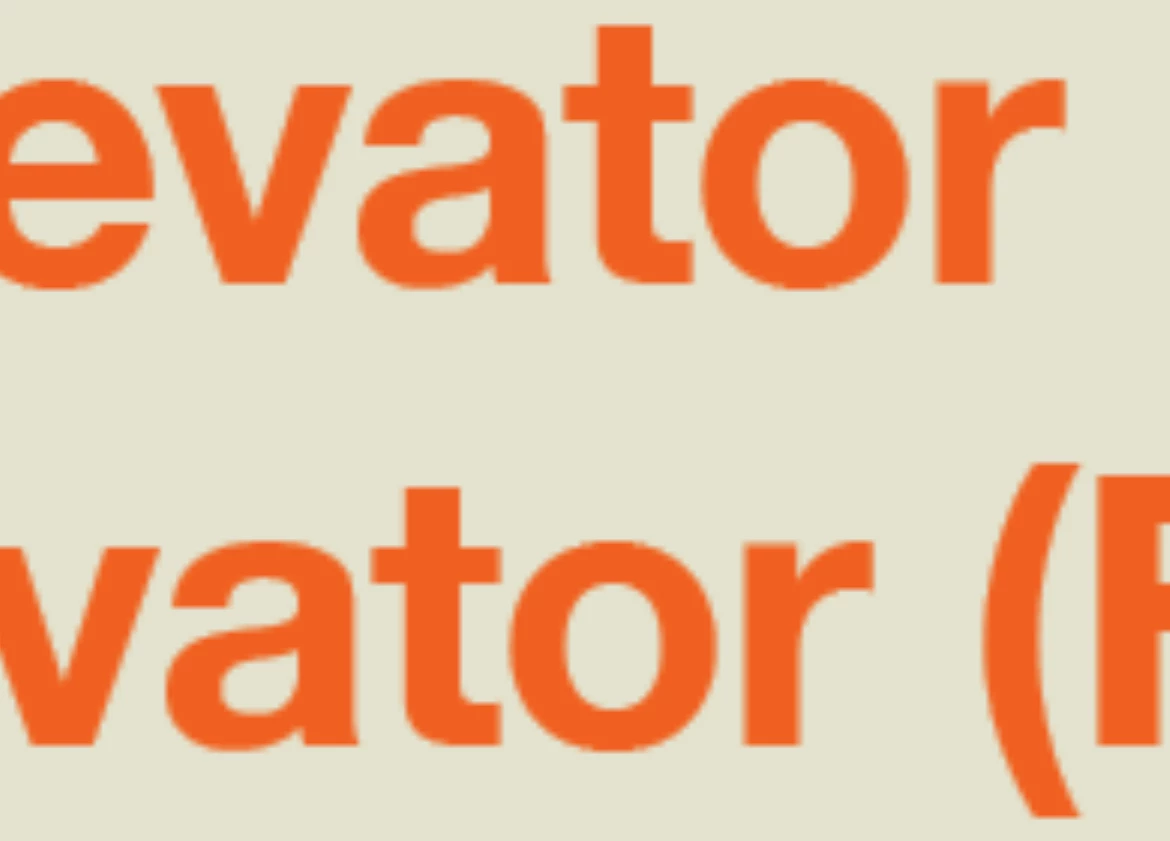
I've just created a document and I want to export it and consider it complete, but I am running into the issue of certain letters in a particular font being different heights when placed next to each other. See below:


The a is lower than the t

 

Some of the letters in text typed on a curved line are at different heights/positions.

 

The font file isn't corrupt as I've checked in the Mac Font Book to see if anything was wrong with it. I'm just using Helvetica Neue.


Any ideas?

Thanks.

이 주제는 답변이 닫혔습니다.
최고의 답변: Randy Hagan

Not exactly, but you can use Baseline Shift to adjust for errant alignment in .1 pt increments.


When I'm working with large type, that level of vertical adjustment in a pinch is a godsend. Especially when setting type on a path, where type alignment can unexpectedly get funky.


Hope this helps,


Randy

2 답변

rob day
Community Expert
Community Expert
March 1, 2021

With most type design the bowls of lowercase characters hang a bit below the baseline and a bit above the x-height—it’s a standard design practice:


Inspiring
February 28, 2021

Can you check to see if you have moved the t up by accident. I have never noticed an alignment like that were the baseline was not even.

kirbydoo작성자
Inspiring
February 28, 2021

The T is in line with all the other letters. Is there a way to edit the baseline?

kirbydoo작성자
Inspiring
February 28, 2021

Not exactly, but you can use Baseline Shift to adjust for errant alignment in .1 pt increments.


When I'm working with large type, that level of vertical adjustment in a pinch is a godsend. Especially when setting type on a path, where type alignment can unexpectedly get funky.


Hope this helps,


Randy


Thank you for that advice. I did alter the a in that first picture and looks better now. Strange how that alignment issue really only happens with Helvetica Neue on my computer.