


Participant
December 10, 2018
해결됨

My indesign looks weird, I can't see the "background anymore"

  • December 10, 2018
  • 2 답변들
  • 708 조회

Hello there,

Since short my Indesign looks weird, first I wasn't able to see anything, then I found some answers that I should enable the application frame.
This gave my my toolbars back, but my background is still missing:

This is what it looks like:
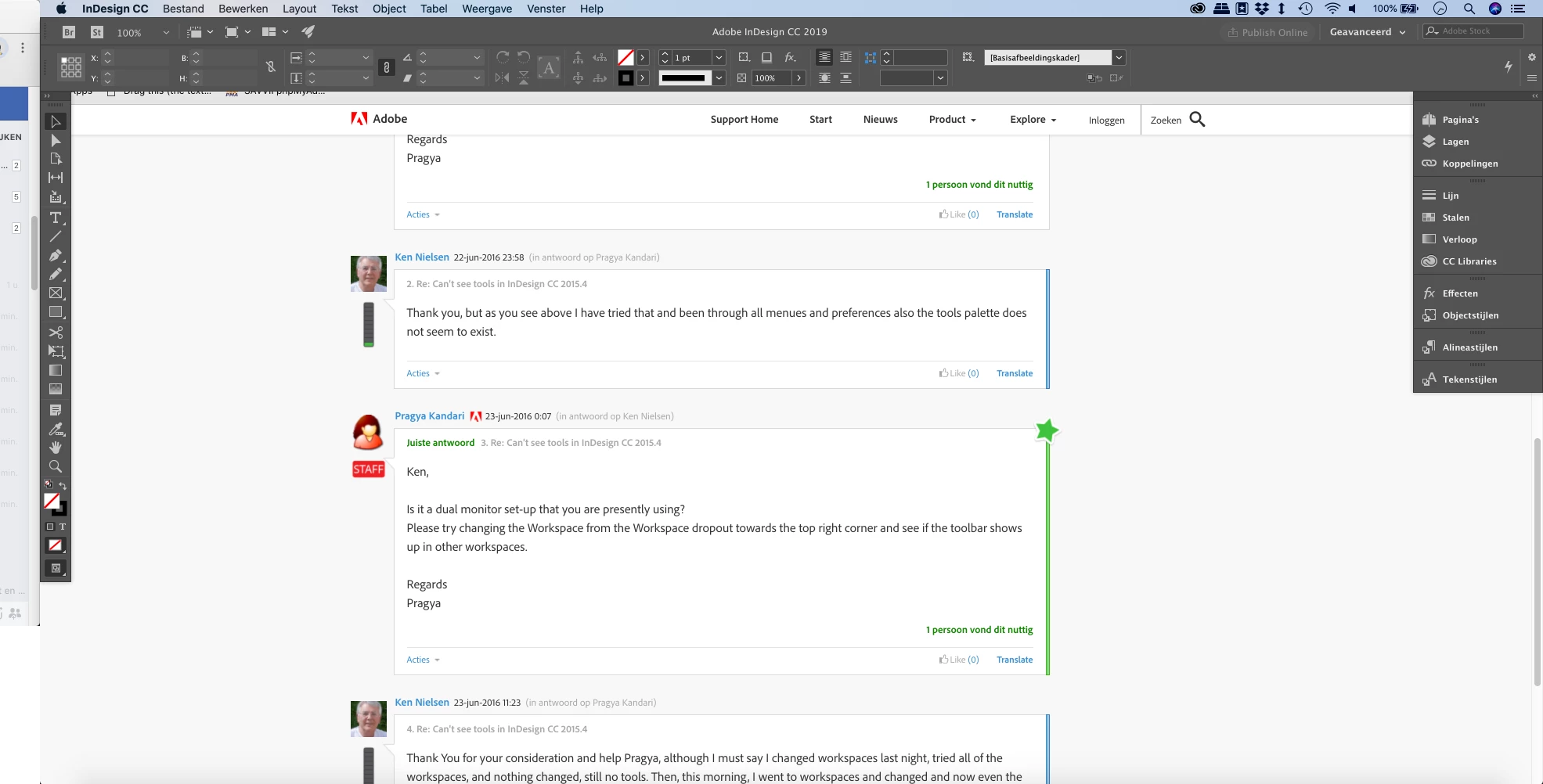
How can I get the "background" back?

    이 주제는 답변이 닫혔습니다.

    2 답변

    Jeff Witchel, ACI
    Community Expert
    Community Expert
    December 10, 2018

    Go to the Window menu and check Show Application Frame.

    arned46418047작성자
    Participant
    December 11, 2018

    Hey Jef,

    Thanks for your answer, I've already found that solution before I submitted this help request.

    When I select "application frame", my entire Indesign disappears.

    I've also tried this option:
    (It's dutch, but it says "show all windows")

    And then this happens:

    When I click the grey area the window just goes away.

    BobLevine
    Community Expert
    BobLevineCommunity Expert답변
    Community Expert
    December 11, 2018
    kglad
    Community Expert
    Community Expert
    December 10, 2018