

Question
Page Number Positioning Question
(Mac OS, InDesign 2019)
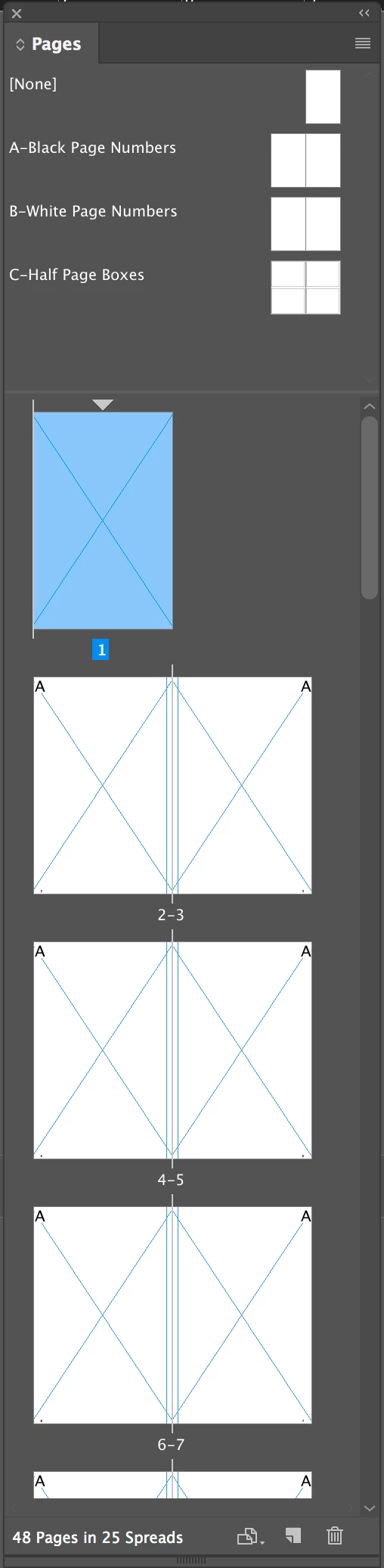
I have a book set up as shown in the screen capture below. If I go to File--> Document Setup, then uncheck "Facing Pages", all my automatic page numbers appear at the lower left side of each page.
But I don't want that. I want it to maintain the appropriate left or right positions of the page numbers as they will appear when the book is printed.
So for example, if Page 2's number appropriately appears at left, I want Page 3's number to appropriately appear on the right.
Is there a way to tell the program to respect this rule, while viewing the document in non-facing pages mode?
Thanks-
 AdChoices