Exit
  • Global community
    • Language:
      • Deutsch
      • English
      • Español
      • Français
      • Português
  • 日本語コミュニティ
  • 한국 커뮤니티
0

Different RGB values in Lightroom and Photoshop for the same color

New Here ,
Jan 27, 2023 Jan 27, 2023

Hi everyone,


I like to experiment colors and I just realized that for the same color, RGB values might be different in Lightroom and Photoshop, which isn't convenient.


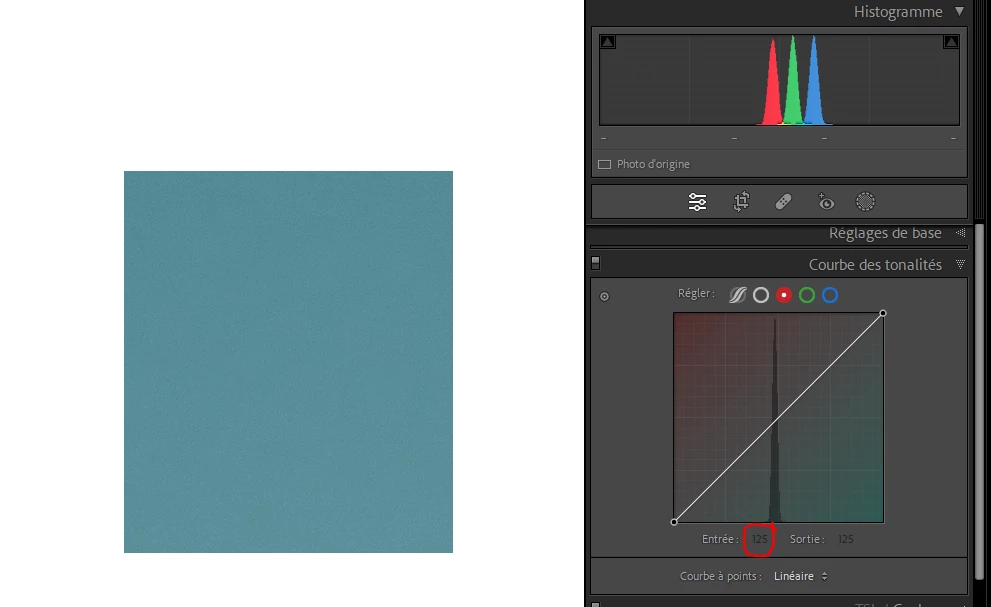
For example, for that specific color in Lightroom, the value of Red is 125, the value of Green is 139 and the value of Blue is 153.
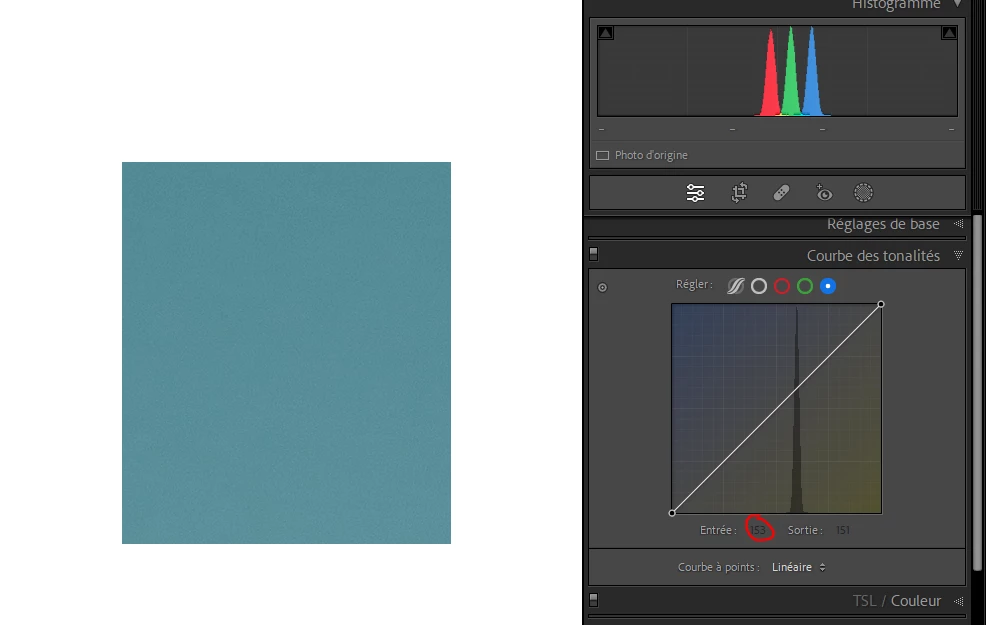
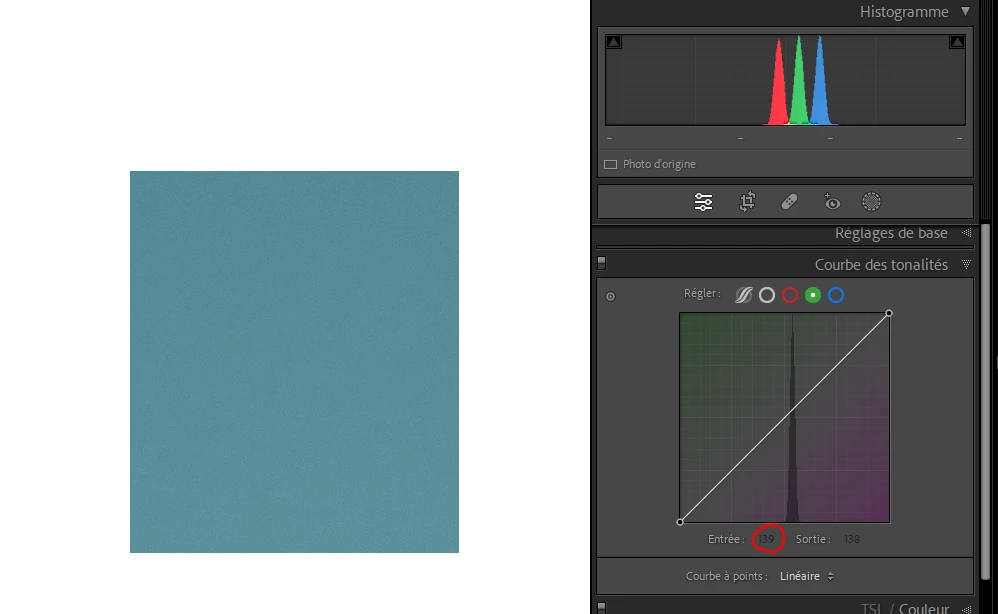
 

blue.PNGgreen.PNGred.PNG


However, in Photoshop, the value are 101, 142 and 156. This is a big difference, essentially for the Red channel.
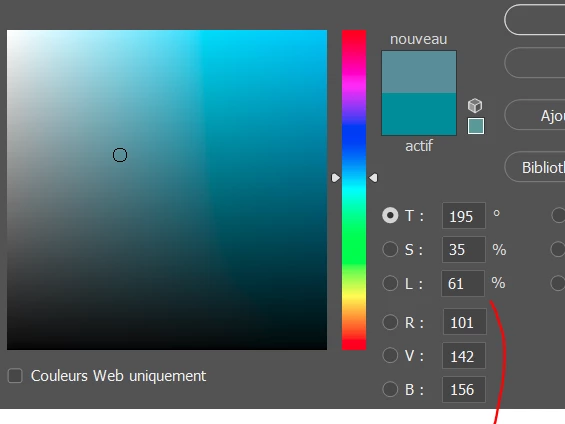
 

photoshop.PNG


After checking on the Color Adobe website, I can see that the values in Photoshop are correct but not in Lightroom.
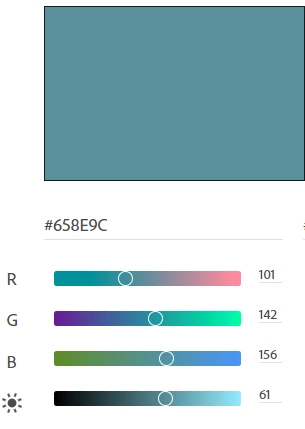
 

color adobe.PNG


Does anyone knows why and how to show correct information in Lightroom? Sometimes I find a nice color on the Color Adobe website that I would like to use in Lightroom on one of my image by playing with Red, Blue and Green curves but this won't be possible if the values shown in Lightroom don't match the "real" values.


Thank you for your help!


TOPICS
Windows
816
Translate
Report
Community guidelines
Be kind and respectful, give credit to the original source of content, and search for duplicates before posting. Learn more
community guidelines

correct answers 1 Correct answer

LEGEND , Jan 27, 2023 Jan 27, 2023

The color numbers in Photoshop are based on the RGB Working Space you have. IOW, the same RGB values in sRGB will produce a different color appearance in ProPhoto RGB.

In LR, the RGB values are based, outside of soft proofing (keep that in mind), to Melissa RGB which is based on ProPhoto RGB but with a special tone curve. Now, set up a soft proof in, say sRGB in Develop (select after typing S key), now compare it to Photoshop using sRGB, the two should match.

Better still, learn to use Lab for n

...
Translate
LEGEND ,
Jan 27, 2023 Jan 27, 2023

The color numbers in Photoshop are based on the RGB Working Space you have. IOW, the same RGB values in sRGB will produce a different color appearance in ProPhoto RGB.

In LR, the RGB values are based, outside of soft proofing (keep that in mind), to Melissa RGB which is based on ProPhoto RGB but with a special tone curve. Now, set up a soft proof in, say sRGB in Develop (select after typing S key), now compare it to Photoshop using sRGB, the two should match.

Better still, learn to use Lab for numeric considerations of numbers, as, unlike RGB, it is NOT device dependent. 

Author “Color Management for Photographers" & "Photoshop CC Color Management/pluralsight"
Translate
Report
Community guidelines
Be kind and respectful, give credit to the original source of content, and search for duplicates before posting. Learn more
community guidelines
New Here ,
Jan 27, 2023 Jan 27, 2023
LATEST

Thank you for your reply, I understood now!

Translate
Report
Community guidelines
Be kind and respectful, give credit to the original source of content, and search for duplicates before posting. Learn more
community guidelines