


Help needed to restore deleted Lightroom folders and sub folders and to open my backup catalog
I accidentally deleted some lightroom folders and sub folders with around 2000 images that were not showing their files when I opened them. The original raw and edited files are safe on my harddrives, so its just lightroom they've been deleted, along with all the editing processes I presume that I would love to restore.
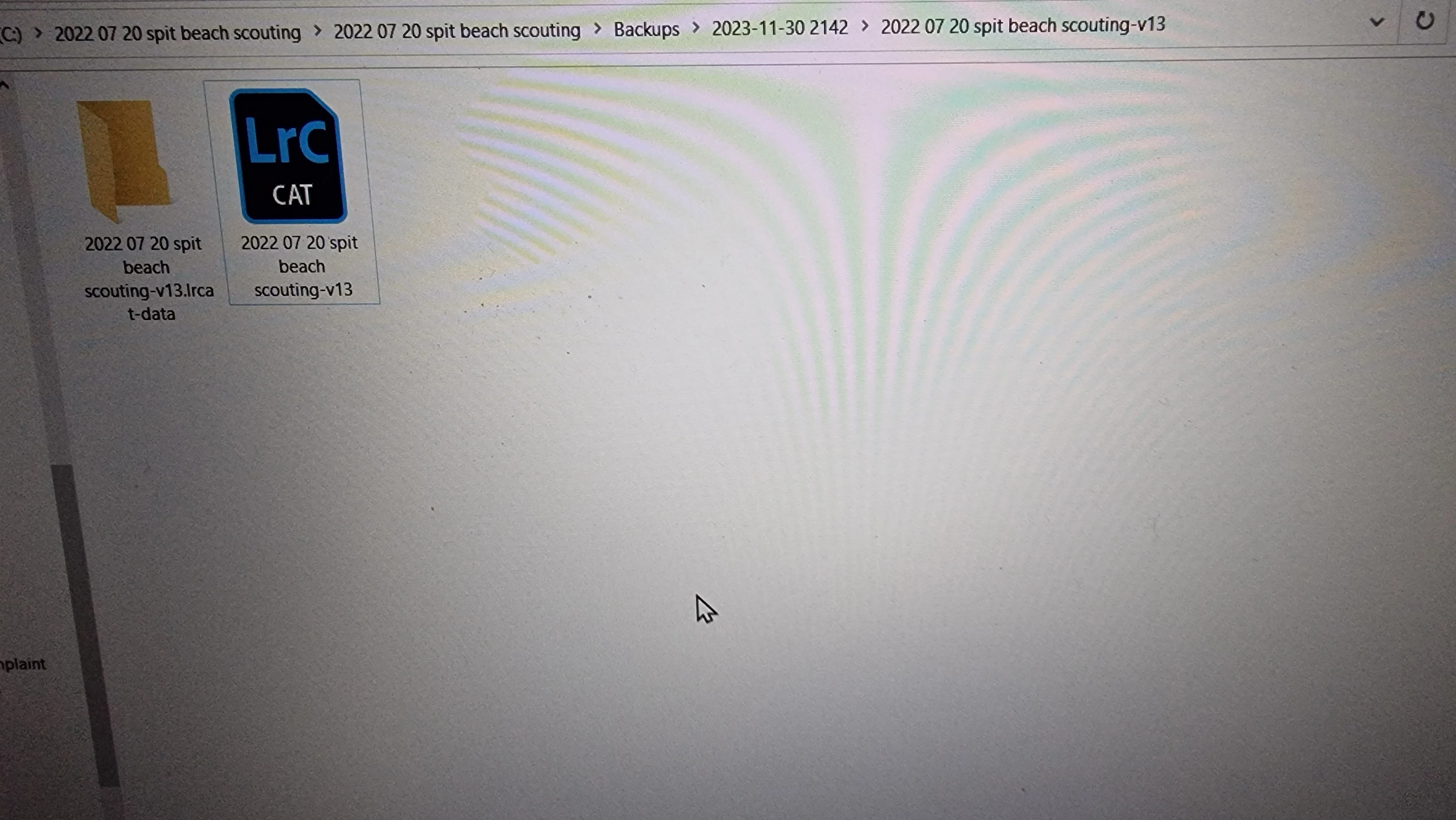
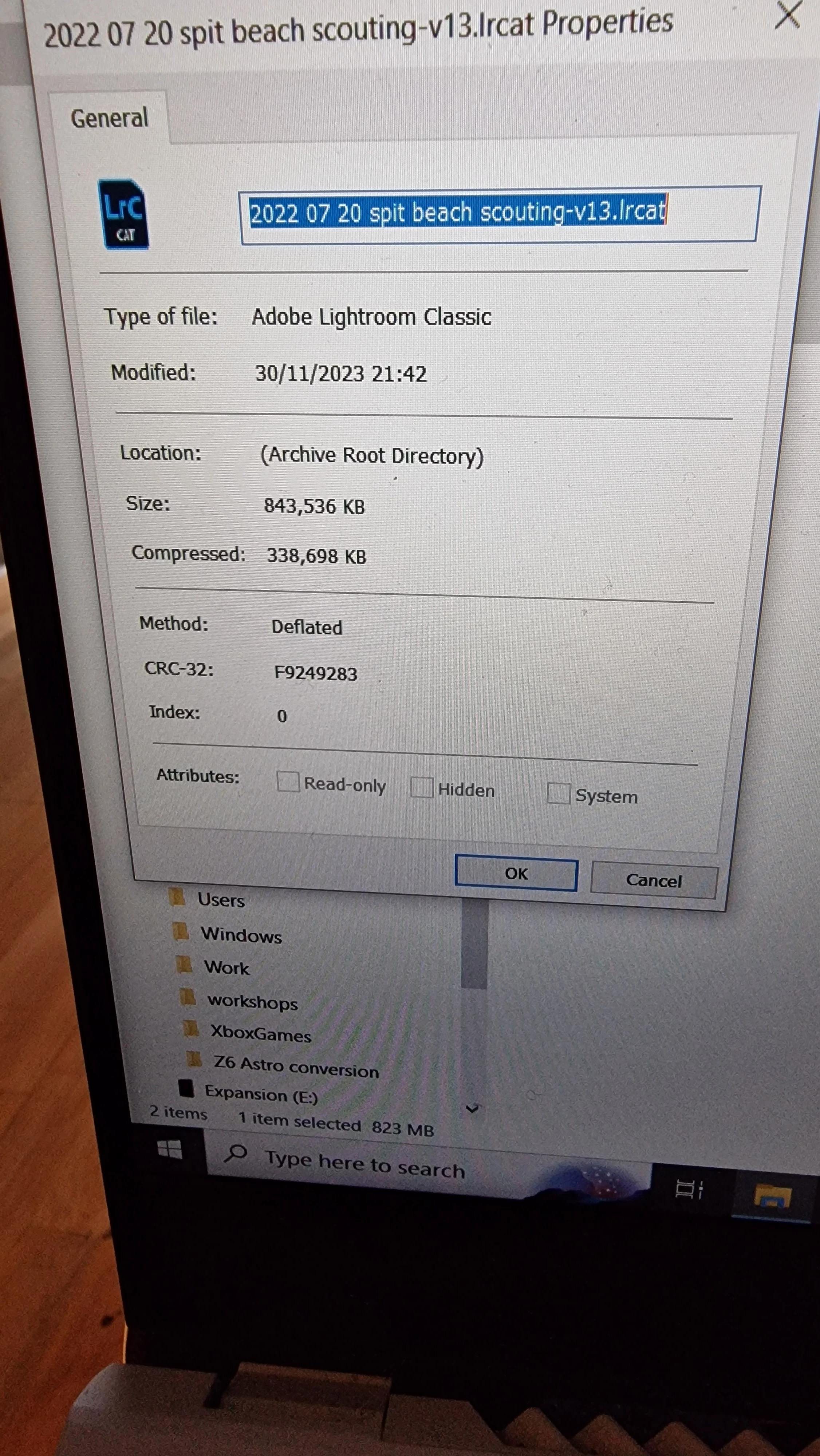
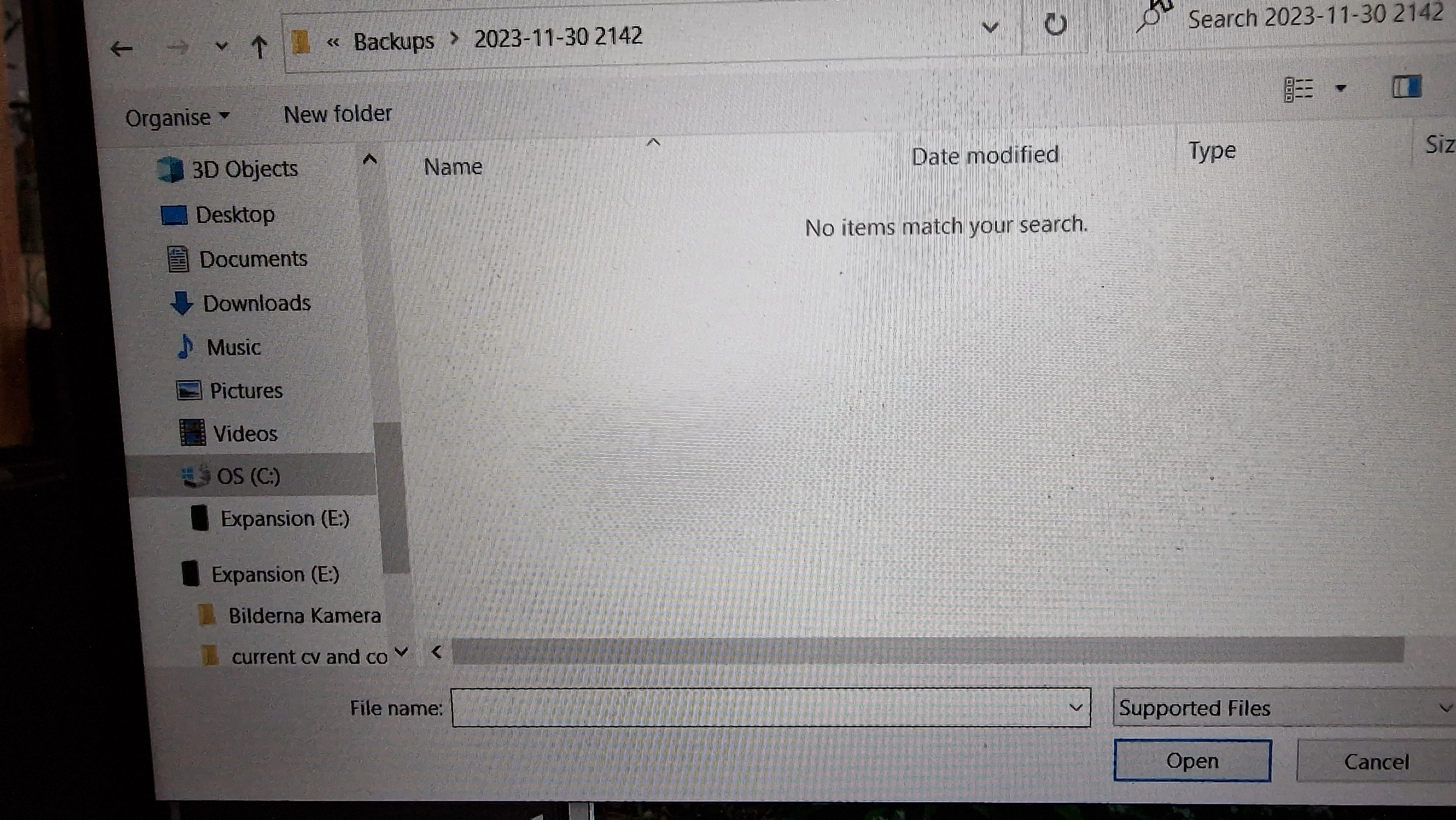
I understand thanks to user Johan Elzenga reply below I can just close the program then open a back up catalogue, lightroom doesnt find my back up catalogs when I direct it to them. see attached photos. So I need help connecting my back up catalogs to LR classic so they recognise them again
photo 1 shows the location of the catalog back up
photo 2 showing its properties to check its the right file
photo 3 shows lightrooms response when trying to open the catalog
Im not backing up or working on anything in LR classic until I have resolved this issue.
Many thanks in advance!
 AdChoices