

IngridVD
Inspiring
December 7, 2022
Question

Lightroom 12.0.1 crash upon startup on Mac Monterey 12.6.1

  • December 7, 2022
  • 1 reply
  • 7147 views

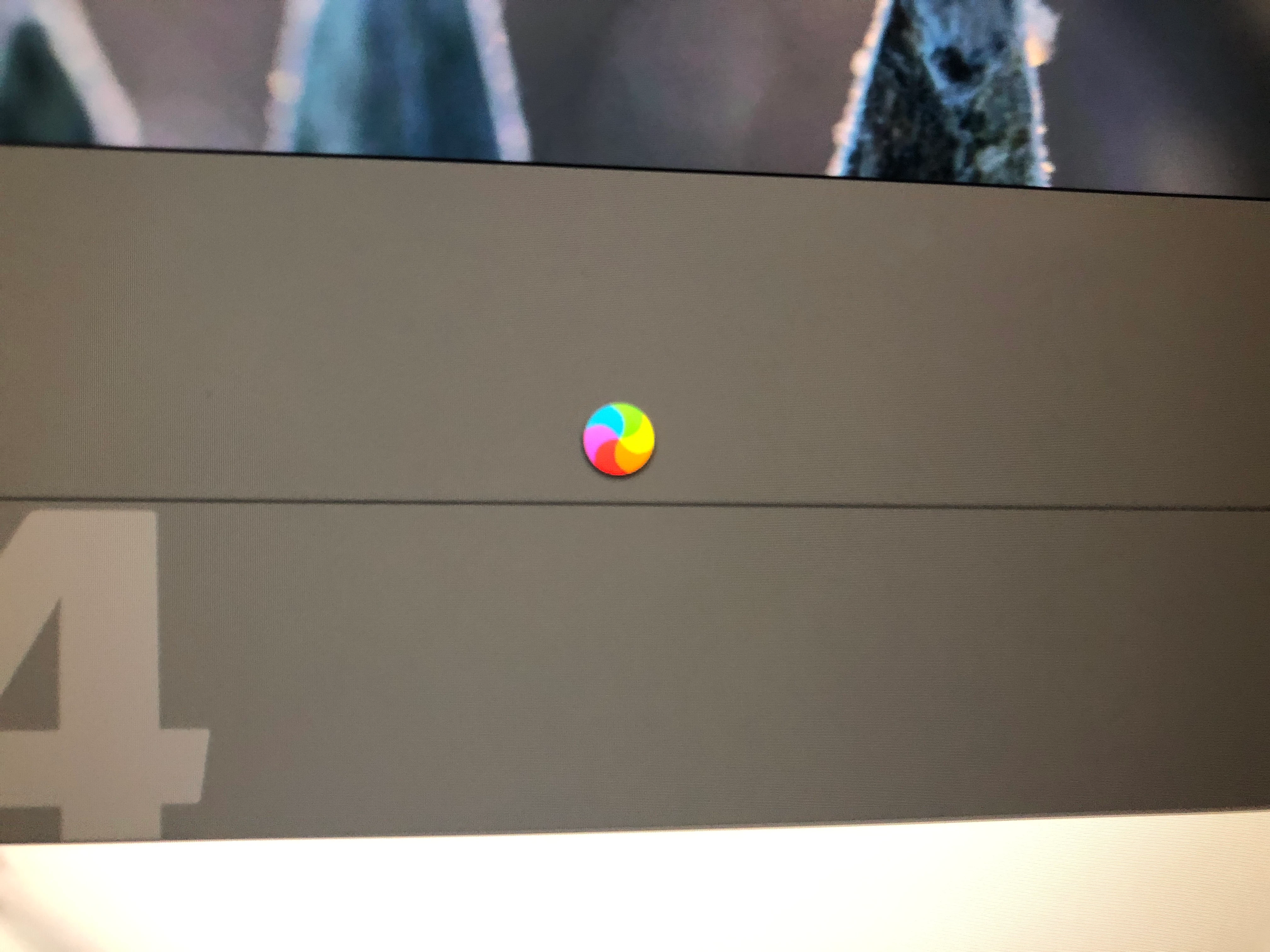
Now I have the same problem when starting LR,  also now with my new iMac 24" M1 - 16 RAM, the wheel keeps spinning and indicates LR does not respond, after 1.5 minutes the LR still starts, how can I solve this problem ?

This topic has been closed for replies.

1 reply

IngridVD
IngridVDAuthor
Inspiring
December 7, 2022
  • Lightroom Classic Version Number: 12.0.1
  • OS Version Number: Monterey 12.6.1

I have still same problem when starting LR,  also now with my new iMac 24" M1 - 16 RAM, the wheel keeps spinning and indicates LR does not respond (see attachment) , after 1.5 minutes the LR still starts, how can I solve this problem ?the 

TheDigitalDog
Inspiring
December 7, 2022

Try resetting your Lightroom preferences:
https://helpx.adobe.com/lightroom-classic/help/setting-preferences-lightroom.html
Also see: https://community.adobe.com/t5/lightroom-classic-discussions/important-steps-for-manually-resetting-preferences-omitted-from-help-article/td-p/12972518

Quit Lightroom Classic.
macOS: Press and hold the Shift + Option keys.
Windows: Press and hold the Shift + Alt keys.
While holding down the keys, launch Lightroom Classic.
When asked, select "Yes". 

Author “Color Management for Photographers" & "Photoshop CC Color Management/pluralsight"
IngridVD
IngridVDAuthor
Inspiring
December 7, 2022

@TheDigitalDogwhen I do this I get this , I choose the first , is that ok ?

but still the problem.

where do i find this Step 2: The .plist and .agprefs files for previous versions of LR must be deleted as well.


2.11.0.0