

IngridVD
Inspiring
December 7, 2022
Question

Lightroom 12.0.1 crash upon startup on Mac Monterey 12.6.1

  • December 7, 2022
  • 1 reply
  • 7147 views

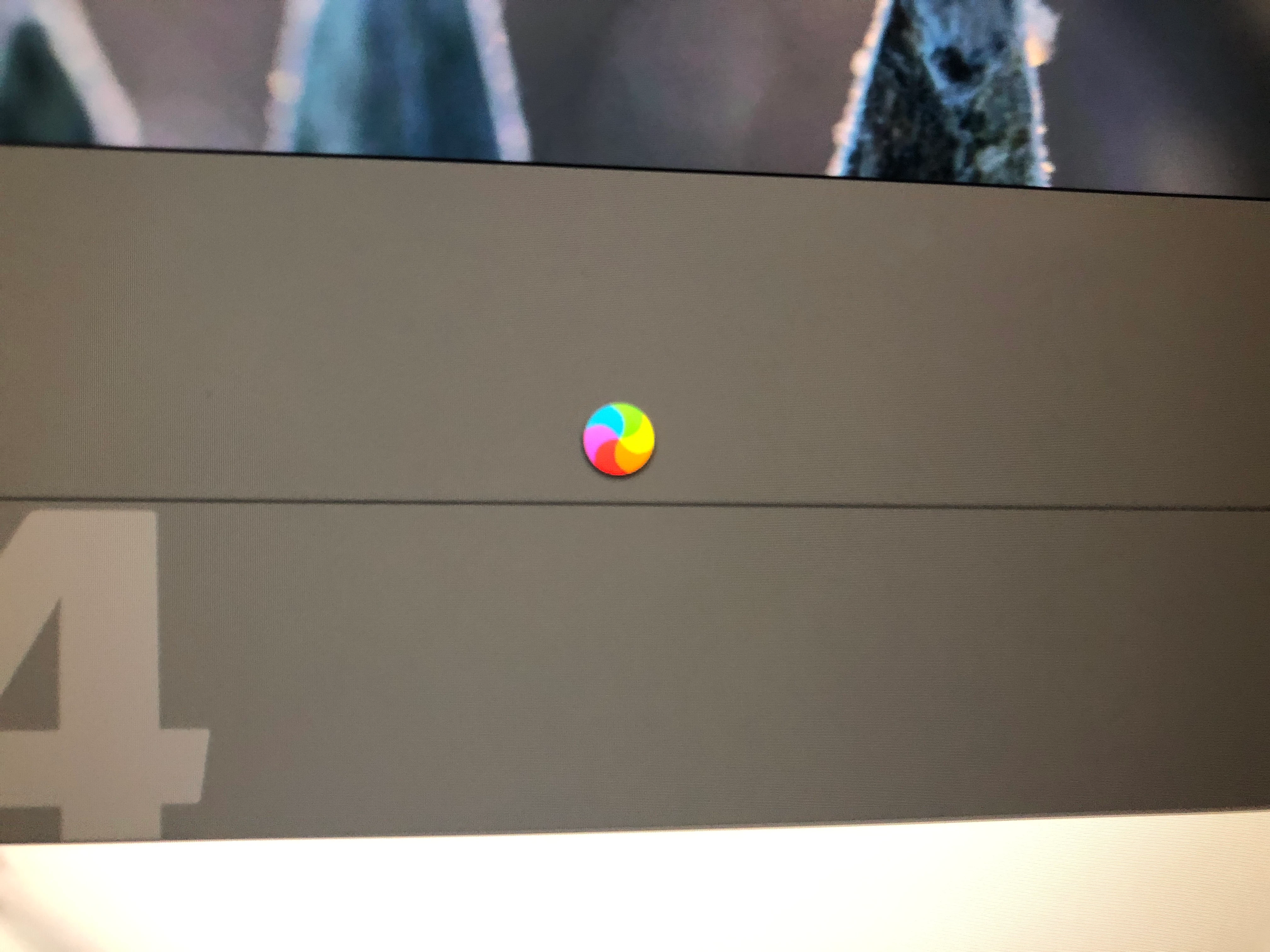
Now I have the same problem when starting LR,  also now with my new iMac 24" M1 - 16 RAM, the wheel keeps spinning and indicates LR does not respond, after 1.5 minutes the LR still starts, how can I solve this problem ?

This topic has been closed for replies.

1 reply

IngridVD
IngridVDAuthor
Inspiring
December 7, 2022
  • Lightroom Classic Version Number: 12.0.1
  • OS Version Number: Monterey 12.6.1

I have still same problem when starting LR,  also now with my new iMac 24" M1 - 16 RAM, the wheel keeps spinning and indicates LR does not respond (see attachment) , after 1.5 minutes the LR still starts, how can I solve this problem ?the 

TheDigitalDog
Inspiring
December 7, 2022

Try resetting your Lightroom preferences:
https://helpx.adobe.com/lightroom-classic/help/setting-preferences-lightroom.html
Also see: https://community.adobe.com/t5/lightroom-classic-discussions/important-steps-for-manually-resetting-preferences-omitted-from-help-article/td-p/12972518

Quit Lightroom Classic.
macOS: Press and hold the Shift + Option keys.
Windows: Press and hold the Shift + Alt keys.
While holding down the keys, launch Lightroom Classic.
When asked, select "Yes". 

Author “Color Management for Photographers" & "Photoshop CC Color Management/pluralsight"
IngridVD
IngridVDAuthor
Inspiring
December 7, 2022

No, do not remove anything manually at this point. All we want to do is reset the preferences. For Lightroom Classic, which is the application, you're having problems with, right? 

IF that doesn't work, you can uninstall Lightroom Classic using the Adobe Creative Cloud application and then reinstall it, which may fix the issue. If asked if you wish to save preferences, pick No. Any better? 


ok, I don't remove this.

so best to remove LR by Creative Cloud application and then reinstall it.

Will I lose my photos and catalogs?


2.11.0.0