


Participant
August 16, 2024
질문

Lightroom Keeps Closing, Catalog Disappears from External Drive

  • August 16, 2024
  • 1 답변
  • 209 조회

Hello Lightroom Community,

I'm experiencing a persistent issue and need your help:

  1. Lightroom unexpectedly closes while I'm editing.
  2. After this happens, the catalog file doesn't show up on my external drive (WD My Passport 4TB on Mac OS).

Setup:

  • Over 2.5TB of photos on an external drive
  • Multiple catalogs on different drives

This has been happening on and off for over a year. I've spent 9 months organizing and editing these photos, and I'm worried about losing my work. I do have back up for the files but not the new Cat that I upgraded.

Questions:

  1. Why does Lightroom keep closing on its own during editing?
  2. Why does the catalog file disappear from my external drive after these incidents?
  3. How can I prevent this and recover my catalog?

Any advice would be greatly appreciated. Thanks in advance!
이 주제는 답변이 닫혔습니다.

1 답변

GoldingD
Legend
August 16, 2024

First up a bit of clarity

After this happens, the catalog file doesn't show up on my external drive
the catalog file disappear from my external drive after these incidents?

By those statements do you mean that your bring up Finder, look at the hard drive, and the catalog is not shown. Or do you mean LrC will not open it?


Second up. have you inspected that external hard drive for problems?


Participant
August 16, 2024

Yes to the first one. My external drive would show all my folders including the LR Cat folders but not the file(its empty when I open the folder). The drive doesn't seem to have any issues though it takes long time to show up on my computer when I plug in.

dj_paige
Legend
August 16, 2024

Catalogs (and all files) do not disappear. The most likely explanation is that the catalog file is NOT on the external drive, somehow it wound up being stored on a different drive. You need to have your operating system's search feature search all folders on all disks for files whose name ends with .LRCAT.


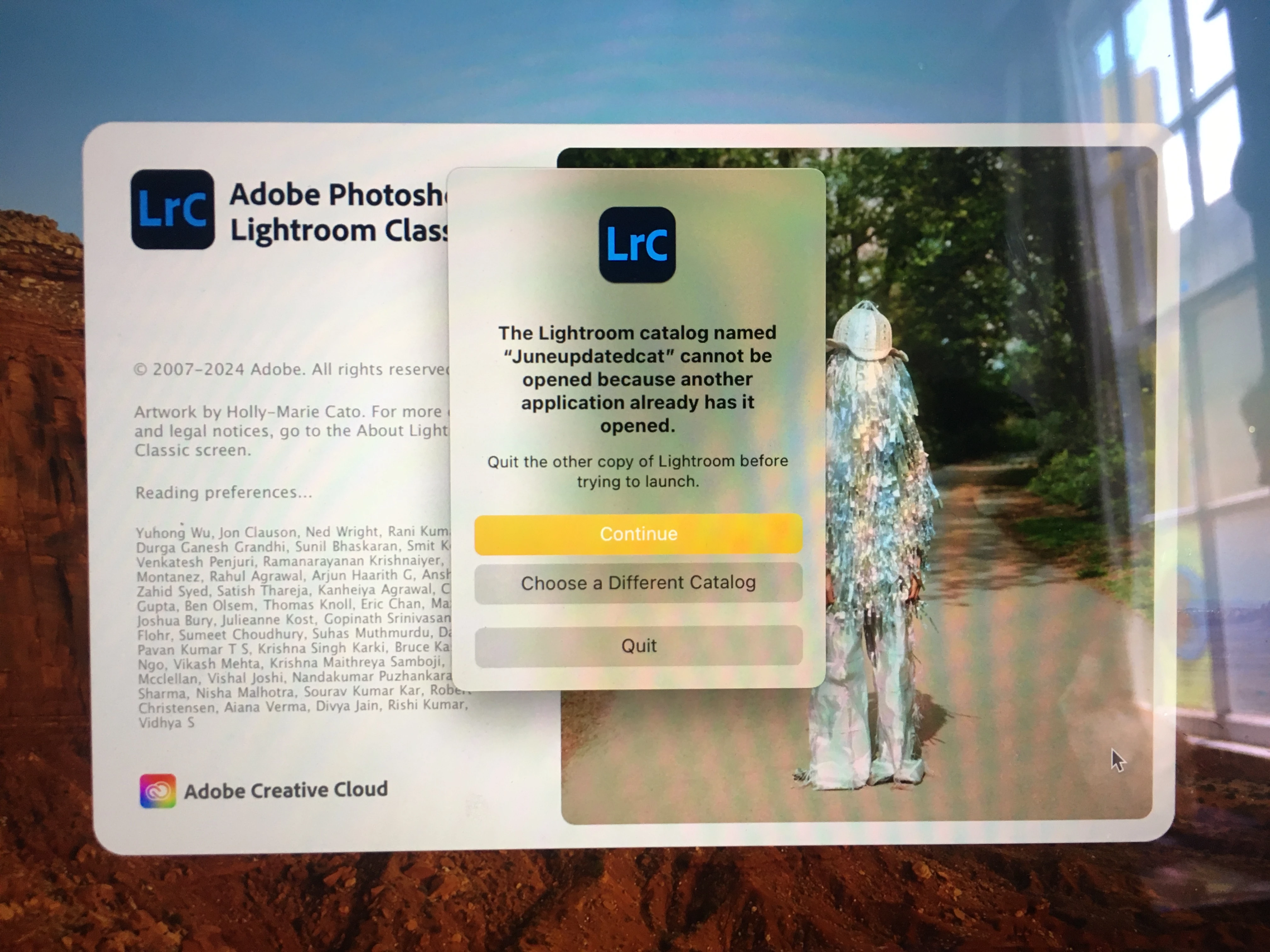
The screen capture message because another application has it open usually can be fixed by deleting a .LOCK file in the same folder as the catalog (and do NOT delete anything else)>