


Participating Frequently
May 28, 2018
해결됨

LR Classic has changed the way my photos look - the RAW images have weird blocky shadows

  • May 28, 2018
  • 2 답변들
  • 856 조회

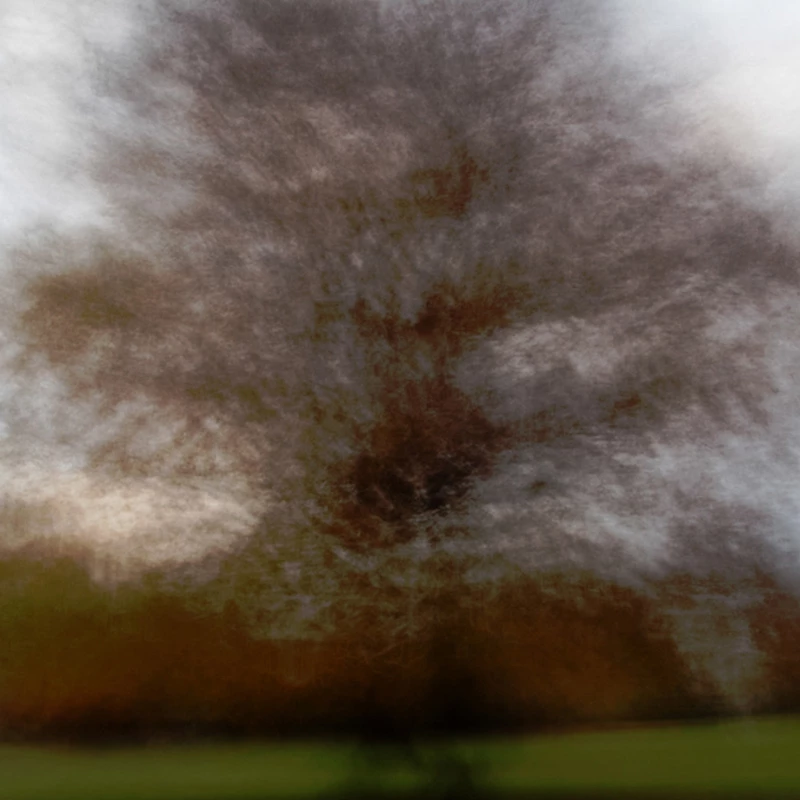
Just recently I've noticed that all my photos (Canon RAW - CR2) look a bit weird in LR and its the same in Library as well as Develop. The shadows all look very blocky and the light areas lighter than they should be. I have recently bought a new camera and it may have happened when I first started putting photos from my new camera into LR or it may just be a coincidence! I upgraded my old Canon 650D to an 800D.

I have attached 2 screen grabs showing an extreme example of whats happening from a blurry shot of a tree at dusk. The first image shows how the photo currently looks in Windows Explorer which is also how it should look. The second image shows how the photo looks now in LR. It also has the same distorted appearance in Photoshop.

Does anyone have any suggestions on why this has happened and how to fix it - many thanks!

Photo as seen in Windows Explorer - which is how it should look
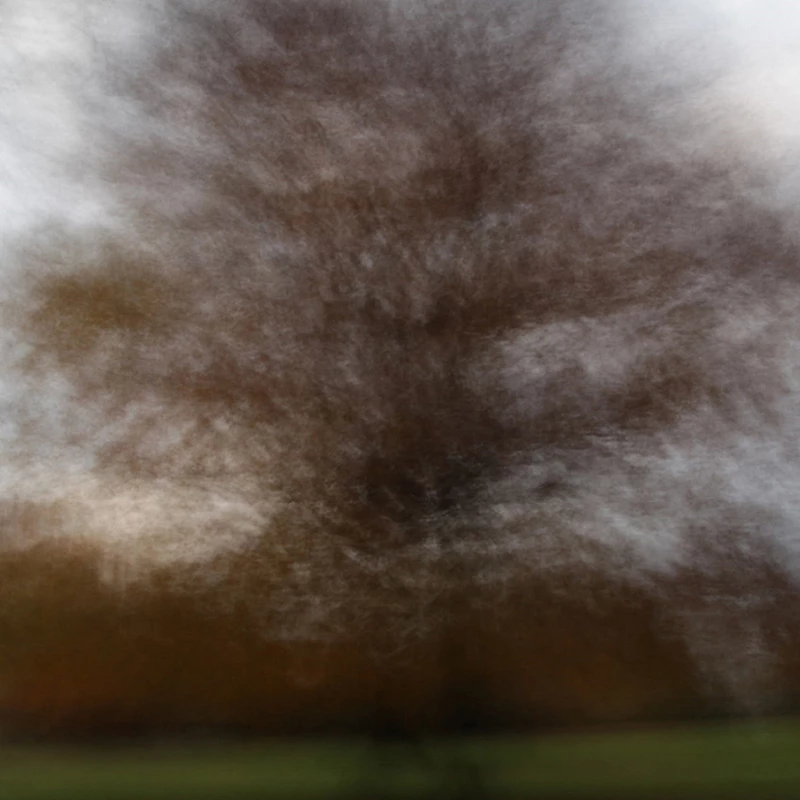
Photo as Lightroom Classic now shows it
    이 주제는 답변이 닫혔습니다.
    최고의 답변: Todd Shaner

    hi there

    heres the download link - hope it works OK

    Download link

    https://we.tl/RNZt26PtdO

    1 file

    IMG_9474.dng

    many thanks


    I'm not seeing the issue in LR either. Try changing the monitor profile to sRGB if using a standard display or Adobe RGB if using a wide gamut display.

    https://www.lightroomqueen.com/how-do-i-change-my-monitor-profile-to-check-whether-its-corrupted/

    2 답변

    9goldfinches작성자
    Participating Frequently
    June 7, 2018

    Hi - I am now back at my computer - Can I send you a dng file via wetransfer using the email address you sent? - many thanks

    Todd Shaner
    Legend
    June 7, 2018

    Sure, just copy & paste the WeTransfer share link into your reply here.

    9goldfinches작성자
    Participating Frequently
    June 8, 2018

    hi there

    heres the download link - hope it works OK

    Download link

    https://we.tl/RNZt26PtdO

    1 file

    IMG_9474.dng

    many thanks

    Todd Shaner
    Legend
    May 28, 2018

    The default camera profile was changed in LR Classic from Adobe Standard to Adobe Color, which has higher contrast and color saturation. Try setting it to Adobe Standard. If still seeing this issue please export one of the CR2 files to DNG file format and post to a file sharing site such as Dropbox.

    9goldfinches작성자
    Participating Frequently
    May 30, 2018

    Hi - thanks for the reply. I've had a look at the Profiles in Develop and changed them from Adobe Colour to Adobe Standard but although it makes a small difference it doesn't solve the problem - my photos are still unusable. Unfortunately I'm away from my computer now for a week so I won't be able to look at this problem again for a while. I'll try posting again in a week or two and see what happens then.