
Inspiring
October 19, 2022
Answered

Masking - Sky, subject etc not functioning

  • October 19, 2022
  • 3 replies
  • 1456 views

I have recently been getting a problem with masking. Auto selection of the sky, subject etc has ceased to work. This shows what I get:
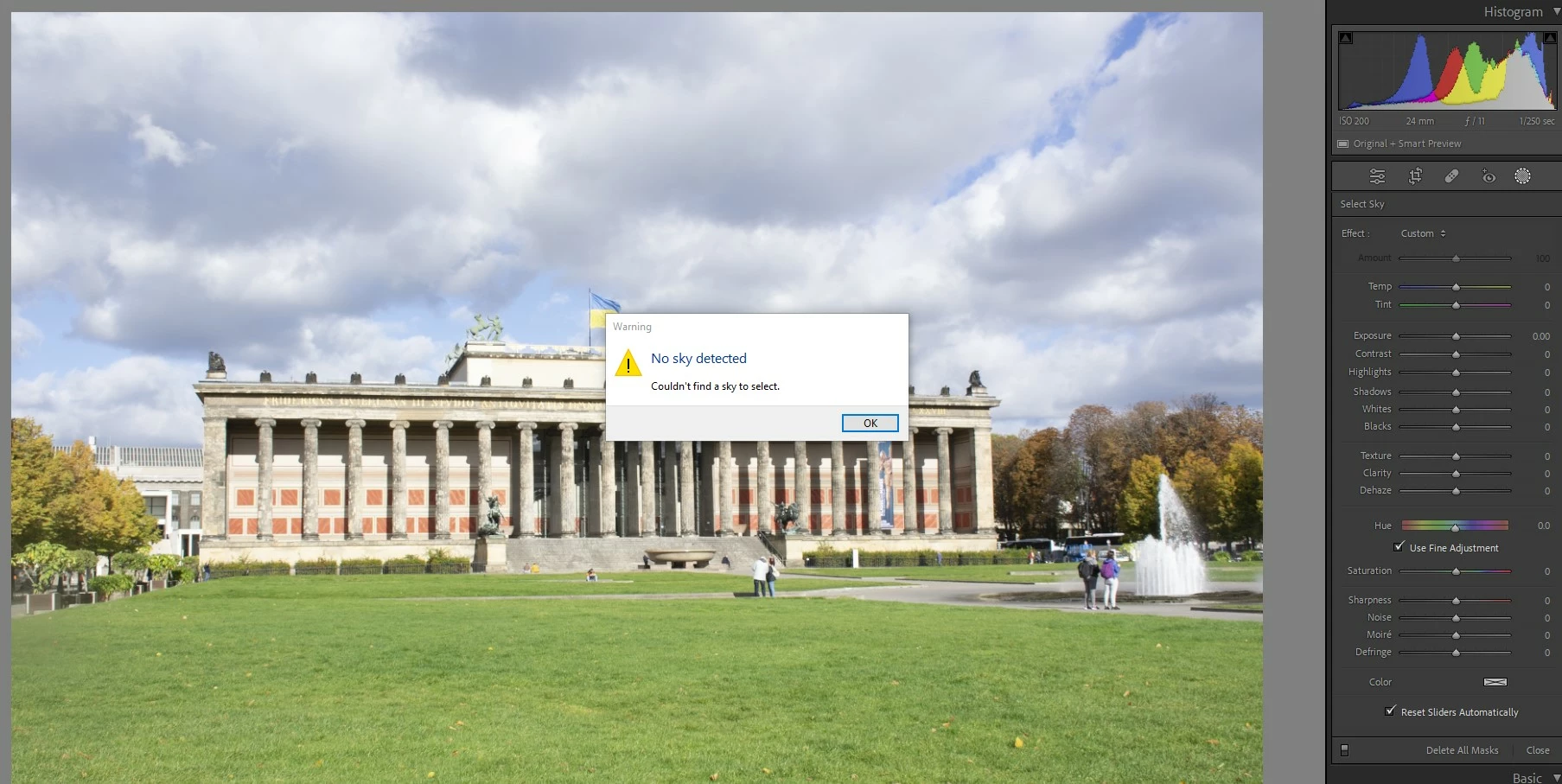
 

Or I get some random areas of the photo selected.

OS is W10. Happens in Lightroom 12 and happened in previous version.

I suspect the problem relates to a recently fitted Radeon RX6600 graphics card, but am not 100% sure when I first saw the problem.

What are my first steps to troubleshoot this?


Thanks.
This topic has been closed for replies.
Correct answer martynb94748142

Tried an uninstall and reinstall. Still not working.


Have fixed this one, put a different graphics card in and it works once more. Moral of the story is use Nvidia, not Radeon!

3 replies

GoldingD
Legend
November 2, 2022

Post solution inquiry.


The AMD GPU that you were using. What was the manufacturer/seller? Directly from AMD, or perhaps from say Gigabyte, etc?


And did you get the driver from AMD, or say Gigabyte or whatever?


I ask this because of:

https://community.adobe.com/t5/lightroom-classic-discussions/ai-masking-not-working-in-lightroom-v12-0-1/m-p/13317434#M296980


Inspiring
November 3, 2022

Interesting, thanks.

The card was a "PowerColor Radeon RX 6600 Fighter 8GB GDDR6"

I believe the driver was straight from AMD. 

It has now gone back to the supplier as unfit for purpose - it also had problems with booting up correctly/not coming out of powersave. Not very impressed by it!

Participant
February 1, 2023

I've a RX6750XT andt he IA masking was not working. I've desintalled the pilot and the adrenalin software and reinstalled an update pilot without adrenalin and it works fine

AxelMatt
Community Expert
Community Expert
October 29, 2022

Try is to switch off the GPU support from the Lightroom preferences and check if that helps to fix the issue.

Go to Lightroom > Preferences > Performance tab > Uncheck "Use Graphics Processor" > Restart Lightroom.

https://helpx.adobe.com/lightroom-classic/kb/lightroom-gpu-faq.html#troubleshooting

https://helpx.adobe.com/lightroom-classic/kb/troubleshoot-gpu.html


My System: Intel i7-8700K - 64GB RAM - NVidia Geforce RTX 3060 - Windows 11 Pro 25H2 -- LR-Classic 15 - Photoshop 27 - Nik Collection 8 - PureRAW 5 - Topaz Photo
Inspiring
October 31, 2022

Thanks, sadly made no difference. Maybe I should uninstall LRC then reinstall it?

Inspiring
October 31, 2022

Tried an uninstall and reinstall. Still not working.

GoldingD
Legend
October 19, 2022

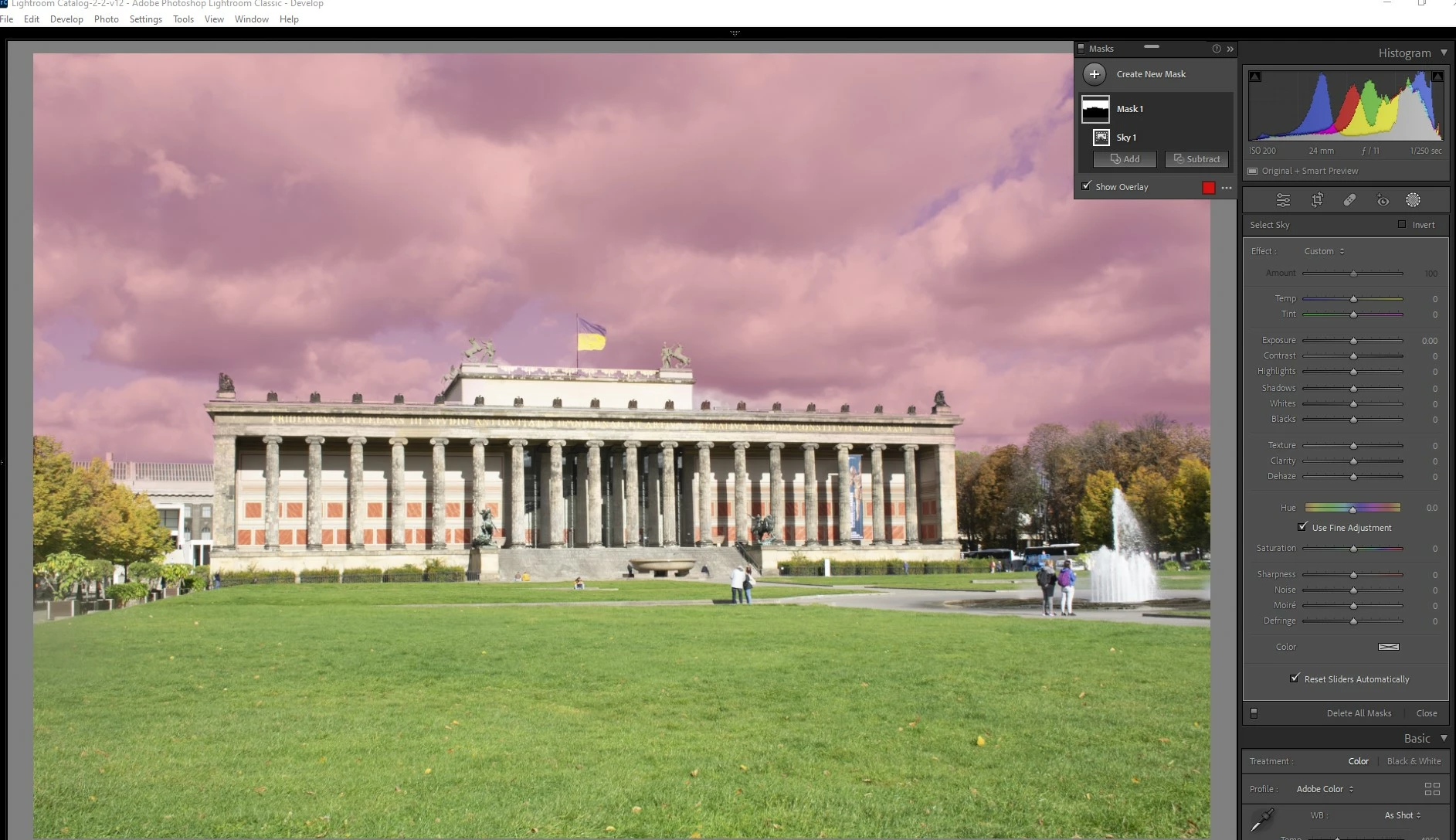
1. Odd for that image that Sky failed. For my curiosity I copied your posted JPEG, brought into my test catalog, and attempted the mask. It worked:


so I doubt if it is the image


2. Continuing my curiosity, I brought up one of my own test images, one with no sky, and attempted:


Note that right side panel looks the same as yours. So not a user issue (I think not)


Inquiry 1:

Does this happen for all images with a sky?


Inquiry 2:

In Lrc, click on Help, then System Info, What is reported for the GPU?

example:

Graphics Processor Info: 
DirectX: NVIDIA GeForce GTX 1070 Ti (31.0.15.1748)
Init State: GPU for Export supported by default
User Preference: Auto


Inspiring
October 20, 2022

Thanks. Yes, seems to be the same for any and all images. It's not just sky, any auto selected mask doesn't work. I can only mask manually.


Will check the GPU when I am next back by my PC (next week now).

Inspiring
October 29, 2022

GPU details, which seem correct are:

Graphics Processor Info:
DirectX: AMD Radeon RX 6600 (31.0.12026.3)
Init State: GPU for Display supported by default
User Preference: Auto