


Participant
May 1, 2025
Answered

Preview unavailable for this file and error after import

  • May 1, 2025
  • 2 replies
  • 772 views

Hi, im using Sony A7iv on Lightroom 13.0.2 with 16.0 CR on Windows 10. My problem today is unable to import my photos that i shot on my a7iv (previously can, just discovered it today). 


Everytime i open the folder it shows:
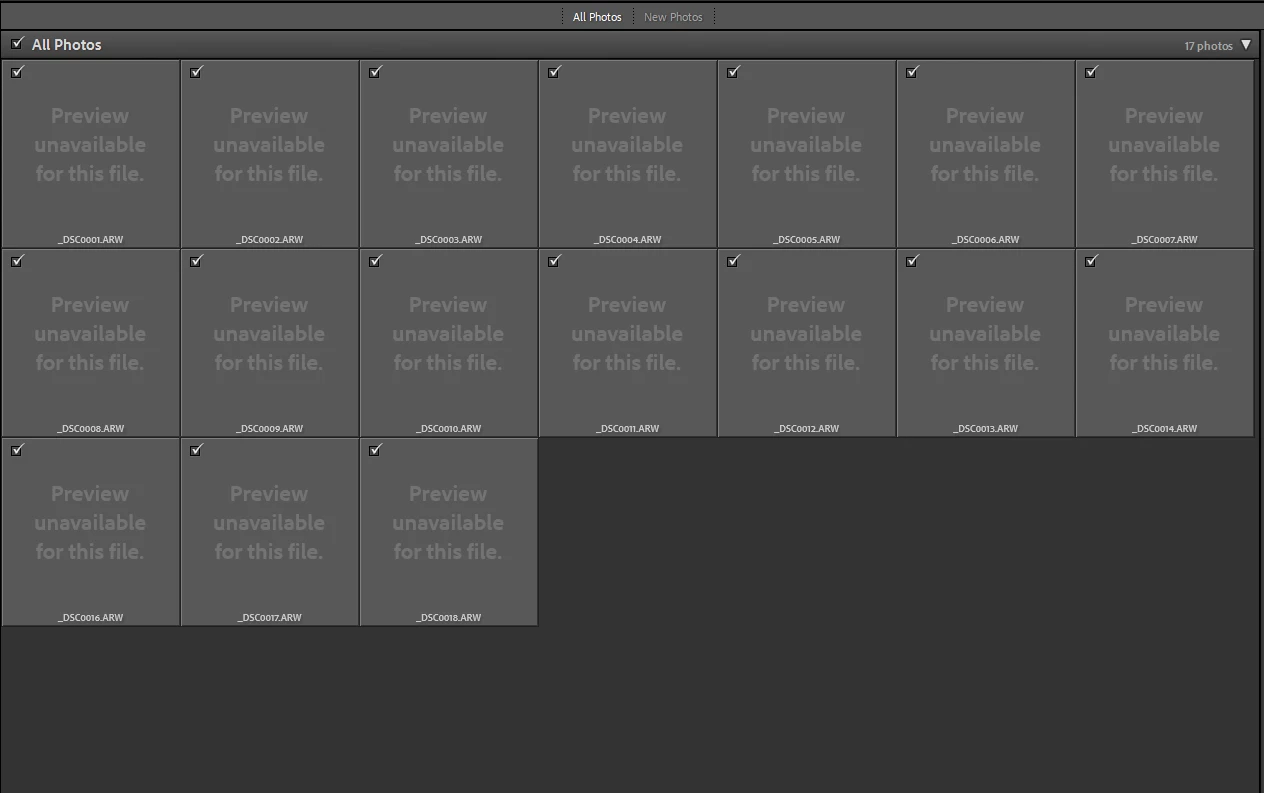
and after import it shows:
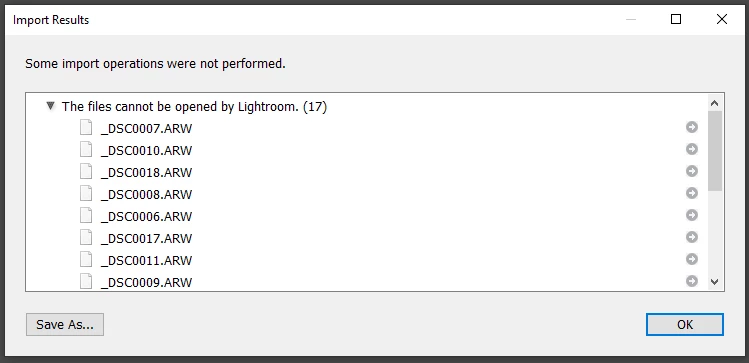
can anyone help me with this? tried all the previous posts way mostly clearing the temp but i dont even have anything anymore inside the temp folder. what can i do?

Correct answer boiledrice

Hi the problem is fortunately solved already, apparently updating my A7iv firmware from version 2 to 5 changes something in the file that makes lightroom classic 13.0.2 can't read it, so i updated lightroom and all good!


quote

Do you tried to import directly from the camera or via a card reader? What happened if you copy the image to a folder on the internal hard drive and the import from there?

To answer this, before updating Lightroom, I tried moving into another folder and drive and it doesn't work either, but after update all good.

2 replies

AxelMatt
Community Expert
Community Expert
May 1, 2025

Try resetting the preferences of Lightroom Classic:  How to reset Lightroom Classic preferences (adobe.com)

It's recommended to backup your preferences before you reset the preferences to the default settings: 

https://helpx.adobe.com/lightroom-classic/kb/preference-file-and-other-file-locations.html


Do you tried to import directly from the camera or via a card reader? What happened if you copy the image to a folder on the internal hard drive and the import from there?


My System: Intel i7-8700K - 64GB RAM - NVidia Geforce RTX 3060 - Windows 11 Pro 25H2 -- LR-Classic 15 - Photoshop 27 - Nik Collection 8 - PureRAW 6 - Topaz Photo AI
boiledriceAuthorCorrect answer
Participant
May 1, 2025

Hi the problem is fortunately solved already, apparently updating my A7iv firmware from version 2 to 5 changes something in the file that makes lightroom classic 13.0.2 can't read it, so i updated lightroom and all good!


quote

Do you tried to import directly from the camera or via a card reader? What happened if you copy the image to a folder on the internal hard drive and the import from there?

To answer this, before updating Lightroom, I tried moving into another folder and drive and it doesn't work either, but after update all good.

kglad
Community Expert
Community Expert
May 1, 2025

in the future, to find the best place to post your message, use the list here, https://community.adobe.com/

p.s. i don't think the adobe website, and forums in particular, are easy to navigate, so don't spend a lot of time searching that forum list. do your best and we'll move the post (like this one has already been moved) if it helps you get responses.


<"moved from using the community bugs">
Participant
May 1, 2025

Ouh nice! Thanks for  helping me moving my post to a better category, hope someone can help as im quite in a tight deadline now...sigh

kglad
Community Expert
Community Expert
May 1, 2025