
evikne71
Known Participant
February 11, 2022
Question

Small "Large" profile previews

  • February 11, 2022
  • 2 replies
  • 312 views

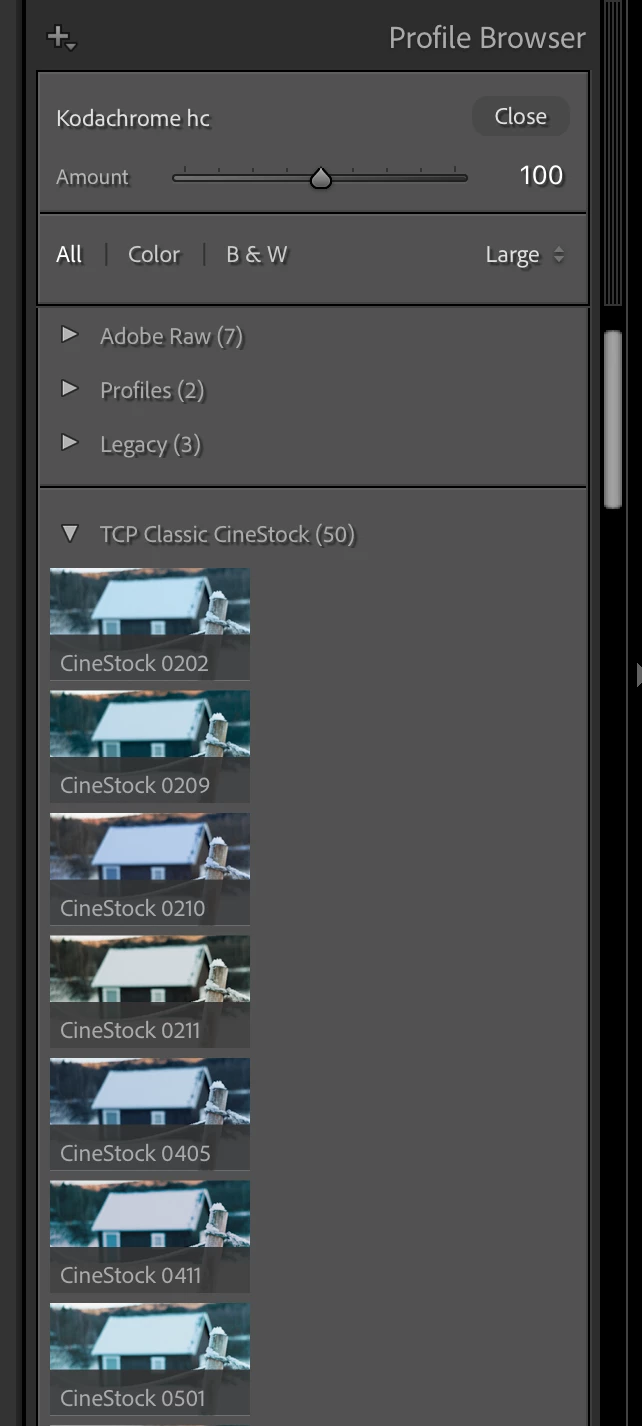
Lately, when I open the profile browser with Large previews selected, the preview images are often not large, but very small. If I switch to Grid or List view and back to Large, the preview images get the correct size and fill the width of the side panel.


This often happens the first time I use the Profile Browser after LR has started up, but not always, so I'm not sure what triggers this behavior.
 

This topic has been closed for replies.

2 replies

evikne71
evikne71Author
Known Participant
February 24, 2022

Today this issue was back again. I guess it is caused by the same bug as in this thread, because the temporary solution is the same: It helps to go from one collection to another, or, in this case, to switch from one view size to another.

johnrellis
Legend
February 13, 2022

Try resetting LR's preferences:
https://www.lightroomqueen.com/articles-page/how-do-i-reset-lightrooms-preferences/


LR sometimes soils its preferences file, and resetting it can fix all sorts of wonky behavior. That article explains how to restore the old preferences if resetting doesn't help.

evikne71
evikne71Author
Known Participant
February 17, 2022

Thanks, I've done it, and I've not seen this issue again.