susand28811744
Participating Frequently
January 3, 2020
질문

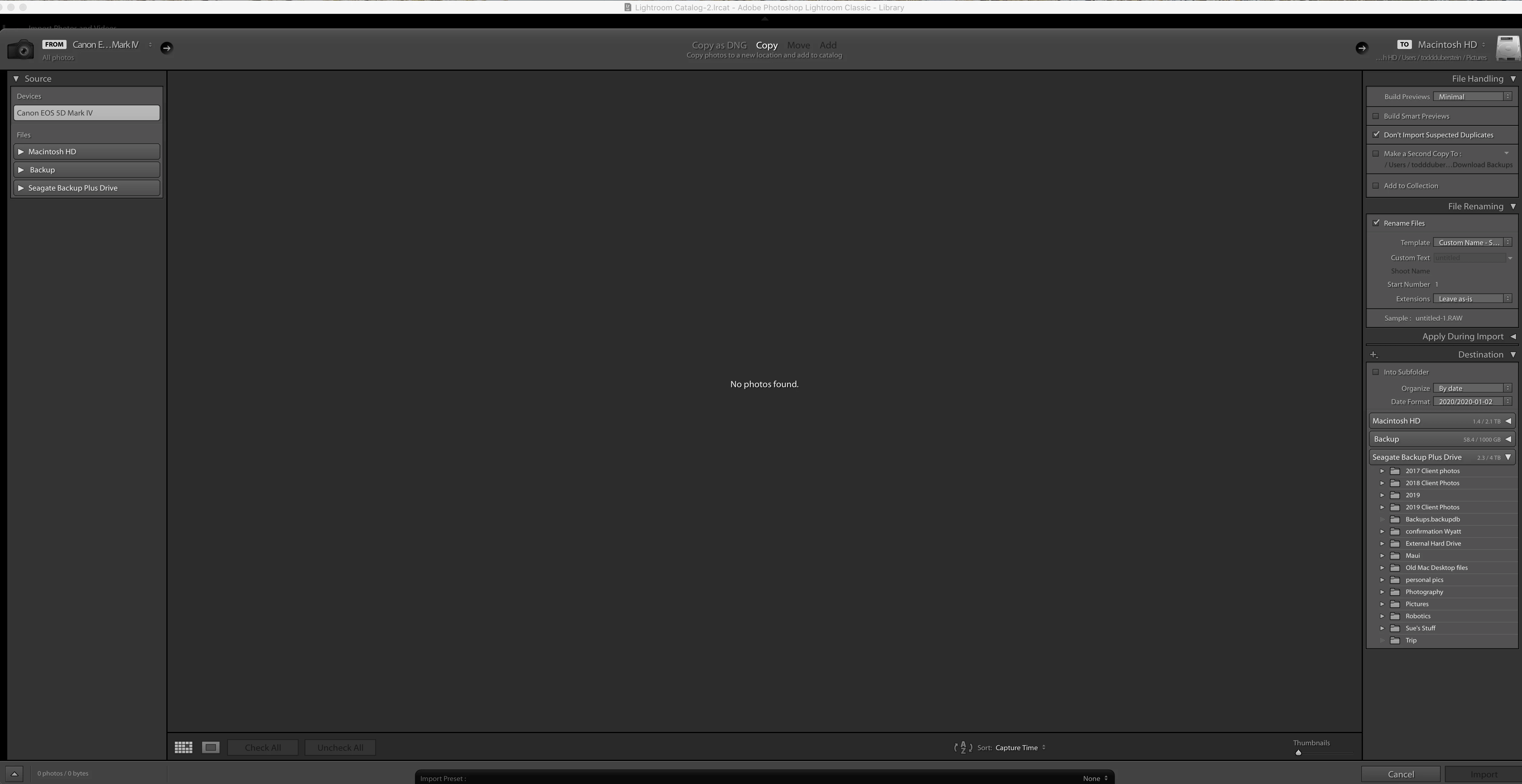
Suddenly, "no photos found" when trying to upload from camera. Possible issue from IOS update?

  • January 3, 2020
  • 3 답변들
  • 8269 조회

I have uploaded my photos to LR for years, now it recogizes the camera but says there is no photos.  I have tried a different camera, cable and card to no avail.  I do not have a card reader.  in system preferences, under privacy and security>files and folders>lightroom, has full disk access.

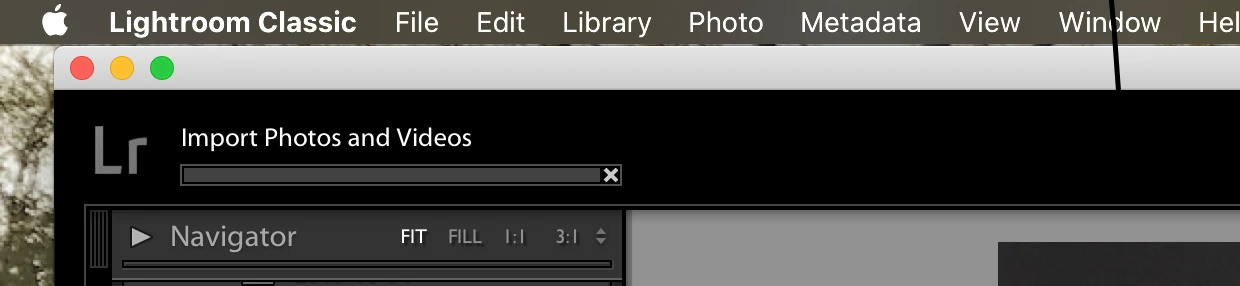
I included a screen shot of the upload progress bar which is the one thing that seems different.  When I click import, this progress bar pops up first and then the import screen.  When I cancel, because it says no photos, that progress bar stays up for a couple minutes longer.  I don't feel like it did that before.


Thanks!
이 주제는 답변이 닫혔습니다.

3 답변

stefanp78532402
Participating Frequently
January 9, 2021

FIXED. Posted this to other posts on this as well.

The "no photos found" issue for me was for all types of import, from iPhone, Canon 5D to external drives.  I read 100s of articles and arrived at the simplest "solution" that nobody seems to mention.  After updating privacy/access per screenshot (which is a necessary step for local volumes) I was still getting the "no photos found" issue.  However after walking away for 2 minutes I came back to find all of my images had populated the import window.  I did it again with an external volume that had a lot more images to import and it took a little longer, maybe 3-4 minutes of the "no photos found" screen, but they do finally come in.

I think if you have a large volume it just needs some time to scan and plan before generating the thumbnails.

I wish I had those three days of frustration back but glad it works.


dj_paige
Legend
January 3, 2020

I don't know if this horrible forum software that Adobe has downgraded us to is the problem, but your screen capture really isn't readable. It shows up as 999x515 pixels. Could you try again and post the Import dialog box screen capture, making sure the screen capture is much larger in pixel dimensions, and is readable before you post it?

susand28811744
Participating Frequently
January 3, 2020

I am showing this image to be 2.1MB on my computer, I uploaded it on the "large" setting.  I drag and dropped before so hopefully this will help!  Thanks!

Per Berntsen
Community Expert
Community Expert
January 3, 2020

In the second screen capture, where I can actually view the Import dialog box, no Source folder is selected.


It doesn't work on the first because two images have been posted next to each other.

In that case, right click the image in the post, and open in new tab.

Then, in the address field, delete this at the end: image-size/large?v=1.0&px=999 and press Enter.

dj_paige
Legend
January 3, 2020
susand28811744
Participating Frequently
January 3, 2020

I was part of that thread and have tried his reccomendations to no avail.

Participant
February 23, 2020

I am having the same problem, did you ever get your situation solved? And if you did, can you please let me know what you did?
Thanks so much.