
Unable to use Enhanced Denoise feature in Lightroom Classic 12.5
Hello,
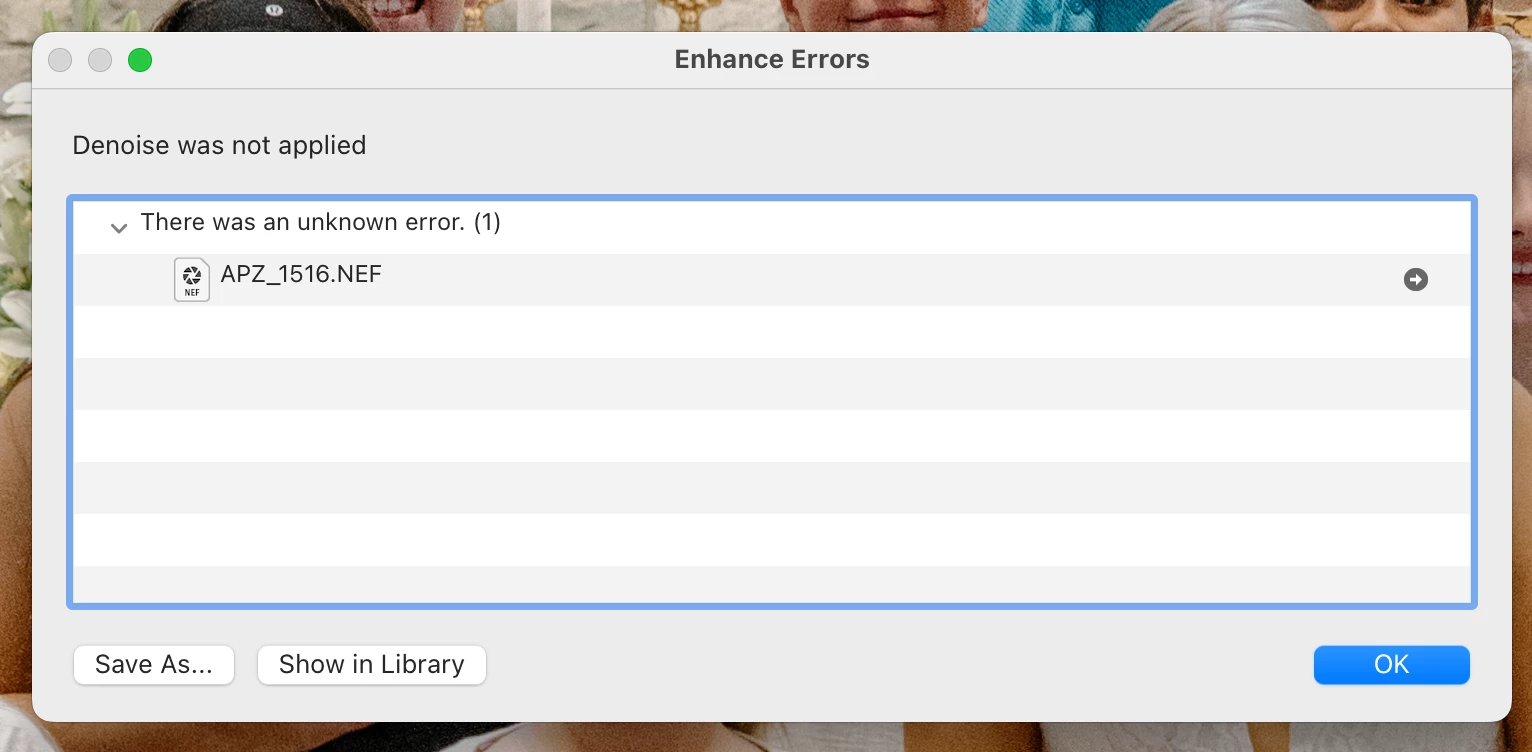
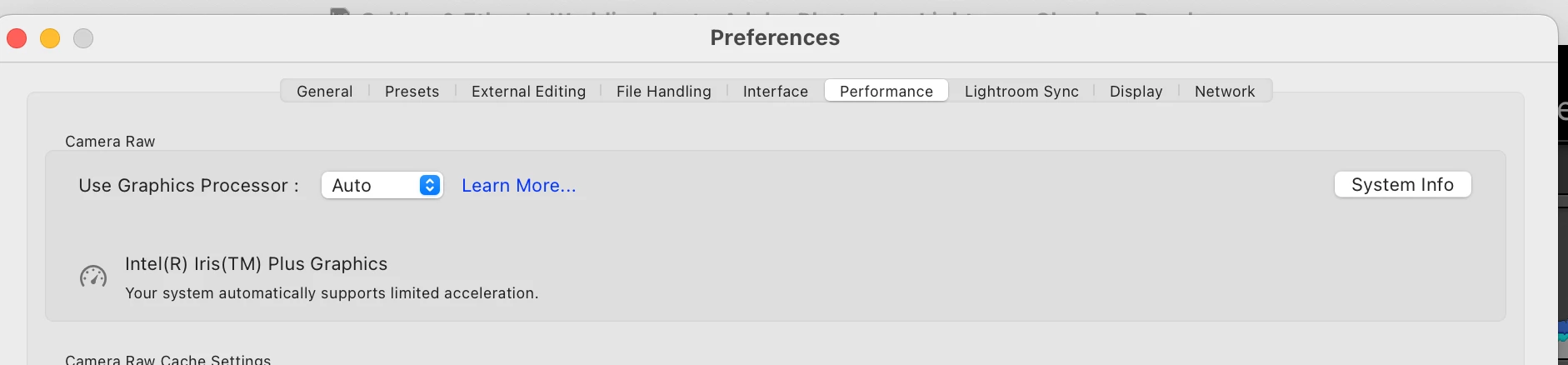
I am unable to use the enhanced denoise feature in lightroom classic 12.5 on my Macbook Air 2020. I have the most updated version of lightroom and have the most updated version of macOS (Ventura 13.5.1). After I go through the process of trying to denoise, I get window that pops up saying "Enhance Error, denoise was not applied due to an unkown error". I have looked at other threads and troubleshooting videos and there does not seem to be a GPU issue like other user have had. I have the auto option checked when I look into preferences in lightroom for the Use Graphic Processor option. This feature used to work in previous lightroom clasisic updates but now no longer works. I have tried restarting my computer, lightroom, etc.
I am also using the correct Bayer and X-Trans RAW images. Not sure what other steps to try. Thanks for your help, I have attatched screenshots of what comes up.
 AdChoices