
Participant
August 18, 2023
Question

Unable to use Enhanced Denoise feature in Lightroom Classic 12.5

  • August 18, 2023
  • 1 reply
  • 593 views

Hello,


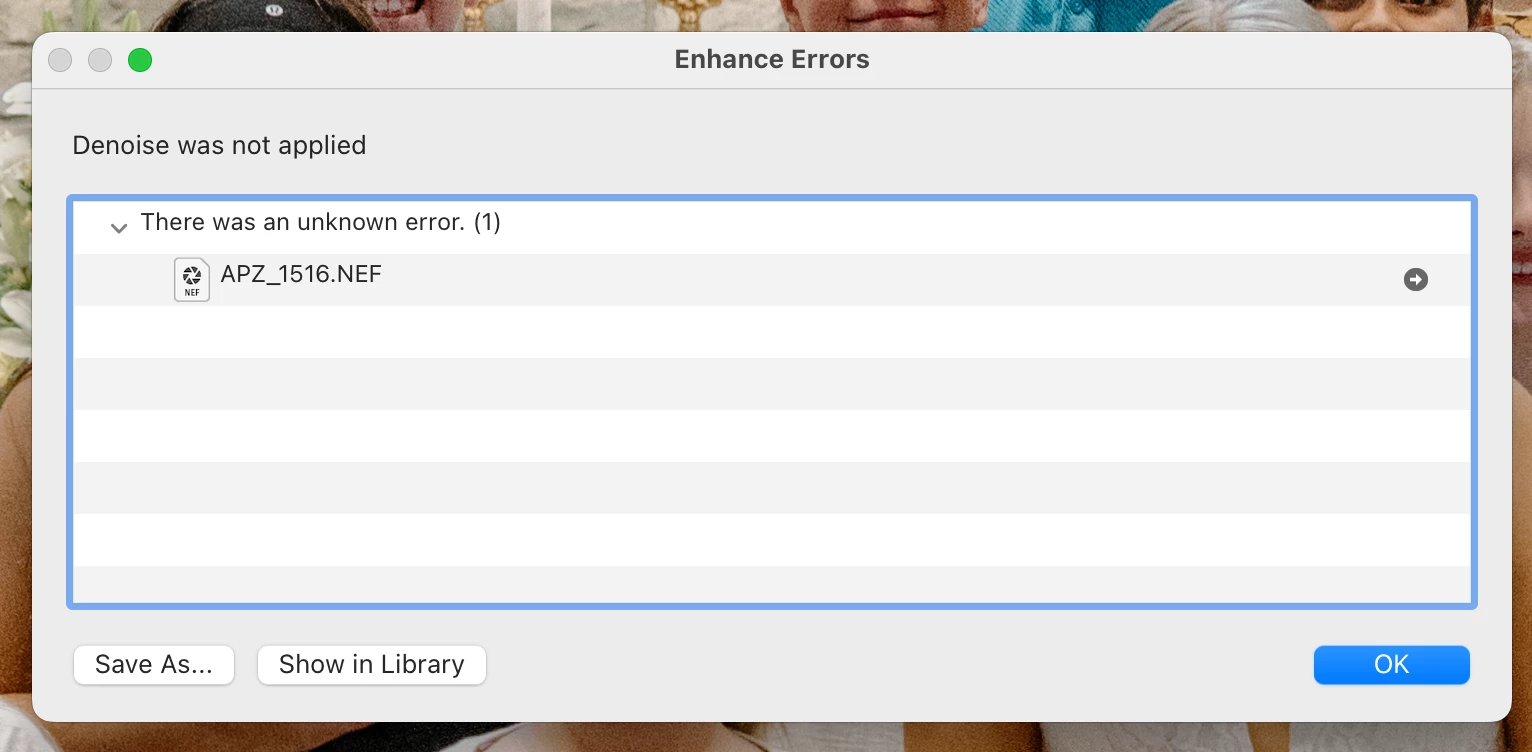
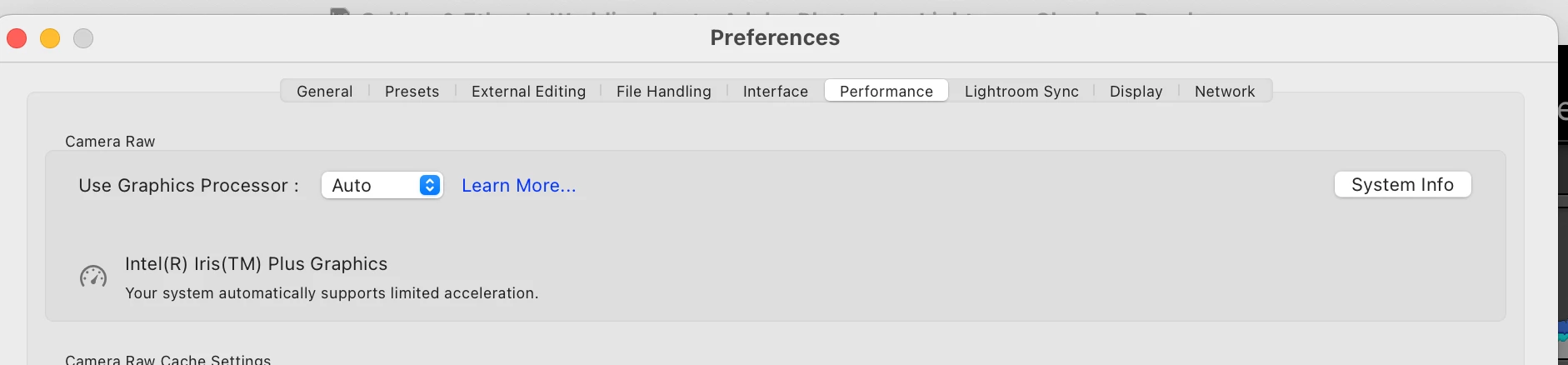
I am unable to use the enhanced denoise feature in lightroom classic 12.5 on my Macbook Air 2020. I have the most updated version of lightroom and have the most updated version of macOS (Ventura 13.5.1).  After I go through the process of trying to denoise, I get window that pops up saying "Enhance Error, denoise was not applied due to an unkown error". I have looked at other threads and troubleshooting videos and there does not seem to be a GPU issue like other user have had. I have the auto option checked when I look into preferences in lightroom for the Use Graphic Processor option. This feature used to work in previous lightroom clasisic updates but now no longer works. I have tried restarting my computer, lightroom, etc.  


I am also using the correct  Bayer and X-Trans RAW images. Not sure what other steps to try. Thanks for your help, I have attatched screenshots of what comes up.
This topic has been closed for replies.

1 reply

johnrellis
Legend
August 19, 2023

You've got an Intel Iris Plus graphics processor on a Mac, and its graphics memory may not meet the minimum required by LR (2 GB). 


Do the LR menu command Help > System Info and copy/paste the entire contents here so we can see exactly which versions of hardware and software LR thinks you're running and important LR options that are set.

Participant
August 21, 2023

Lightroom Classic version: 12.5 [ 202308091523-68a7abd6 ]
License: Creative Cloud
Language setting: en-US
Operating system: Mac OS 13
Version: 13.5.1 [22G90]
Application architecture: x64
Logical processor count: 4
Processor speed: 1.1GHz
SqLite Version: 3.36.0
Built-in memory: 8,192.0 MB
Real memory available to Lightroom: 8,192.0 MB
Real memory used by Lightroom: 724.4 MB (8.8%)
Virtual memory used by Lightroom: 45,687.5 MB
Memory cache size: 79.4MB
Internal Camera Raw version: 15.5 [ 1595 ]
Maximum thread count used by Camera Raw: 3
Camera Raw SIMD optimization: SSE2,AVX,AVX2
Camera Raw virtual memory: 2234MB / 4095MB (54%)
Camera Raw real memory: 2517MB / 8192MB (30%)
Standard Preview Size: 2880 pixels
Displays: 1) 2880x1800

Graphics Processor Info:
Metal: Intel(R) Iris(TM) Plus Graphics
Init State: GPU for Display supported by default with custom image processing support
User Preference: Auto

Application folder: /Applications/Adobe Lightroom Classic
Library Path: /Users/alexandrakifer/Pictures/Lightroom/Lightroom Catalog-v12.lrcat
Settings Folder: /Users/alexandrakifer/Library/Application Support/Adobe/Lightroom

Installed Plugins:
1) AdobeStock
2) Aperture/iPhoto Importer Plug-in
3) Flickr
4) Nikon Tether Plugin

Config.lua flags: None


Thanks for your help!! 


johnrellis
Legend
August 21, 2023

The System Info doesn't show the amount of graphics memory on your computer (that's a LR bug). But it's very possible it doesn't meet the minimum required (2 GB)Others have reported problems with the Intel Iris Plus Graphics and Denoise.


Is the amount of graphics memory (VRAM) shown in Preferences > Performance under Use Graphics Processor?  Otherwise, if it's not shown, run the Mac System Information app, and either under the Hardware overview tab or Graphics/Displays, it should show the amount of graphics memory.