



C.Cella
Inspiring
November 16, 2023
Open for Voting

P: Implement ability to reverse Linear Gradients without needing to invert them.

  • November 16, 2023
  • 4 replies
  • 379 views

The feature request is simple:


  • I suggest to be able to reverse our Linear Gradients without needing to use "Invert"
  • it could doabl via: Right Click L-gradient  >  "Reverse Gradient"


The advantage of this is that the state of our Liner Gradient(s) won't change.


Current method
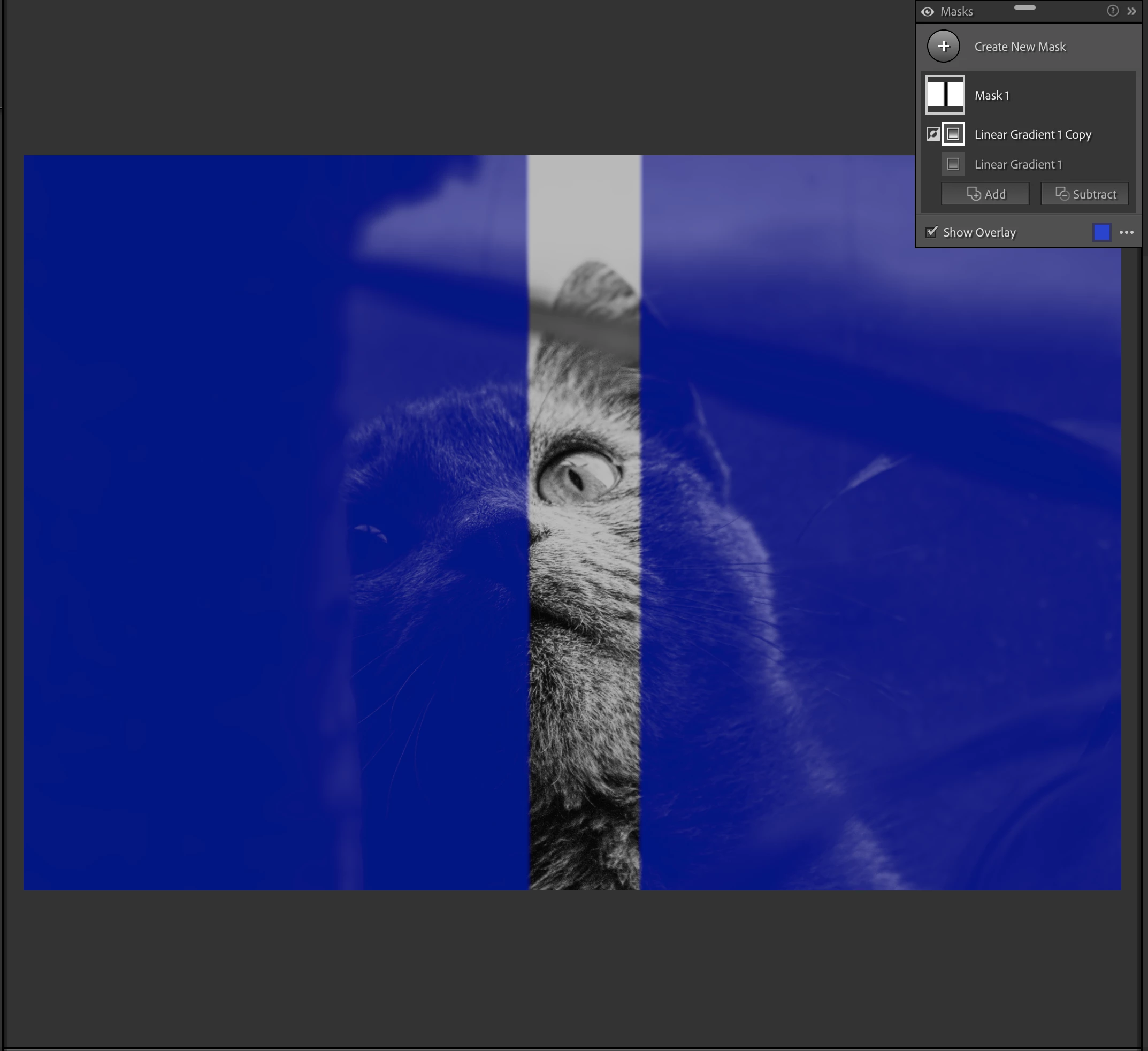


Suggested 
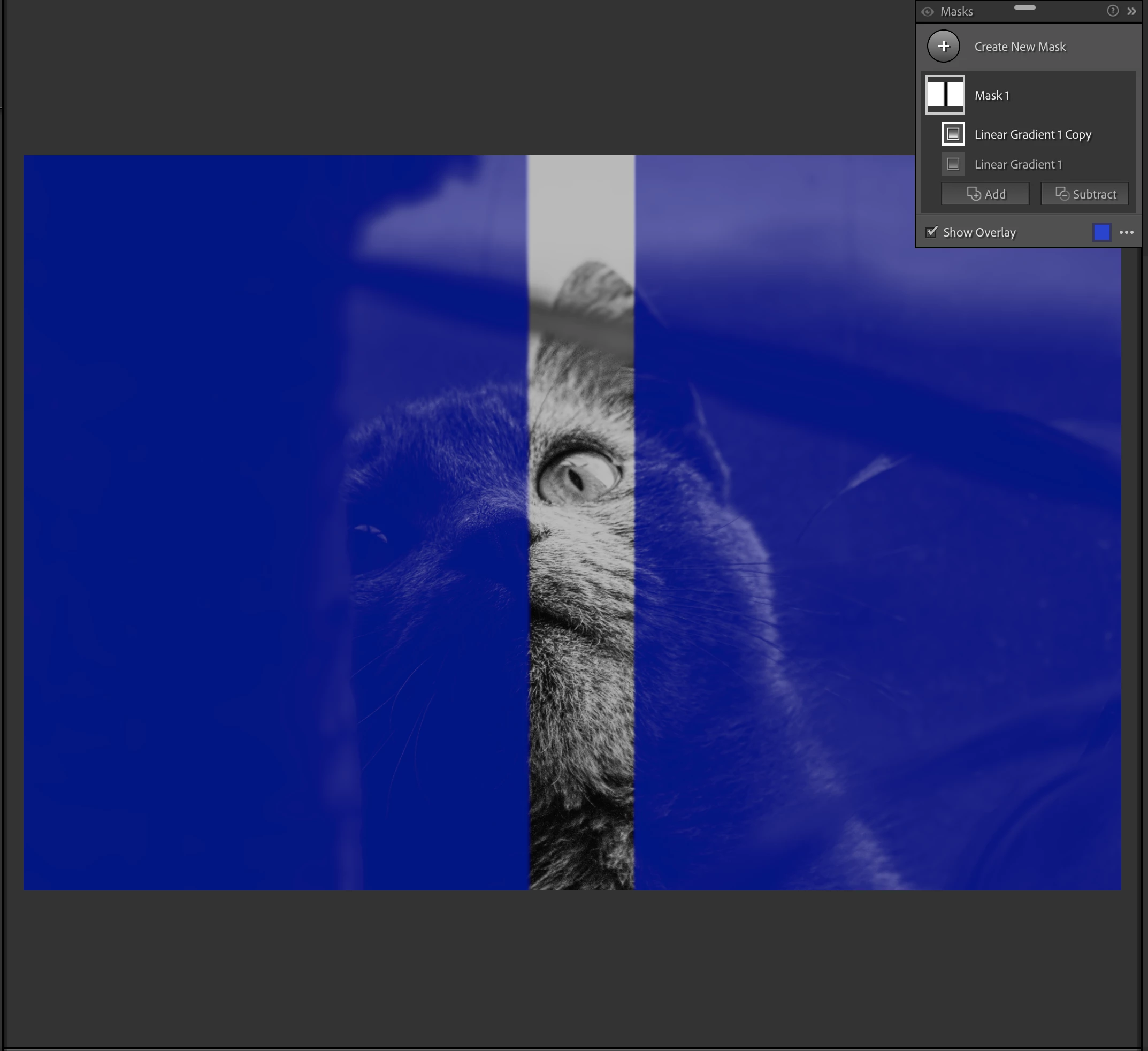


Tis a small thing but I propose anyway.


4 replies

Participant
November 19, 2025

Photoshop provides for a Reflective (linear) gradient, going out in both directions from a center line. None of the Lightroom/ACR masking tools provide this, and it can be very helpful to highlight specific areas of a photograph. Someones you need the straight lign rather than a very elongated oval.

Rikk Flohr_Photography
Community Manager
Community Manager
November 19, 2025
Rikk Flohr: Adobe Photography Org
C.Cella
C.CellaAuthor
Inspiring
November 18, 2023

@GoldingD


Reverse would achieve the same results as the Inversion BUT without changing the "state" of Linear Gradient so without doing  MaskInverted = true


It's done by swapping the internal coordinates of the Linear Gradient.

ZeroX <-> FullX  

ZeroY <-> FullY


Photoshop has this option already doable from the gradient itself.


The advantage of this simple method is that we keep the current "state" of the gradient.


e.g.

If a gradient is in a Subtract state by reversing it it says subtracted while currently with Invert it becomes an Intersection.

Tis the same result but I think more users would prefer to simply reverse a linear gradient than use Invert that adds more complexity when working.


P.S.


I would have done a scrip/plug-in myself and swaps the values of the Linear gradient myself but I am not advanced enough to do it.

@johnrellis can probably do it.


.

GoldingD
Legend
November 17, 2023

I clearly do not understand. I am probably not understanding the difference or perhaps meaning of Inverse vs Reverse. Can you elaborate.


I suspect you are not talking directly about Inverse as both a prompt, and a shortcut exist for that, as seen below


Also, you may want to post different example, These old eyes see no difference in the two screenshots you posted.


In my Inverse case:


 Shot below, Linerar gradiant inverted


Rikk Flohr_Photography
Community Manager
Community Manager
November 16, 2023

Moving to Ideas

Rikk Flohr: Adobe Photography Org