


Participant
December 28, 2018
질문

Importing RAWs to Light Room CC 4.1 from normal becomes TOO Dark to even see

  • December 28, 2018
  • 3 답변들
  • 456 조회

Hi,

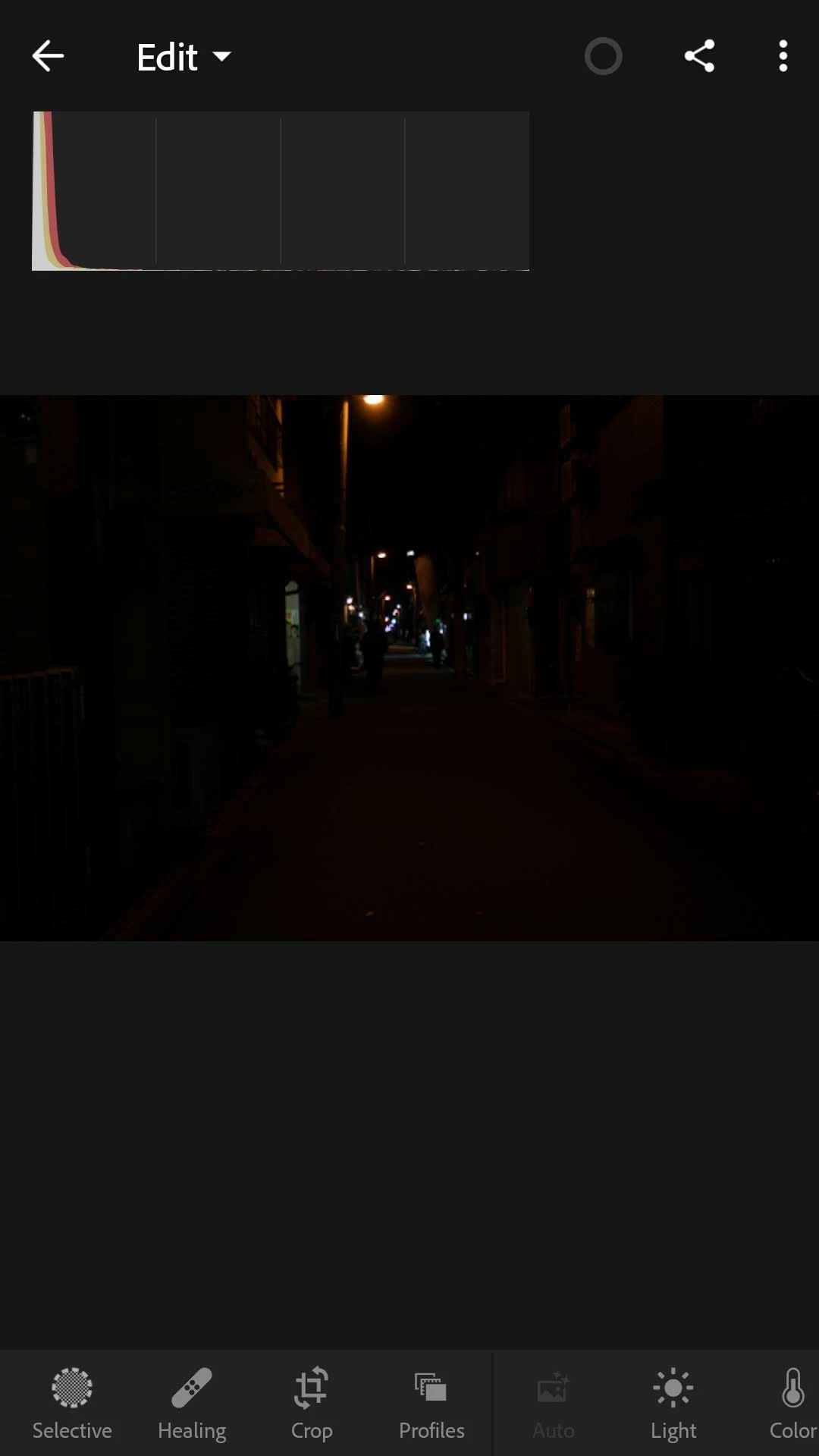
I just subscribed to Light Room CC 4.1, running on Android (J7 Pro) so that I can edit RAWs. But instead, whenever I import them to Light Room, they turn from normal looking to terribly dark.

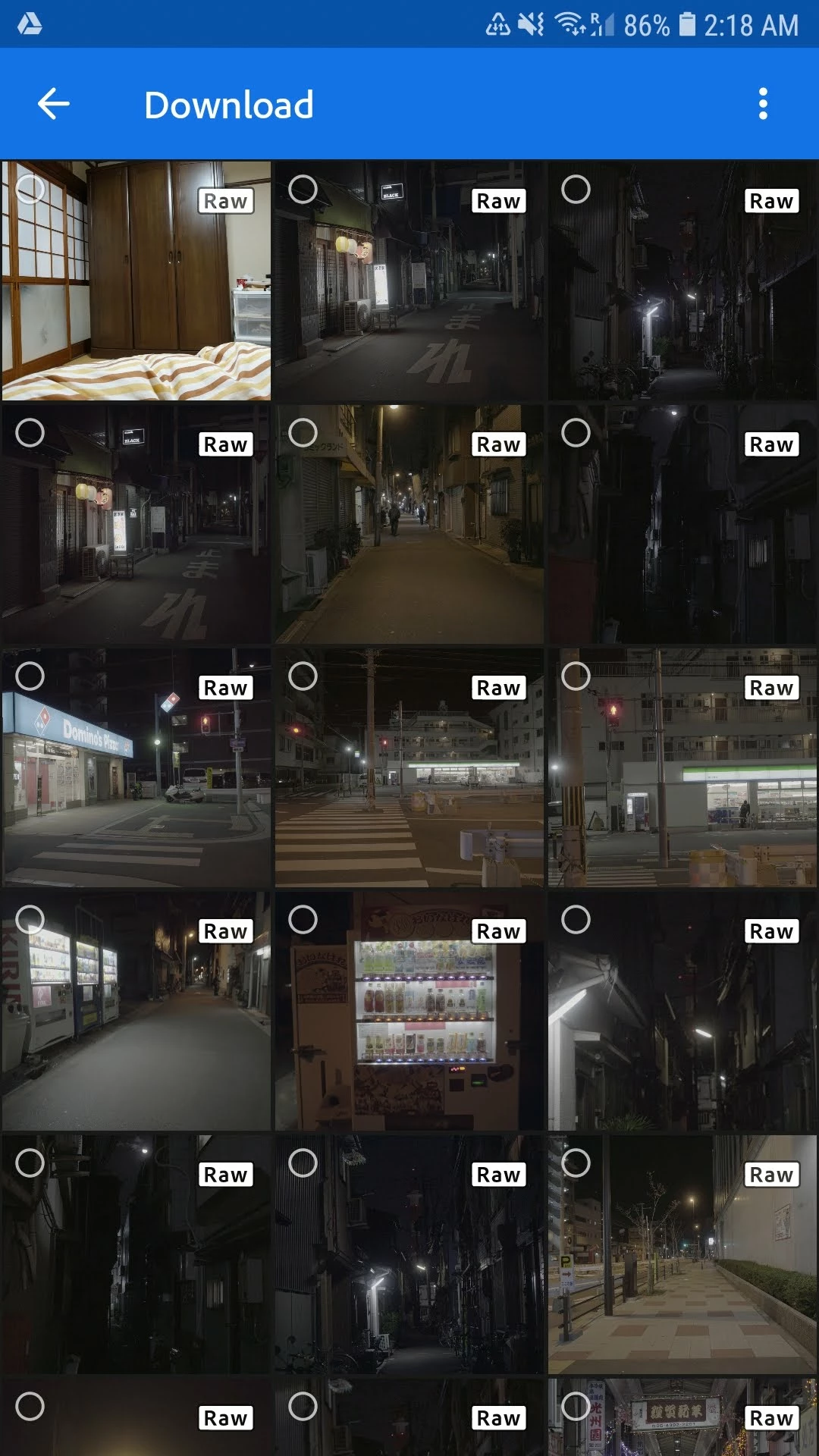
When I look at them on the viewfinder, they look normal. They also look normal on my Macbook Pro. Even during import (when you choose which files you want to import) they look normal. But when they get imported, they look terrible.

Here's an example. I tried importing the 5th image. See next photo on how it turned out.
This is how it got imported:
Can anyone please help me?

이 주제는 답변이 닫혔습니다.

3 답변

selondon
Community Expert
Community Expert
January 2, 2019

It may be a good idea to post here also (which is monitored by Adobe engineers):

Lightroom CC for Mobile devices | Photoshop Family Customer Community

reanjohnu작성자
Participant
January 2, 2019

Thanks for the tip, I'll do that!

reanjohnu작성자
Participant
January 2, 2019

Can anyone else help me please?

Michael J. Hoffman
Community Expert
Community Expert
December 28, 2018

Can we see the “Light” settings for that image? It looks like a preset is being applied with very low exposure.

Mike

reanjohnu작성자
Participant
December 28, 2018

Hi Michael, thanks for the reply. I attached screenshots of the Light tab.

Michael J. Hoffman
Community Expert
Community Expert
December 28, 2018

Well, I expected to see the Exposure way down, but is at 0ev, right in the middle. Sorry, I don’t know what could be causing that. Hopefully someone with an Android device  can comment here.

Mike