


Participant
October 13, 2024
해결됨

Remove local copies of images backed up to cloud

  • October 13, 2024
  • 1 답변
  • 718 조회

I have a REALLY simple task here.  My images are uploaded to creative cloud, I want to delete the local copies because I don't need them here.  Why on earth is managing files SO HARD.


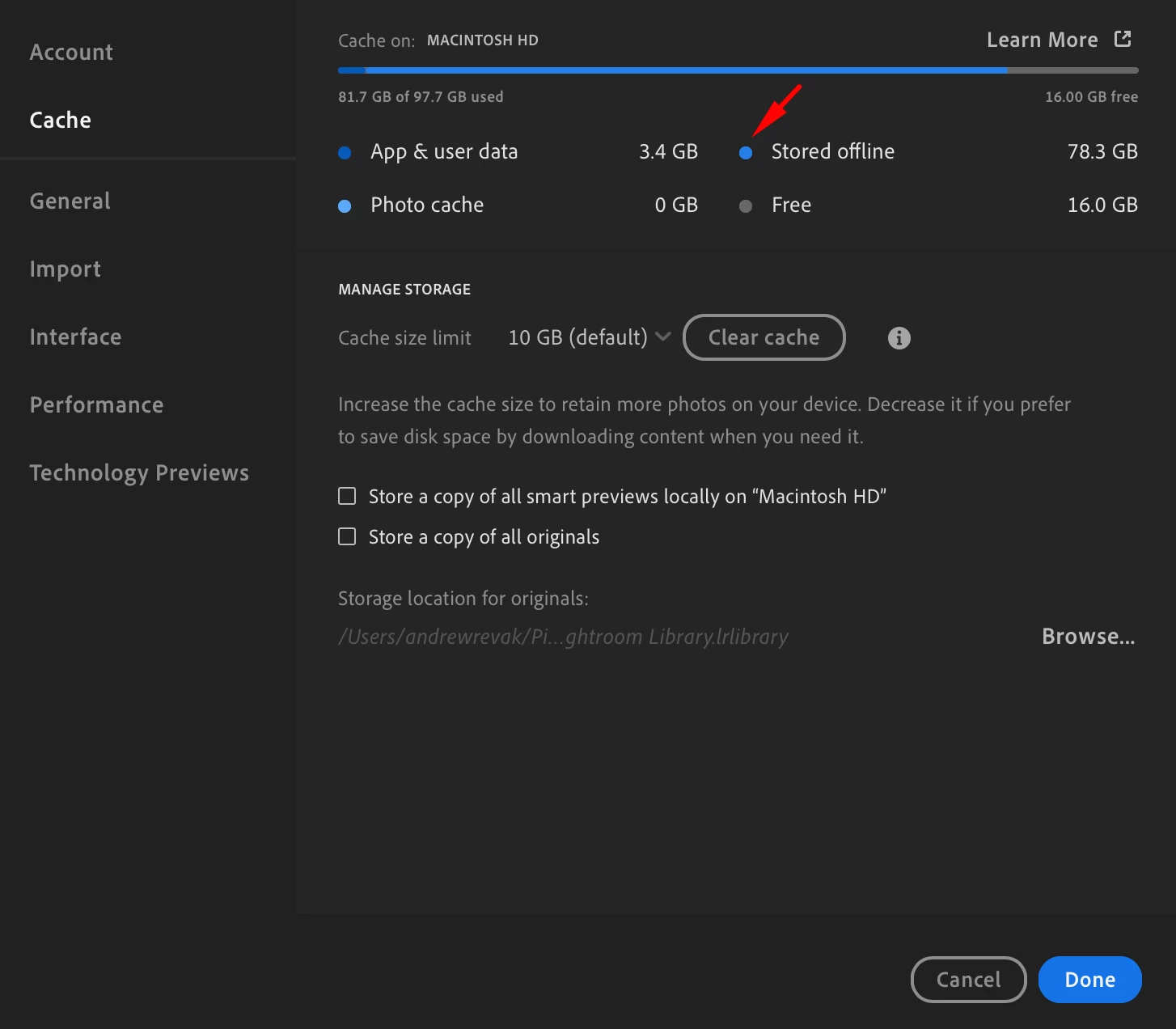
My cache says hey theres 78.3 GB of data stored offline.
 

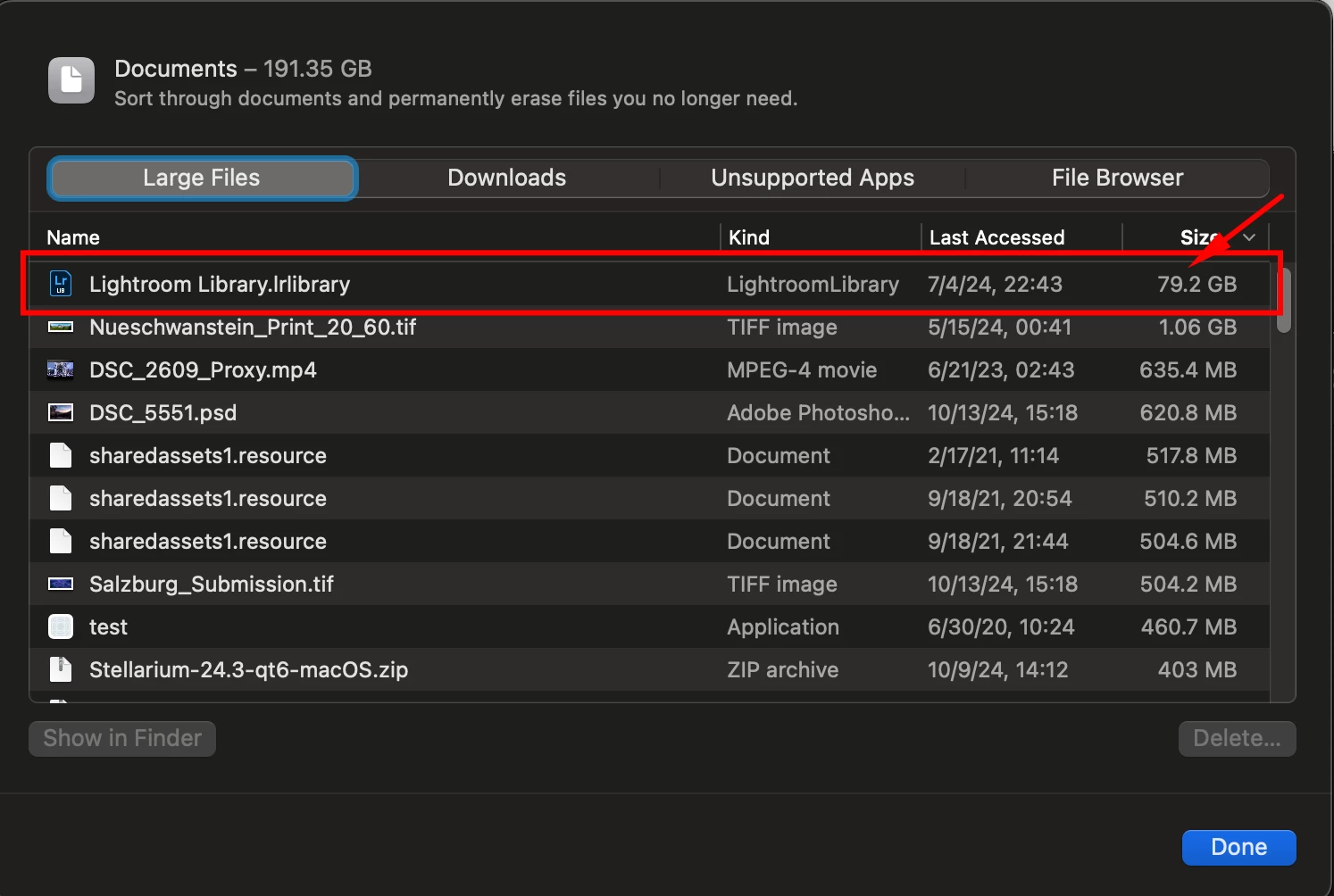
OS X Agrees ...

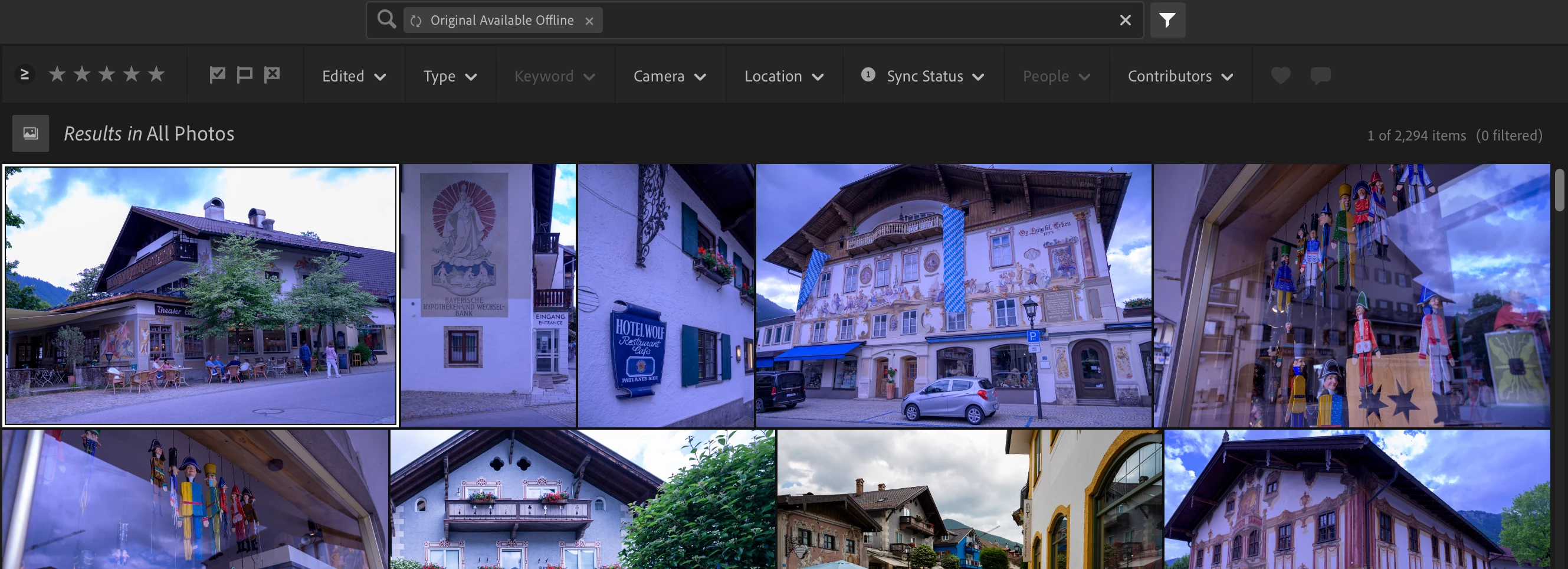
Filtering for "original available offline" in all photos under sync status seems to be the right thing to check here ... 
NEITHER of these options are what I want
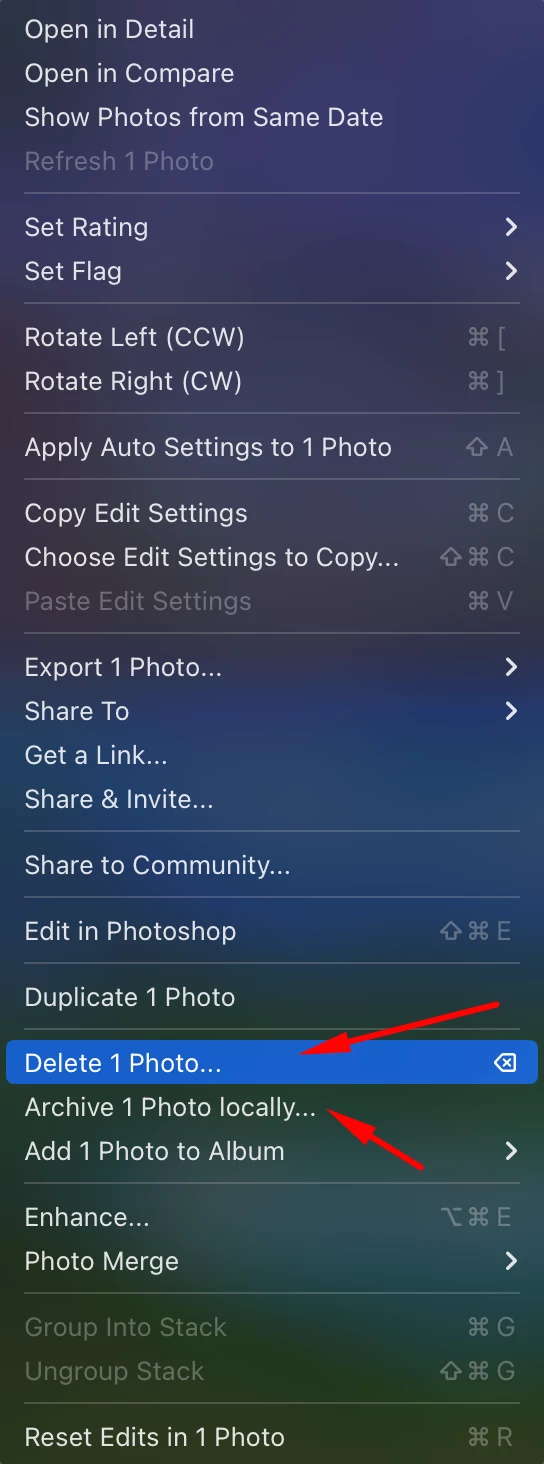
Because delete photo literally deletes from the cloud which is not what I want, and archive locally is ALSO not what I want.  This is bordering on absurd.

이 주제는 답변이 닫혔습니다.
최고의 답변: selondon

Check that all Albums are not set to 'Make Album Available Offline'.


Also, if everything is uploaded to the Cloud you can delete the Lightroom Library..library file and this will rebuild from the Cloud. 


1 답변

selondon
Community Expert
selondonCommunity Expert답변
Community Expert
October 14, 2024

Check that all Albums are not set to 'Make Album Available Offline'.


Also, if everything is uploaded to the Cloud you can delete the Lightroom Library..library file and this will rebuild from the Cloud. 


utherwayn작성자
Participant
October 14, 2024

Yea, I found the same recommendation in another thread, that is what did the trick.  It seems like there is very clearly a bug in the maintenance of that file's size because it sits completely outside the cache limitations specified on that preferences page that I linked first.  Thanks for replying and giving me a hand!

JohanElzenga
Community Expert
Community Expert
October 14, 2024

That is not a bug, but by design. Storing an album offline is not the same as using a cache. A cache is temporary storage. An offline album is permanent storage (till you decide otherwise).


-- Johan W. Elzenga