


New Participant
August 30, 2022
Answered

Could not open “file name” because of a program error.

  • August 30, 2022
  • 8 replies
  • 883 views

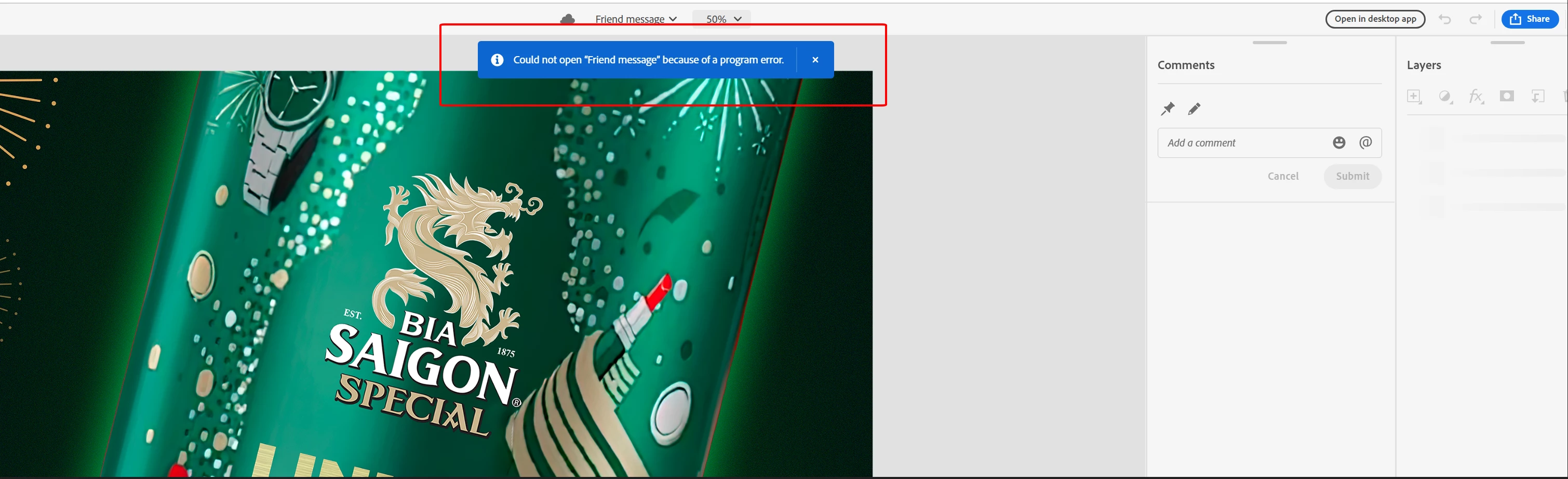
I can not open file save on Cloud, it just show the content: Could not open “Friend message” because of a program error.
Photoshop CC 2023 on Web beta and Desktop app.


I have the same error in a few file recently, I need fix it as soon as possible.

Thanks,
This topic has been closed for replies.
Correct answer Pete.Green

Updating the thread status while the team investigates this issue

8 replies

Pete.Green
Community Manager
Community Manager
September 7, 2022

No sweat @Huy Truong25851976gvnu, the team is working on a resolution to this one.

Apologies for the inconvenience.


Regards,

Pete

New Participant
September 5, 2022

Sorry for not replying sooner to you,

This file I created and saved directly on Adobe Cloud, not on the local computer. Although the file is still visible in all device and Cloud, I am currently unable to download it from the Web Cloud. In the Desktop App I can still download it but I can't open it, it doesn't show any error or any message, just loads the file and nothing happens.

Pete.Green
Community Manager
Pete.GreenCommunity ManagerCorrect answer
Community Manager
August 31, 2022

Updating the thread status while the team investigates this issue

Pete.Green
Community Manager
Community Manager
August 31, 2022

Additionally @Huy Truong25851976gvnu, the team would like to know if you're able to get a local PSD of this, could you share this file with us via something like Dropbox or other third party share service?

You can share the link directly with me over email at petgreen at Adobe.com.


If so, thank you!

Pete.Green
Community Manager
Community Manager
August 31, 2022

Thank you for sharing the file @Huy Truong25851976gvnu!

Have tried accessing this file and I can get to the preview of the file, and am seeing the same error you're seeing. 


Can you verify this file shows in https://assets.adobe.com/cloud-documents ?
If yes, download the PSD, and open directly in Photoshop desktop
If you get that far, try making a small edit then save again to the cloud.


Though, it's possible this file will not be present in your cloud documents. Let me know what you discover.


In other news, I've passed this on to the engineering team to investigate further what might be going on.


Regards,

Pete

New Participant
August 31, 2022

My computer configuration:
- RTX 3070 Ti
- Chip: Intel i7-12700K

- RAM: 32GB
- Window 10

New Participant
August 31, 2022

I created this file on Adobe Photoshop CC 2023 v23.5
Recently, I've been having problems with file storage and file opening on Creative Cloud.
Sometimes it's saved, but when I open it on a different device, the file is not saved latest version or history, no data sync, just saved old version. (I think maybe this file is significant).
Sometimes it's saved, but when I open it after a few days, It's not open, just show the context: 
Could not open “file name” because of a program error.
I have tried opening and downloading on web cloud, desktop app, and iMac but it's not working. 
This is working file: https://assets.adobe.com/id/urn:aaid:sc:AP:29876ed6-c5fd-4176-a904-53779ed96fac?view=difile


Thank you for your time,
Best regards,
Tran Huy Truong

Pete.Green
Community Manager
Community Manager
August 30, 2022

Hi @Huy Truong25851976gvnu,


Sorry for the program error opening this file. Can you give more details on where this file came from? Is this a file you've created or has been shared with you?


Can you also provide some details about the browser and system you're working on?

You could also try Sharing this cloud document with me and I can give it a try as well -- petgreen at adobe.com 


Regards,

Pete