Participant
August 9, 2024
Answered

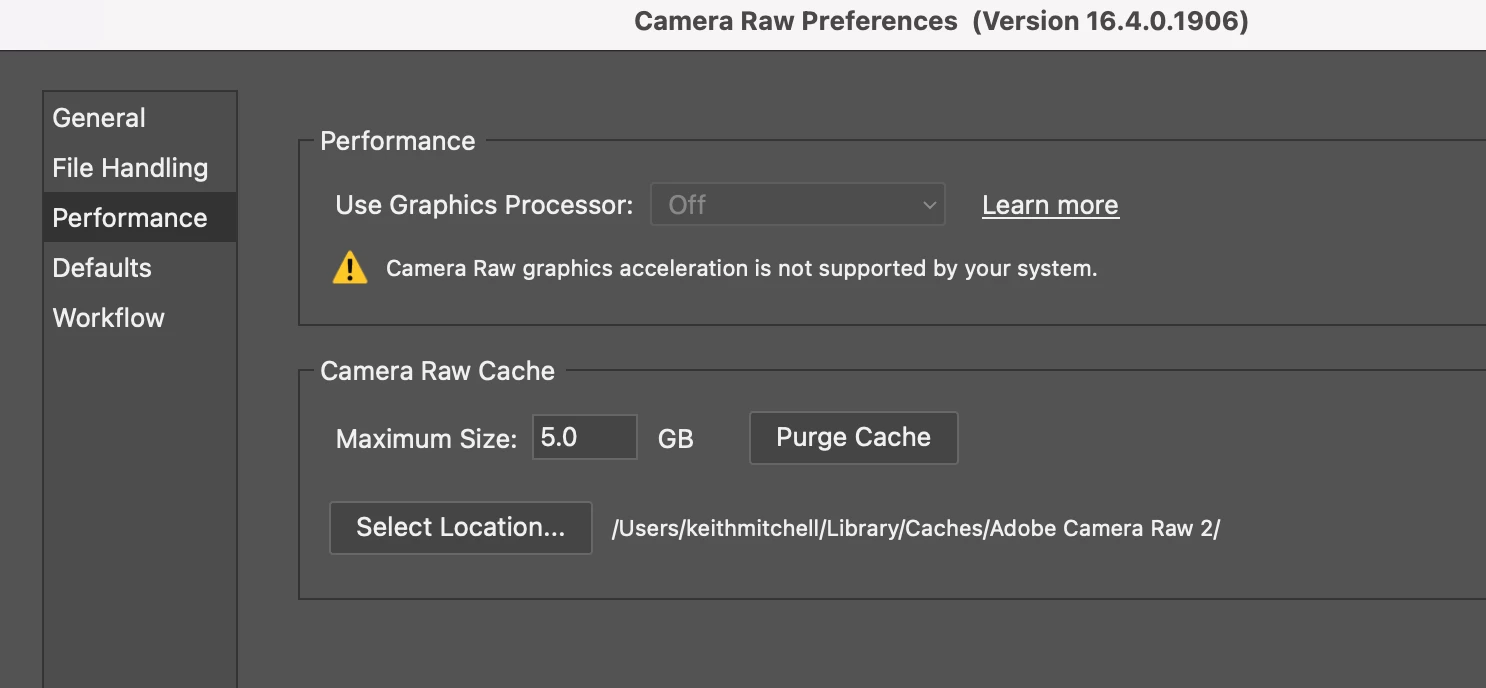
Camera Raw requires gpu acceleration to edit

  • August 9, 2024
  • 2 replies
  • 643 views

I have just updated Photoshop Beta v25.12 and I can no longer  use Camera Raw, it was working fine prio to

Lightroom is woking fine.

the update I am using a Mac M1

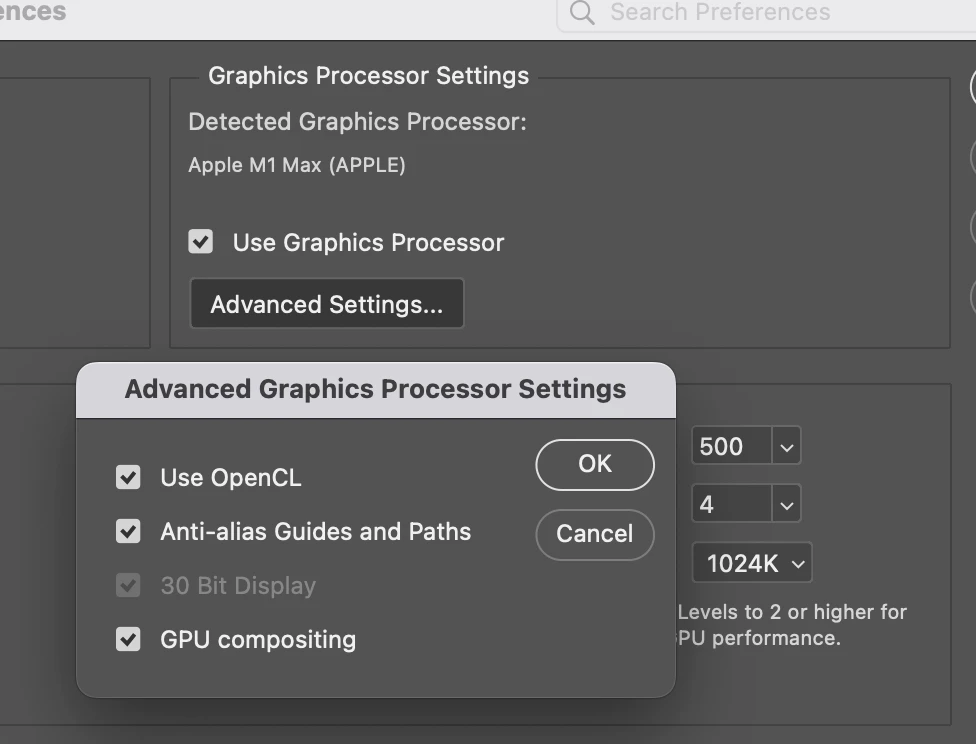
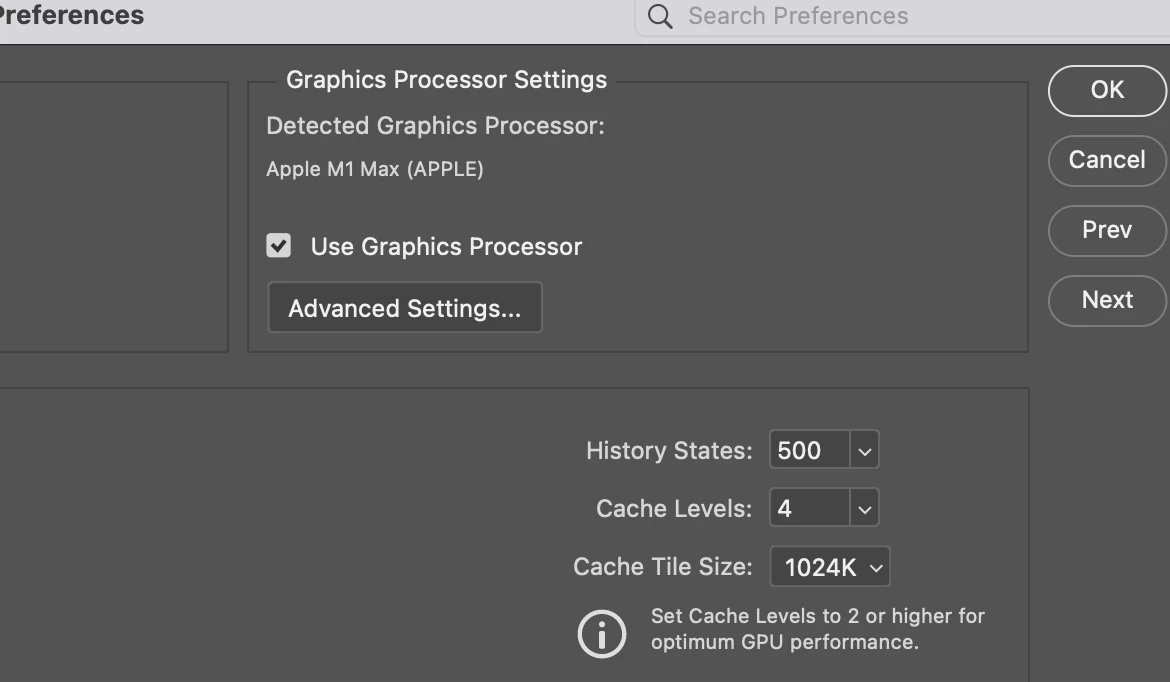
The GPU is enabled in prefrences

THe OS is upto date
 

This topic has been closed for replies.
Correct answer Jeff Arola

The GPU folder is in your user account

Macintosh HD/Users/UserName/Library/Application Support/Adobe/CameraRaw/GPU


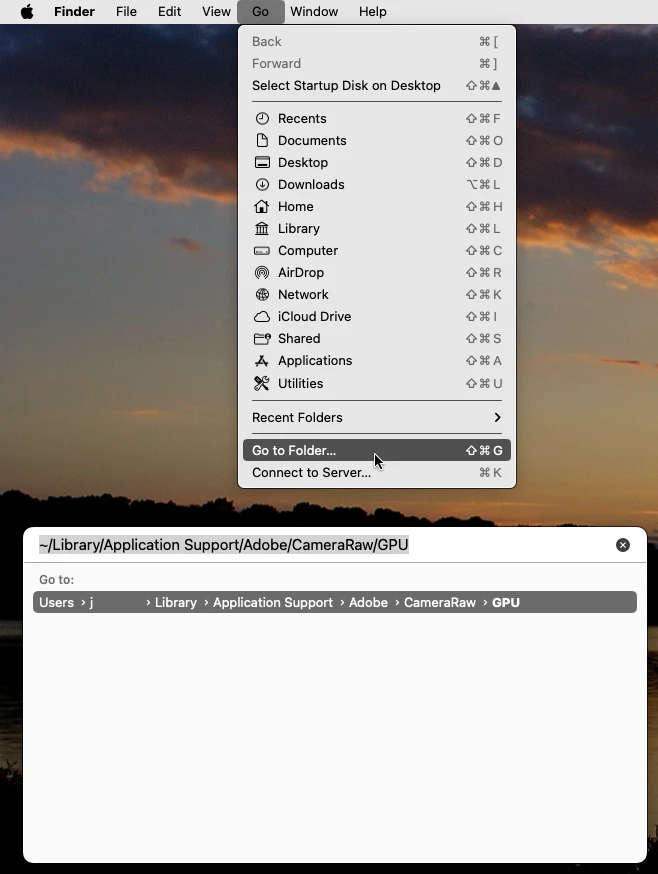
An easy way to navigate there is to click on your desktop then in the Go menu click Go to Folder, paste

~/Library/Application Support/Adobe/CameraRaw/GPU and press the Enter/Return key on your keyboard.


2 replies

Jeff Arola
Community Expert
Jeff ArolaCommunity ExpertCorrect answer
Community Expert
August 9, 2024

The GPU folder is in your user account

Macintosh HD/Users/UserName/Library/Application Support/Adobe/CameraRaw/GPU


An easy way to navigate there is to click on your desktop then in the Go menu click Go to Folder, paste

~/Library/Application Support/Adobe/CameraRaw/GPU and press the Enter/Return key on your keyboard.


Participant
August 9, 2024

Many thanks Jeff it worked a dream 😄

Jeff Arola
Community Expert
Community Expert
August 9, 2024

Try the steps listed here under

6. Check and delete the TempDisableGPU3 or TempDisableGPU2 files

https://helpx.adobe.com/camera-raw/kb/acr-gpu-faq.html

Participant
August 9, 2024

Thanks Jeff I do't seem to have a GPU folder