


Known Participant
August 5, 2022
Answered
Colour fill via Paint Bucket displayed incorrectly in beta (build 1842)
- August 5, 2022
- 6 replies
- 859 views
1. Create a new blank document in working space (Adobe RGB)
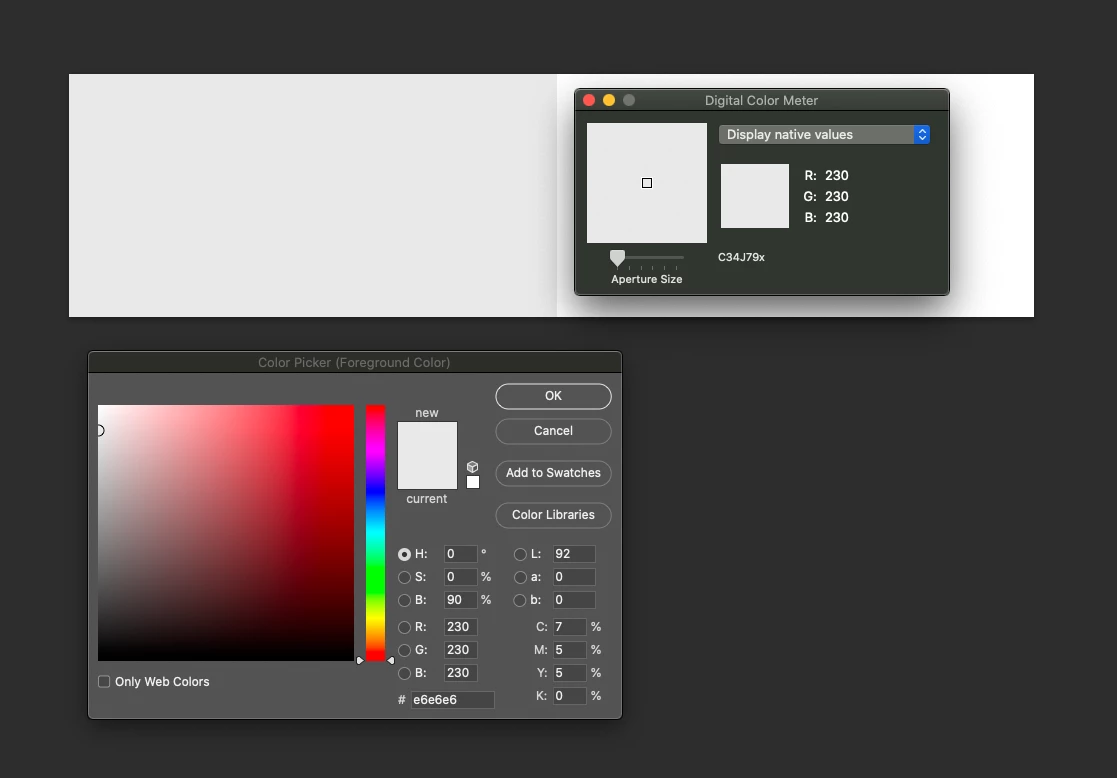
2. Set Foreground colour to 230 230 230
3. Create a selection in the document
4. Use Paint bucket to fill colours - colour mode normal.
Expected colour values should be a neutral light grey.
Actual colours on a calibrated screen a a pale mauve colour. Checked as being 230 230 251 via Digital Colour Meter - see screen grab. These incorrect colours are maintained if the file is saved and re-opened.
However, the saved file has correct values when opened in 3rd party application.
jpg file attached.
 AdChoices