


Participant
August 26, 2023
Answered

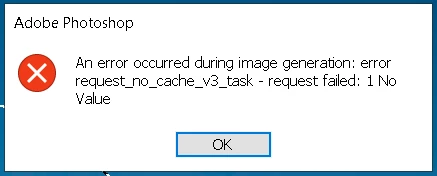
GENERATIVE FILL ERROR : error request_no_cache_v3_task - request failed: 1 No Value

  • August 26, 2023
  • 11 replies
  • 13612 views

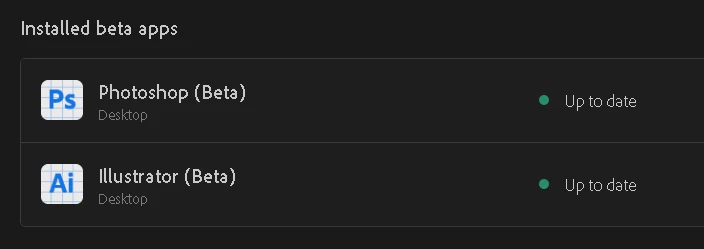
I even reinstalled my Photoshop Beta app (Latest version) but still getting this error while using Generative fill. I Tried using VPN too but that doesnt help either.
An error occurred during image generation : error request_no_cache_v3_task - request failed: 1 No Value


Correct answer SteeCatsy

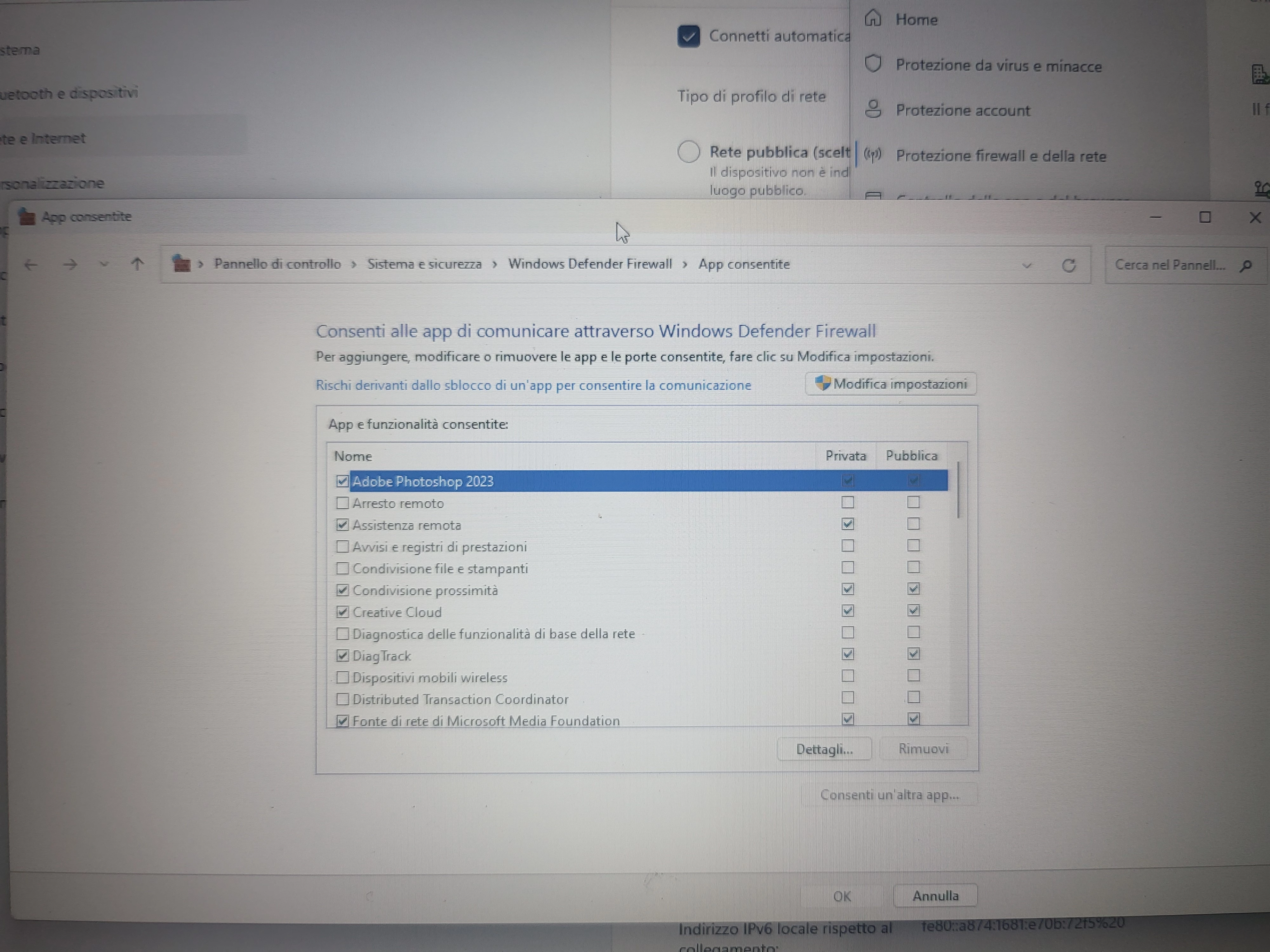
Solved unblocking Creative Cloud and Photoshop Beta from firewall

11 replies

Participant
August 29, 2023

It still a rull that block traffic. Turn off rule "Adobe Unlicensed Pop-up" in Outbound Rule (Firewall Advanced Security) will done.

Participant
October 23, 2023

I can guide you on how to turn off the "Adobe Unlicensed Pop-up" rule in the Outbound Rule section of the Firewall Advanced Security settings. Here are the steps you can follow:

  1. Open the Windows Defender Firewall with Advanced Security. You can do this by searching for "Windows Defender Firewall" in the Start menu and selecting the "Windows Defender Firewall with Advanced Security" option.

  2. In the Windows Defender Firewall with Advanced Security window, click on "Outbound Rules" in the left-hand pane.

  3. Look for the rule named "Adobe Unlicensed Pop-up" in the list of outbound rules. You can scroll through the list or use the search function to find it quickly.

  4. Right-click on the "Adobe Unlicensed Pop-up" rule and select "Disable" from the context menu. This will turn off the rule and stop it from blocking traffic.

  5. Once you have disabled the rule, you can close the Windows Defender Firewall with Advanced Security window.

By following these steps, you should be able to turn off the "Adobe Unlicensed Pop-up" rule and resolve the issue of blocked traffic. Let me know if you need any further assistance!

Participant
October 23, 2023
Don't appear "Adobe Unlicensed Pop-up"
Participant
August 28, 2023

nvm sorry it does work, just turn off firewall completely if that didn't work, tysm!

Participant
August 31, 2023

Thank you, it worked

Participant
August 28, 2023

It Didn't work 

Participant
August 28, 2023


I even reinstalled my Photoshop Beta app (Latest version) but still getting this error while using Generative fill.


--- An error occurred during image generation : error request_no_cache_v3_task - request failed: 1 No Value

Participant
August 28, 2023

It didn't worked for me

Participant
August 28, 2023


It worked , photoshop wasnt added by default. I added and now it works.

Participant
August 28, 2023

It didn't work. 

Participant
August 27, 2023

Didn't work for me... same error

SteeCatsy
SteeCatsyCorrect answer
Participant
August 27, 2023

Solved unblocking Creative Cloud and Photoshop Beta from firewall

Participant
August 27, 2023

me too!