


Answered
Some buttons don't work in Beta V25.1
I brought home Beta V25.1 and when I run with full screen, the buttons in the right panel that I dialed in do not work.
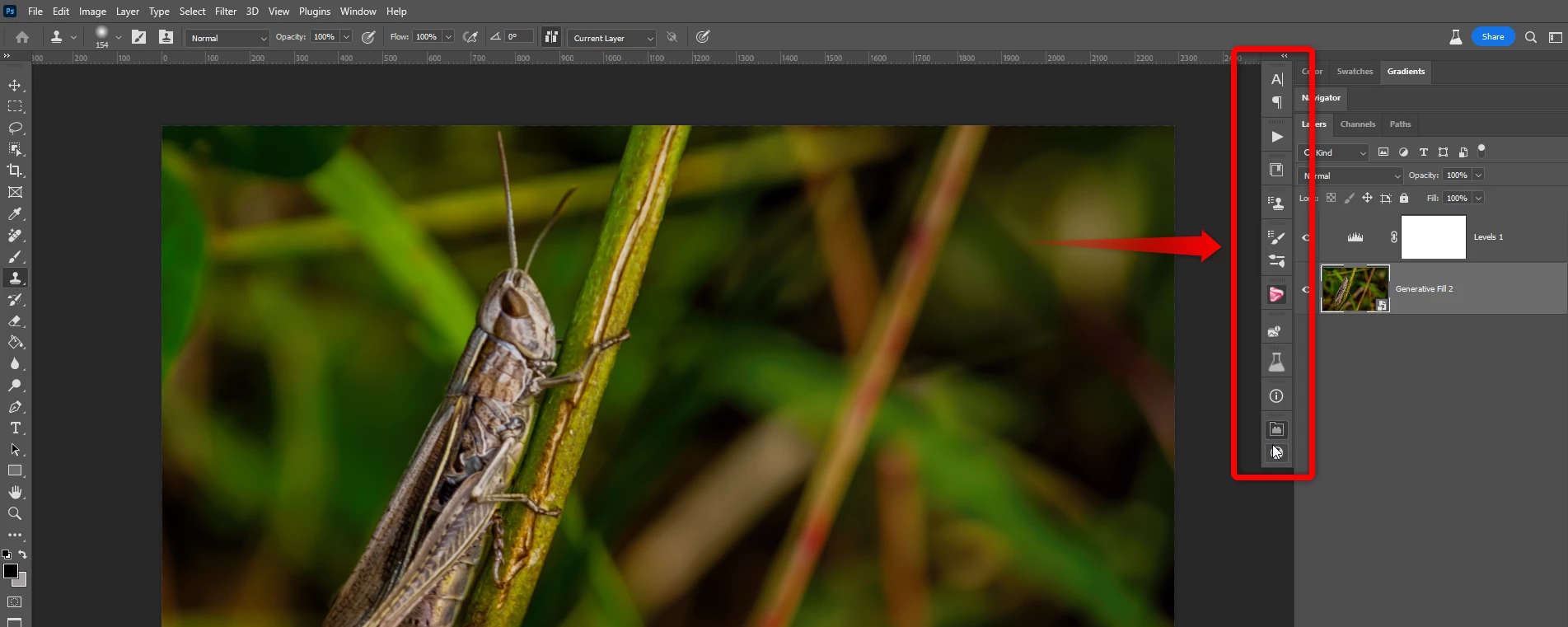

I brought home Beta V25.1 and when I run with full screen, the buttons in the right panel that I dialed in do not work.
I found the issue I had to uncheck "Enable narrow option bar" Under "Preferences > Workspace
Already have an account? Login
Enter your E-mail address. We'll send you an e-mail with instructions to reset your password.
 AdChoices