



Ged_Traynor
Community Expert
Community Expert
September 24, 2025

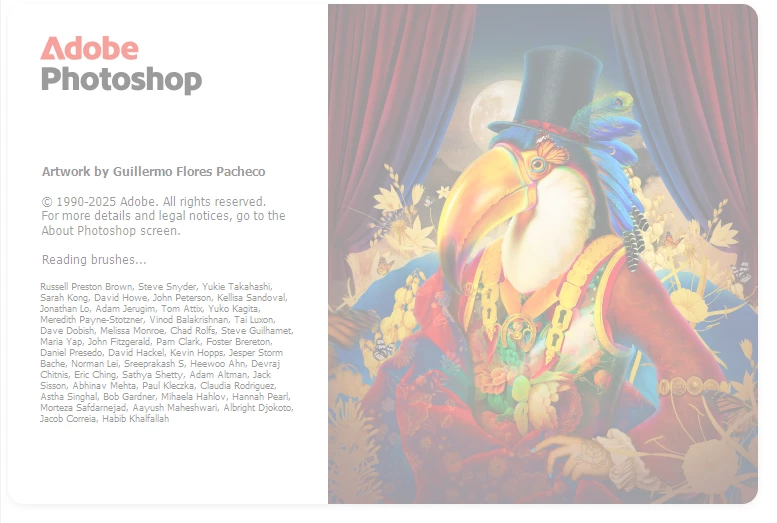
P: Photoshop 26.11 freeze at launch on Reading Brushes & Building Color Conversion Tables

  • September 24, 2025
  • 100 replies
  • 11664 views

Just installed version 26.11 on Windows 10 and Photoshop is freezing on reading brushes, have already tried manually resetting the preferences, uninstalling version 26.11 and deleting the Adobe Photoshop 2025 folder from the appdata folder, reinstall version 26.11 same issue.

Reverted back to version 26.10, and it's working fine.
 

100 replies

Participant
November 8, 2025

Same problem with me now whats the sollution?

Participant
November 3, 2025

Yeah thank you. I also downgrade it to 26.10 to fix the issue. 

Wajahat 

SeithCG
Participating Frequently
November 3, 2025

Just to confirm: 27.0.0 fixed the issue for me. I had reverted from 26.11 to 26.10 in order to be able to launch Photoshop at all but after updating to 27.0.0 the app no longer hangs at "building color conversion tables".

Participant
November 3, 2025

still isnt working for me, ive tried basically everything i can find but i just wont open


chuckt53667258
Participating Frequently
November 3, 2025
My best recommendation is to go to v27.0, which fixed the issue for me.
Good luck.


--
Chuck
chuckt53667258
Participating Frequently
October 29, 2025

All is well here, v27 PS runs and loads well, v27.1 beta loads faster however.  Regardless, getting work done, thanks for the fixes.

Participating Frequently
October 29, 2025

No more issue on my side

Like stated here previously, It was already back to normal for me with a small "silent" Update of 26.11 two or three weeks Ago (Updated by CC App, but without version number change)

It is still working normaly with the brand new 27.0.0

Participating Frequently
October 29, 2025

I'm not sure what "issue" You are thinking of but the fact that it's only a splash screen for a second that goes away is not an update its every version and Adobe better do something about it. I don't think they give a crap. I don't think they look at this board. They want the money with no update that works. I see a class action suit in their future.

Sameer K
Community Manager
Community Manager
October 29, 2025

Hey, @MratajczakPhotography. The description in your comments doesn't match the issue we're tracking here. This thread is now locked, as the original issue where Photoshop froze at launch on the splash screen has been fixed in Photoshop 2026.

Please start a new thread with pertinent information and list the troubleshooting steps you've already tried. We'll follow up with you on your thread. 


Thanks!
Sameer K
(Type '@' and type my name to mention me when you reply)

Participating Frequently
October 29, 2025

Version 26.8.1 is the only one that works. All others get a splash screen for 1 second then goes away. What a waste that it can't be updated. For the price this should be a pay once and done platform. 

Participating Frequently
October 28, 2025

Well, thanks for the update. I have no faith in Adobe right now. The version I have works and no need to update. 26.0 works.

Participant
October 28, 2025

Even after updating  Photoshop 2025 and running the latest version (26.11.1), it’s still getting stuck on the loading splash screen.

chuckt53667258
Participating Frequently
October 28, 2025
v 27.0 has been released, and I've had success with it today, Los Angeles
CA - good luck. New Beta v 27.1 has blown up on my once, but generally
runs faster than non-beta Photoshop, especially when loading. Good luck!


--
Chuck