



Ged_Traynor
Community Expert
Community Expert
September 24, 2025

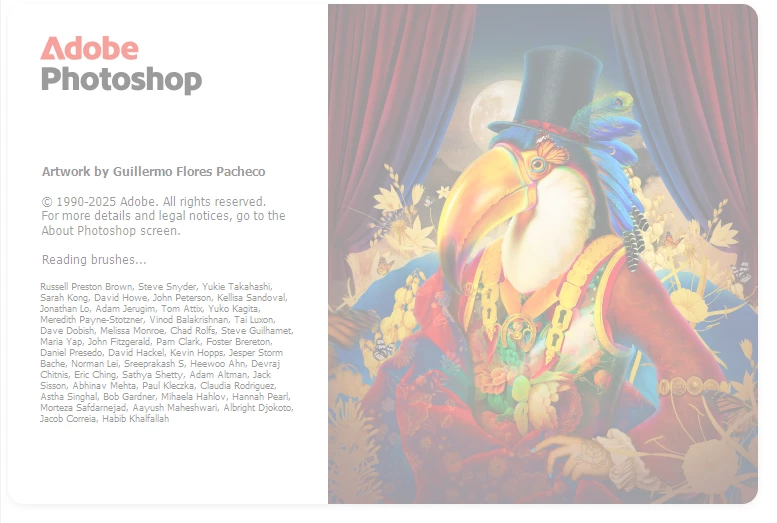
P: Photoshop 26.11 freeze at launch on Reading Brushes & Building Color Conversion Tables

  • September 24, 2025
  • 100 replies
  • 11222 views

Just installed version 26.11 on Windows 10 and Photoshop is freezing on reading brushes, have already tried manually resetting the preferences, uninstalling version 26.11 and deleting the Adobe Photoshop 2025 folder from the appdata folder, reinstall version 26.11 same issue.

Reverted back to version 26.10, and it's working fine.
 

100 replies

Participating Frequently
September 30, 2025

@Adam Jerugim It works the first time, then crashes every time after that.

Adam Jerugim
Community Manager
Community Manager
September 30, 2025

If you are still expeiencing this hang on launch on Windows, can you please try right-clicking on the app icon and choosing Run As Administrator? Does that allow PS to launch without error? Thanks.

Legend
September 30, 2025

私もGPU合成を無効にしたところ、Photoshopが正常に起動するようになりました。

アドバイスありがとうございました。

Ged_Traynor
Community Expert
Community Expert
September 30, 2025

@ralftones_8288 I skipped steps 1, 2 and 4 and just disabled GPU compositing and Photoshop is loading fine, thanks for the tip, let's hope Adobe can narrow it down and find a fix for the issue

Participant
September 30, 2025


Hi! I was having the exact same problem here, and after hours trying to figure out what to do without having to reinstall, I followed these steps and it worked for me:

Step 01:
Go to the folder where the file "brushes.psp" is located and make a backup copy of the file somewhere else.


C:\Users\username\AppData\Roaming\Adobe\Adobe Photoshop 2025\Adobe Photoshop 2025 Settings
 

Step 02:
Then, delete "brushes.psp" from the Photoshop folder and run the program — it should open normally.

Step 03:
Go to Preferences > Performance > Graphics Processor Settings > Advanced Settings and disable "GPU composing".


Step 04:
Close the program, copy the "brushes.psp" file back into the Photoshop folder, and run the program again.

Everything should be back to normal. At least for me, it worked 🙂


Participant
September 30, 2025

This is usually where mine hangs up as well, though once it did get through to building brushes. 

Participant
September 30, 2025

I have precisely the same issue. Win 11, 26.10 works fine, 26.11 locks up at the same place when opening. However, 26.11 works fine on my other Win 11 machine. Have no idea what's going on.

Known Participant
September 29, 2025

I found out that if you disable “GPU Composing Performance,” everything starts normally. I use an RX 7800xt 16gb as my GPU.

Participating Frequently
September 29, 2025

I should note that I'm able to launch and use 26.11 on my laptop with no problems at all. I only get this error on my desktop, which ironically has better specs.

Known Participant
September 29, 2025

There's a bug in there. I've now installed the latest beta version, and it has the same error as 26.11.
What's going on with the programmers at Adobe?