

Participant
November 18, 2022

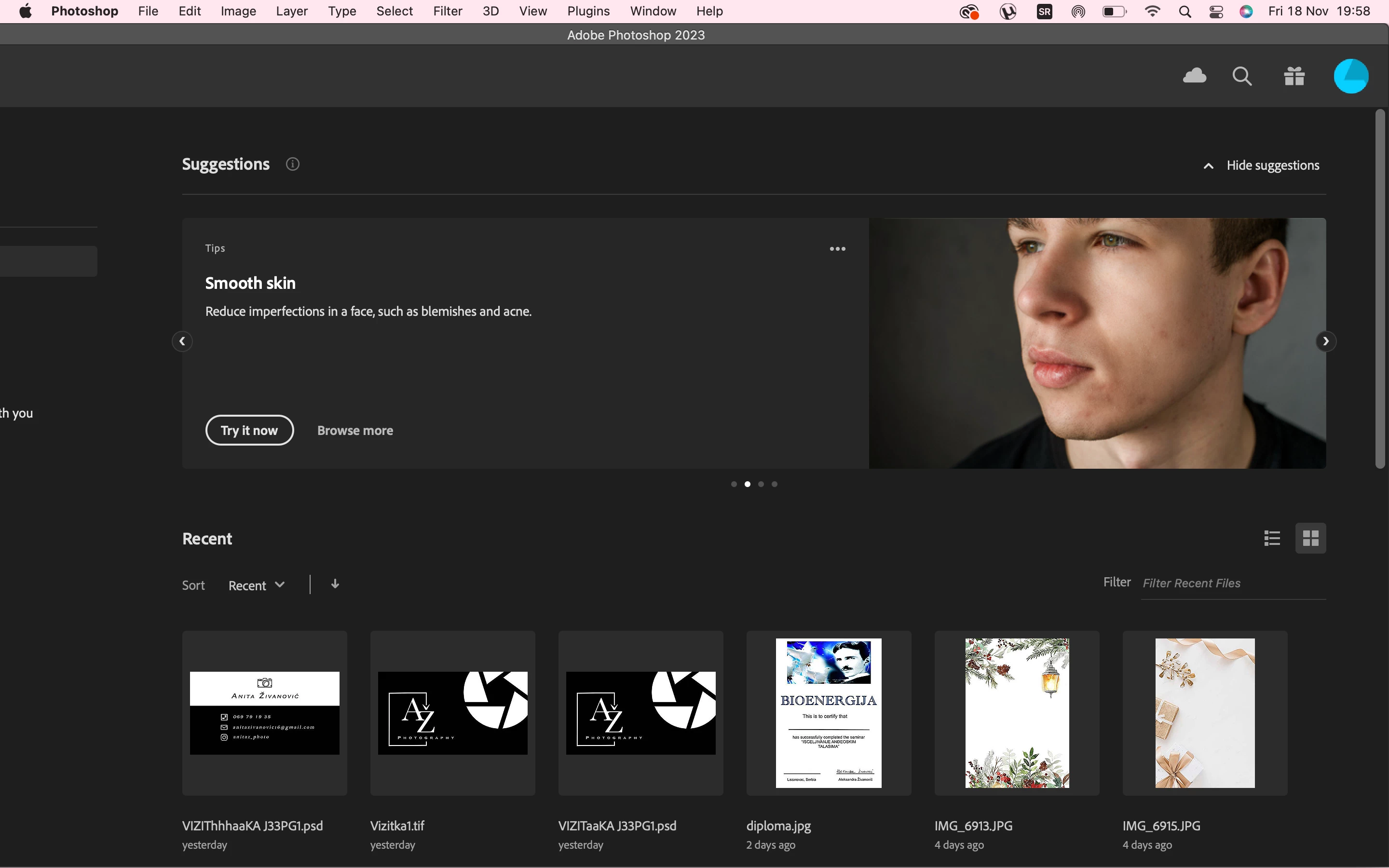
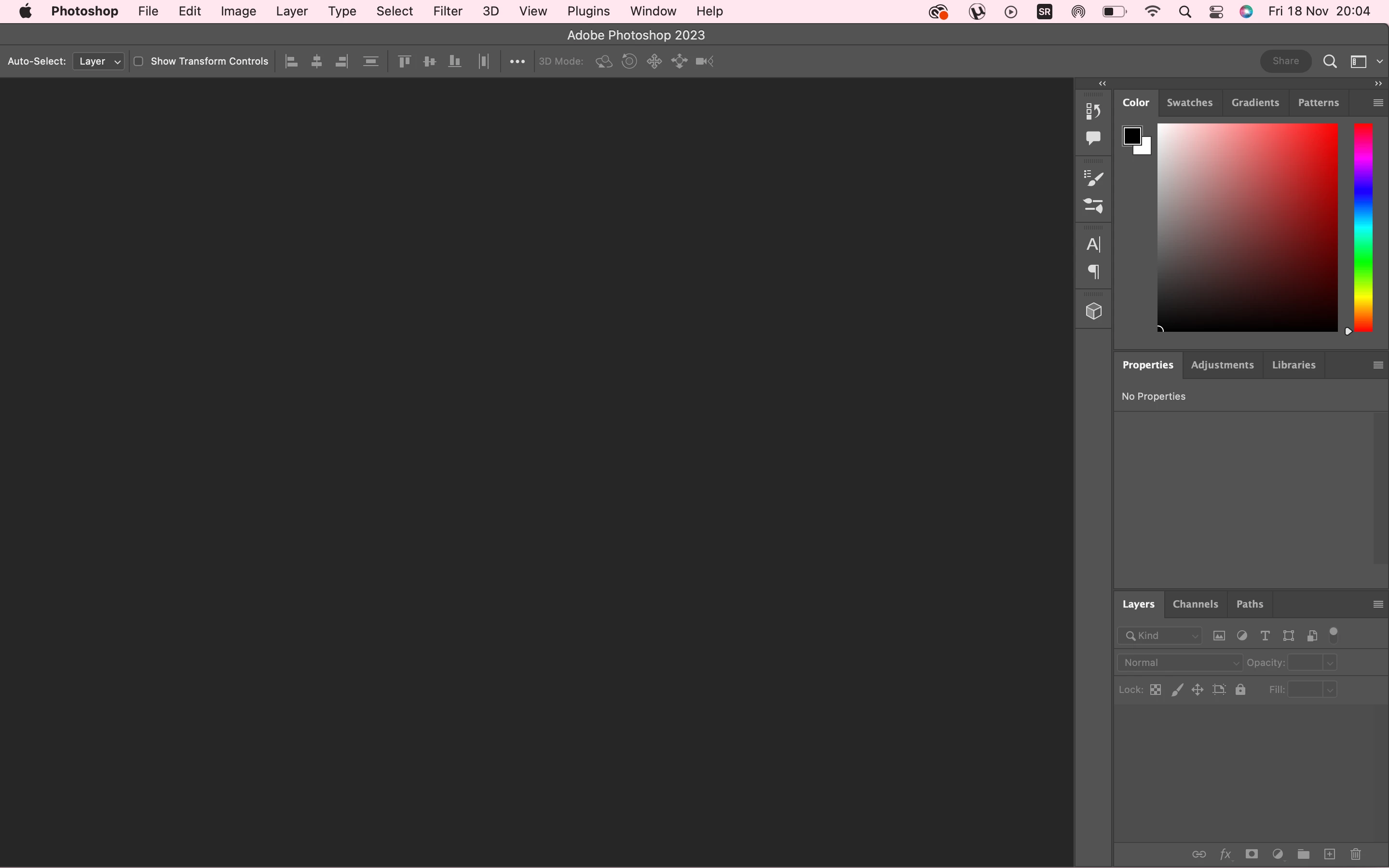
P: Photoshop UI off screen when app was maximized on larger monitor and monitor is detached

  • November 18, 2022
  • 3 replies
  • 3982 views

Yesterday, some part on the left side went missing. I reported the bug but nothing. Cant really use it. How can i fix it?
This topic has been closed for replies.

3 replies

Mohit Goyal
Community Manager
Community Manager
February 26, 2023

Hi all,


We're happy to announce the release of Photoshop 24.2. This update includes the fix for this issue. To see the list of all fixed issues, click here


To update Photoshop to 24.2, click "Update" in the Creative Cloud desktop app next to Photoshop. More detailed instructions for updating


Let us know if the update resolves the problem for those affected, and share your feedback.


Thanks,

Mohit

Legend
November 18, 2022

This happens when the app window is enlarged on a larger monitor and the monitor is detached.


You can double-click the header bar that says Photoshop 2023 to get it to resize to the current monitor.

TheDigitalDog
Inspiring
November 18, 2022

Did you try altering the display resolution first to see if, indeed, that part of the UI comes back? 

Try resetting Photoshop preferences.

Press and hold Alt+Control+Shift (Windows) or Option+Command+Shift (Mac OS) immediately after launching Photoshop. You will be prompted to delete the current settings. You can also reset preferences upon a quit if Photoshop is running by going into General Preferences>General>Reset on Quit.

Better? 

Author “Color Management for Photographers" & "Photoshop CC Color Management/pluralsight"
