Exit
  • Global community
    • Language:
      • Deutsch
      • English
      • Español
      • Français
      • Português
  • 日本語コミュニティ
  • 한국 커뮤니티
4

Photoshop couldn't work

Community Beginner ,
Aug 10, 2023 Aug 10, 2023

  when I try to open Photoshop which I just downloaded, a pop up comes and says: couldn't run. I did uninstall and re-download,but it didn't work as well. even tried to open it from Windows C. I don't know what to do.
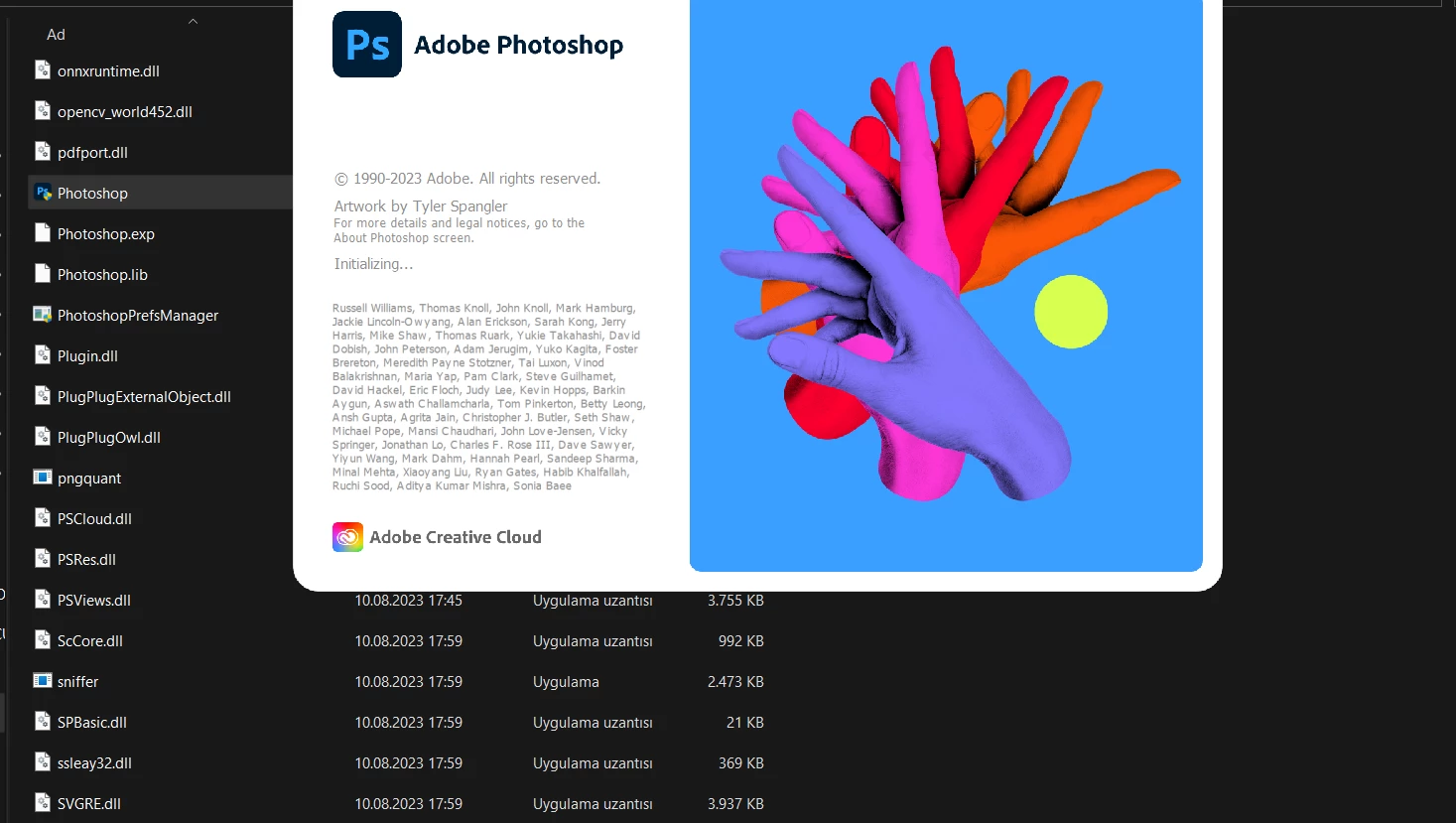
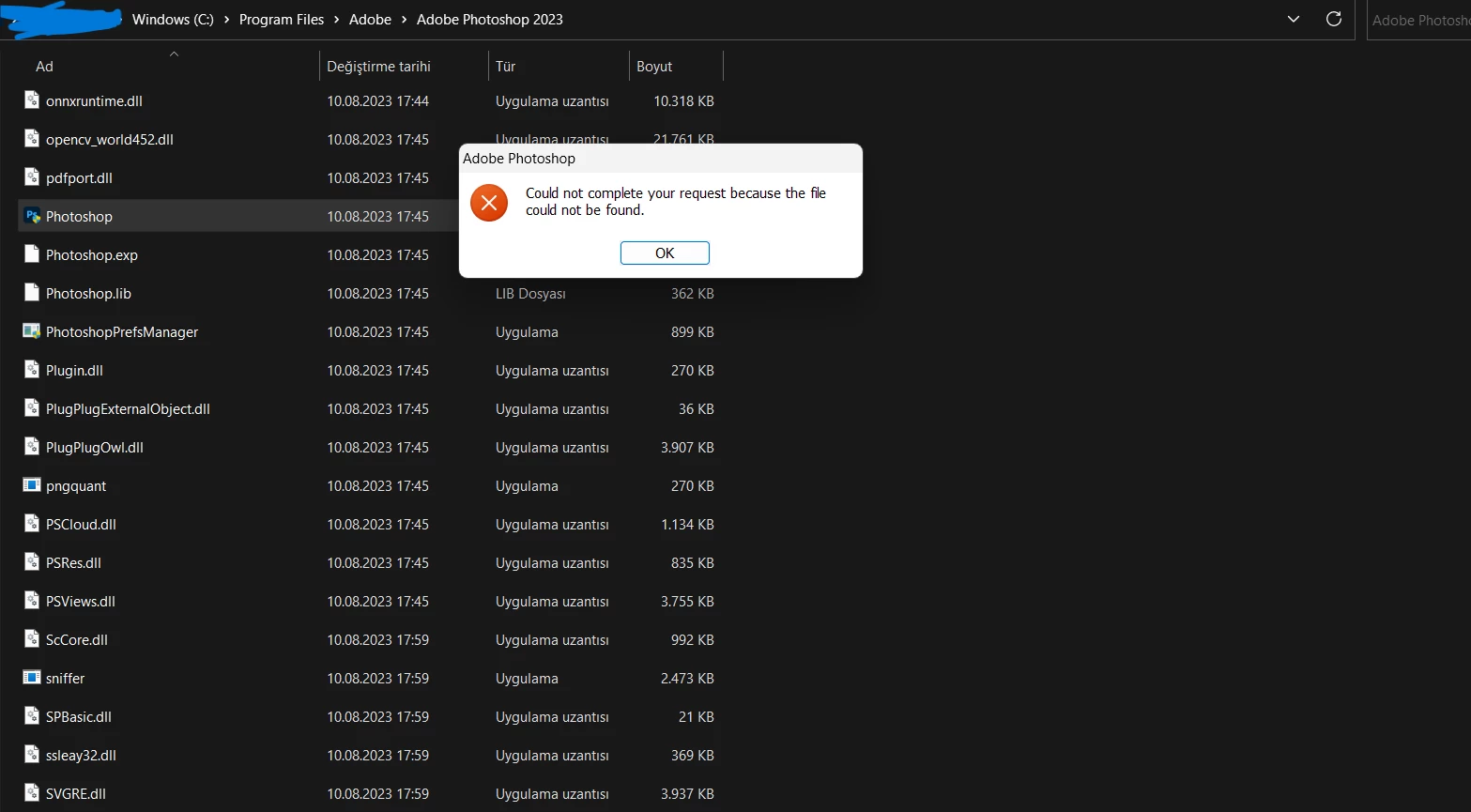
Ekran Görüntüsü (4)2.pngEkran Görüntüsü (3)3.pngEkran Görüntüsü (5)2.png

TOPICS
Windows
269
Translate
Report
Community guidelines
Be kind and respectful, give credit to the original source of content, and search for duplicates before posting. Learn more
community guidelines
Adobe
LEGEND ,
Aug 10, 2023 Aug 10, 2023

Hi @Sei83 did you install Photoshop on your C: drive (same drive as System and user profile)?

Translate
Report
Community guidelines
Be kind and respectful, give credit to the original source of content, and search for duplicates before posting. Learn more
community guidelines
Community Beginner ,
Aug 10, 2023 Aug 10, 2023

Hi, thank you for reply. How can i know if it is in the same drive as user profile? There are 3 users on C: now. I actually created a new user on my pc, and Photoshop works there. You think i am trying it on wrong users or something? 

Translate
Report
Community guidelines
Be kind and respectful, give credit to the original source of content, and search for duplicates before posting. Learn more
community guidelines
LEGEND ,
Aug 10, 2023 Aug 10, 2023

That is installed in the right location.

If Photoshop works on one profile and not another the issue is with permissions on that user profile and not a Photoshop issue. Check to make sure the user account with the error is an admin or has permissions same as the account that is working.

Translate
Report
Community guidelines
Be kind and respectful, give credit to the original source of content, and search for duplicates before posting. Learn more
community guidelines
Community Beginner ,
Aug 10, 2023 Aug 10, 2023

Oh I understand now. Just changed the download location as the user that Ps working. will try to install again soon. Thank you in advance, sir.

Translate
Report
Community guidelines
Be kind and respectful, give credit to the original source of content, and search for duplicates before posting. Learn more
community guidelines
Community Expert ,
Aug 10, 2023 Aug 10, 2023

Do you logged in as an Administrator or an user with Admin rigths? Do you have Photoshop installed with Admin rights?

As far as I see in yourt screenshot it seems there are problems with access rights.

AxelMatt_0-1691691099614.png


My System: Intel i7-8700K - 64GB RAM - NVidia Geforce RTX 3060 - Windows 11 Pro 25H2 -- LR-Classic 15 - Photoshop 27 - Nik Collection 8 - PureRAW 5 - Topaz Photo
Translate
Report
Community guidelines
Be kind and respectful, give credit to the original source of content, and search for duplicates before posting. Learn more
community guidelines
Community Beginner ,
Aug 10, 2023 Aug 10, 2023
LATEST

I did try to run as an administrator.  and also i changed to install location. and newest update: still doesn't work. I don't understand what is the difference between two users. the latest installed Photoshop works there again.

Translate
Report
Community guidelines
Be kind and respectful, give credit to the original source of content, and search for duplicates before posting. Learn more
community guidelines