



Ged_Traynor
Community Expert
Community Expert
September 24, 2025

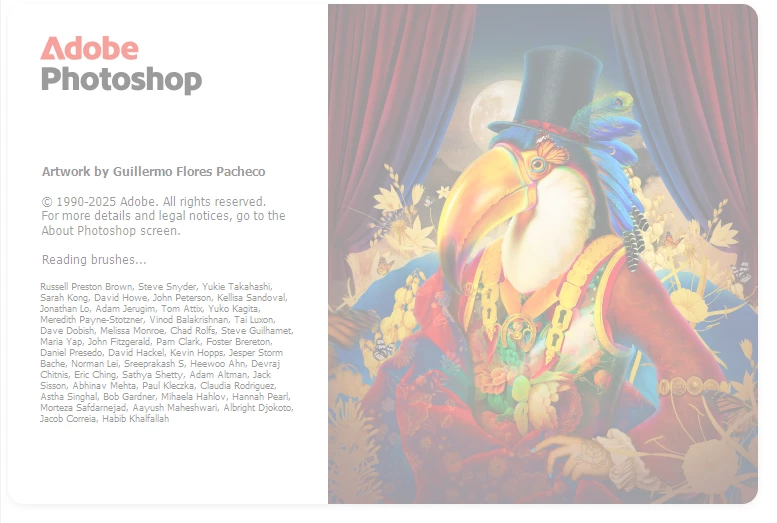
P: Photoshop 26.11 freeze at launch on Reading Brushes & Building Color Conversion Tables

  • September 24, 2025
  • 返信数 100.
  • 11663 ビュー

Just installed version 26.11 on Windows 10 and Photoshop is freezing on reading brushes, have already tried manually resetting the preferences, uninstalling version 26.11 and deleting the Adobe Photoshop 2025 folder from the appdata folder, reinstall version 26.11 same issue.

Reverted back to version 26.10, and it's working fine.
 

返信数 100

Participating Frequently
September 29, 2025

Mine is freezing on "Building Color Conversion Tables".

I restarted while holding 'shift' to start without plugins & third party etc.
It started no problem.
I then quit PS, and did a normal start and it started as normal.
Bug returns when you next start Photoshop, or after a few successful launches.

**EDITED**
As noted by otherwise, disabling 'GPU Compositing' seems to solve the issue (I've tested 10+ restarts of PS after this change without it freezing).


- Windows 11 Pro
- Version 23H2
- OS build 22631.5909
- Experience Windows Feature Experience Pack 1000.22700.1106.0
- RTX-4080 (581.29 Studio)
- AMD Ryzen 9 7950X 16-Core Processor 4.50 GHz
- RAM 64.0 GB


Participating Frequently
September 29, 2025

I'm one of the many who is getting the freezing error on reading brushes with 26.11.

I've tried all the suggestions here with no success.
Shift+CTRL+alt to remove preferences works only for that singular launch, but upon closing and reopening the program again, it hangs.
Removing everything from my presets makes no difference.

Not sure what else to try.

Windows 11 Home / RTX 5080 / 32GB /R yzen 5 9600x

Participant
September 28, 2025

Seit dem Update 26.11 häng sich mein Photoshop immer beim Starten auf. es steht immer da , Pinsel werden geladen " dann friert es ein. Auch eine neuinstallation hat es nicht gebracht. Ich bitte um Hilfe 

Davor war alles immer OK!


Windows 11 Aktuell

Ged_Traynor
Community Expert
Ged_TraynorCommunity Expert作成者
Community Expert
September 28, 2025
Participating Frequently
September 28, 2025

@D Fosse I don't think it's a problem with the color profile. Deleting the Brushes.psp file fixed it until I reinstalled my brushes, so I'm pretty sure it's the same problem everyone else in this thread is having, considering Building color conversion tables is right before Reading brushes in the load screen.

Participant
September 28, 2025

I just installed this version and the freezes during launch immediately begun (at the Reading brushes step). I already reset settings multiple times, that didn't help. I deleted the Brushes.psp file, that seems to have fixed it, but I'm not happy that I had to delete all my brushes to make this work.

Participating Frequently
September 28, 2025

For some reason, unchecking Use Graphics Processor seems to fix it. I ran it twice with Use Graphics Processor unchecked and it worked perfectly, then ran it once with it checked and it crashed.

D Fosse
Community Expert
Community Expert
September 27, 2025

@tslewis123 Just on a hunch, I would guess that this is an off-spec monitor profile, likely distributed from the monitor/laptop manufacturer through Windows Update. Manufacturer monitor profiles are strangely often problematic in various ways. To test this, replace your current profile with a standard profile like sRGB in Windows, or better, use a calibrator to make a new custom profile.

Participating Frequently
September 27, 2025

Mine doesn't even get to Reading brushes before it crashes. For some reason, mine crashes at Building color conversion tables.

Participant
September 27, 2025

Stuck on "loading brushes", this was reported this two days ago, and you still rolled it out to me. Not a good look Adobe, I'm not paying to be your beta tester.

Known Participant
September 26, 2025

However, it cannot be the solution that you first have to activate the GPU's hardware acceleration for a program to run.
Please fix this!