

Known Participant
July 23, 2024

SAVE, SAVE AS, SAVE AS COPY with new file......

  • July 23, 2024
  • 3 replies
  • 329 views

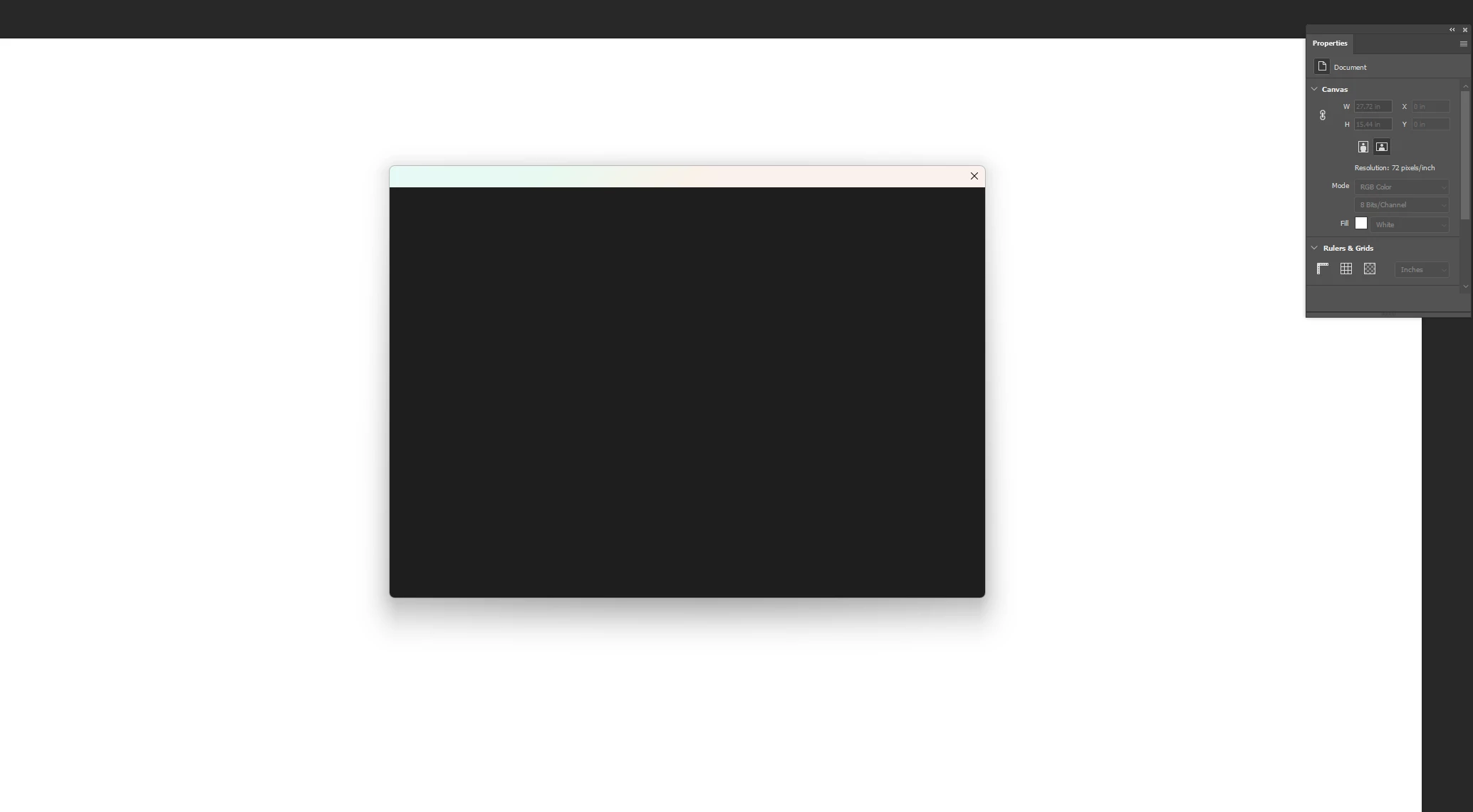
When  new created  file , need to save,  save as,  save as copy ...    the PS show me this screen,  it sucks.
3 replies

AxelMatt
Community Expert
Community Expert
July 25, 2024

Do you have reset the preferences? If no, please do a reset to the default settings and check.


Otherwise please provide a copy of your 'System Info'. This can be get from the Photoshop menu item Help > System Info. There's a copy button in the System Info dialog. Press this button and paste the info into your next forum post.


My System: Intel i7-8700K - 64GB RAM - NVidia Geforce RTX 3060 - Windows 11 Pro 25H2 -- LR-Classic 15 - Photoshop 27 - Nik Collection 8 - PureRAW 5 - Topaz Photo
Known Participant
July 24, 2024

My system is updated,  all other existing files are work fine,  this happen at new files only. 

this happen after  recent PS update.

AxelMatt
Community Expert
Community Expert
July 23, 2024

In a first step you should try to reset the preferences of Photoshop using the steps described here:

https://helpx.adobe.com/photoshop/using/preferences.html#reset-preferences

It's recommended to backup the settings before resetting the preferences. Please see here:

https://helpx.adobe.com/photoshop/using/preferences.html#backup-photoshop-preferences


If this doesn't help check your system if it's up-to-date. Do you have installed all recent updates and patches for the operating system and the device drivers, especially the graphic driver. If you have a NVidia graphic card installed, make sure that you are using the recent Studio version of the driver, not the Game Ready version.

Please also provide a copy of your 'System Info'. This can be get from the Photoshop menu item Help > System Info. There's a copy button in the System Info dialog. Press this button and paste the info into your next forum post.


My System: Intel i7-8700K - 64GB RAM - NVidia Geforce RTX 3060 - Windows 11 Pro 25H2 -- LR-Classic 15 - Photoshop 27 - Nik Collection 8 - PureRAW 5 - Topaz Photo
