


Smart Object -> Convert to Layers Does Rasterizes When Smart Object Transformed
Hello. I've just found what appears to be a bug, or at least some strange functionality. When you create a smart object from a single layer, then distort it via Transform, then attempt to Convert to Layers, the smart object simply becomes rasterized.
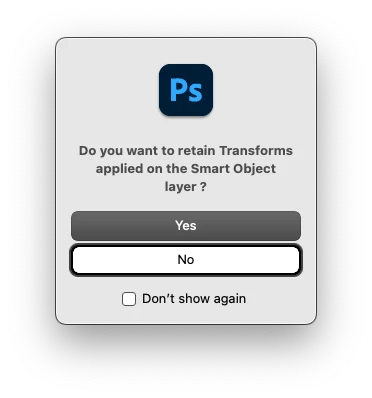
I'm not sure if there is a now hidden pop up menu that I toggled "Do Not Show Again" on, or if this is actually intended, but I would expect it to remove the Smart Object's transformation, and then convert it to its original layers. By rasterizing it, the layer's mask, blending options, etc. are all lost, so I have to Reset Transform, then Convert to Layers. Strangely enough this only happens when the smart object is a single layer. If there is any other than a single layer (e.g. it is in a group, there are multiple layers, there is an adjustment layer, etc.) the Convert to Layers works as expected.
This does interrupt my workflow, since I tend to make text/verbiage in Illustrator, bring it into Photoshop via Smart Objects, then distort it in Photoshop, apply blending options, etc. When I recently tried the Convert to Layers with these kinds of Smart Objects, I thought I was going crazy when it just rasterized them. If this is working as intended, I'd like to know the rationale for Convert to Layers literally being the same as Rasterize in this case.
I'm currently on OSX and running Photoshop 26.9.0.
 AdChoices