


Action not working from Bridge
I am using a mac pro as below and photoshop CC 2021, updated today after this first stopped working. The update has not fixed the problem.
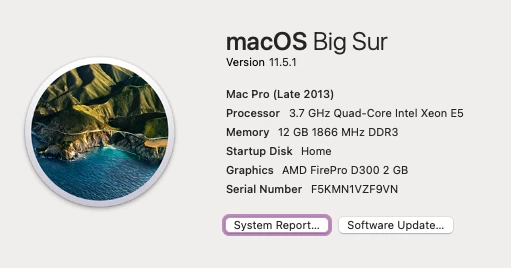
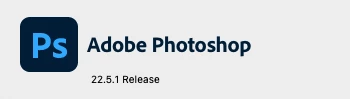
Until this morning I've had no issue with batch actions instigated from Bridge. I've not changed the Action but after reading around on here I have changed the settings in the tools/photoshop/batch dialogue box and stupidly didn't note what they had originally been set to before it all went wrong and I started messing.
What happens is that when I go to a folder in Bridge and cmdA to select all the images, select Tools>photoshop>batch and select from my various actions, (72ppi) it is opening the dialogue box for saving a jpeg. This doesn't usually happen. I have over 600 images to resize and I haven't got time to click 600+ save buttons.
This is the Action:
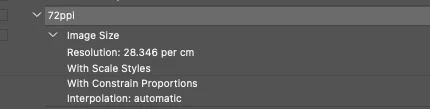
Any ideas gratefully accepted.
I have just done the resizing in Image Processor instead, using the same action. It has worked perfectly. I don't know why it wouldn't work with batch but I have what I needed. Perhaps someone can come up with an explanation anyway?
 AdChoices