


New Participant
April 22, 2013
Answered

Adding Sequential Numbers ON Pictures

  • April 22, 2013
  • 4 replies
  • 46700 views

Hello guys, I am on a project of making 12,500 tickets and so far, I'm at 500 out of 12,500 .. -_-'' I was just wondering if Photoshop or other Adobe programs can Add Sequential Numbers on a particular area ON a picture,

Example: (this is what i 'm doing, i'm doing it manually, saving it one by one.. and it is taking some time, it's been 2 days already)
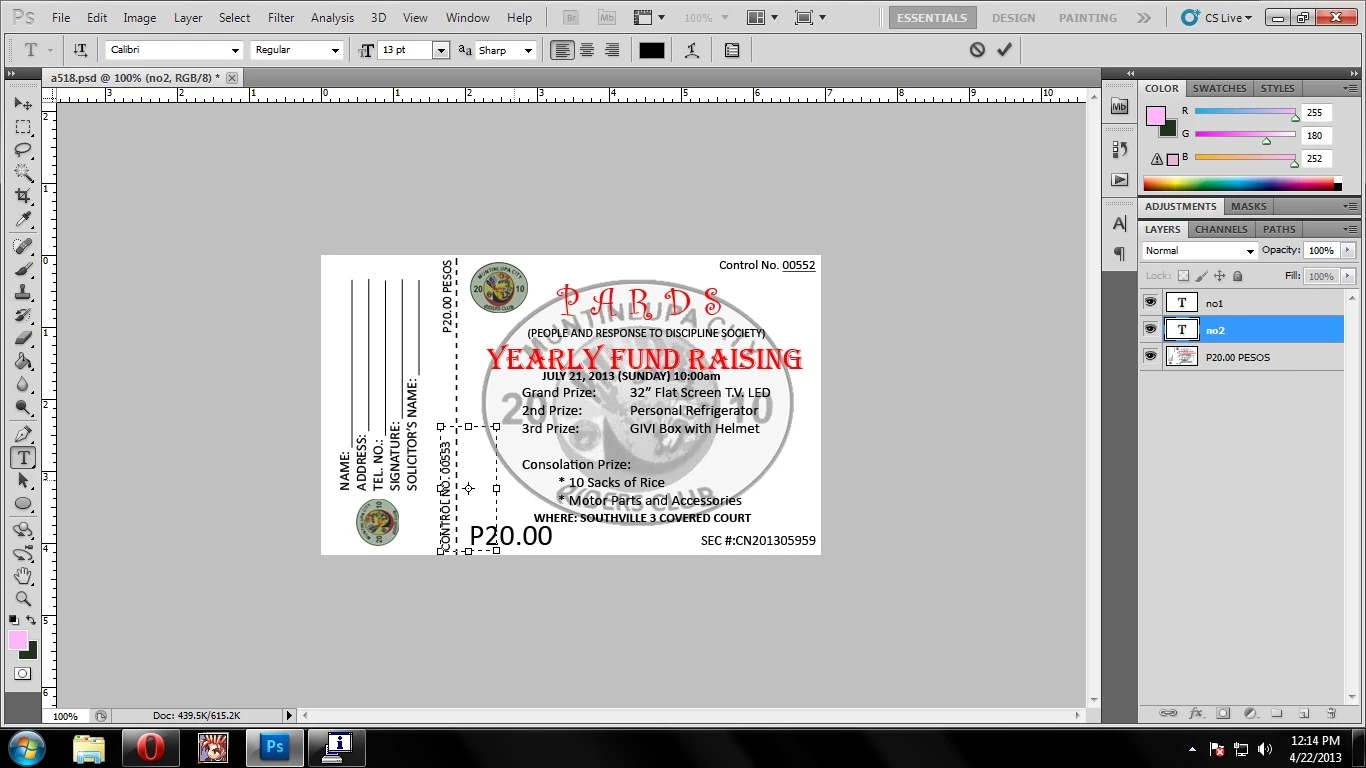
then..
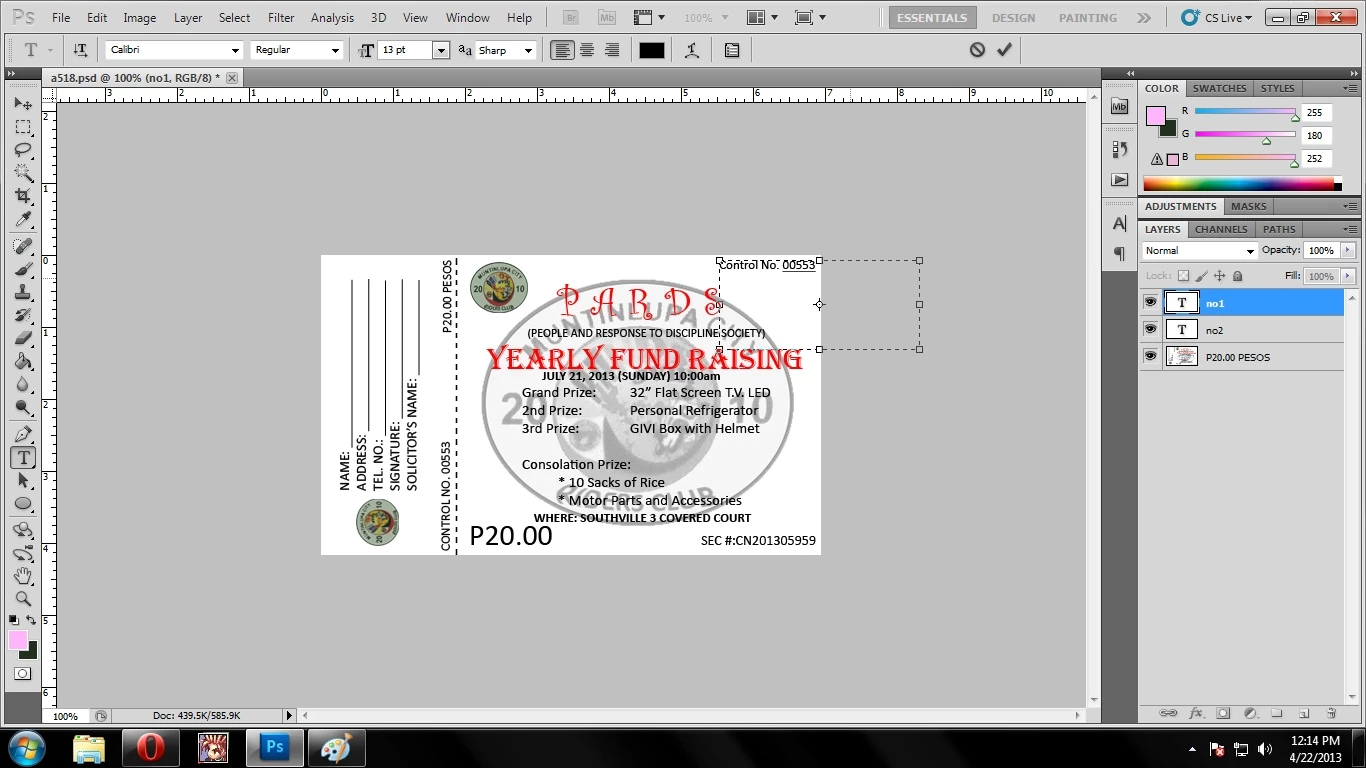
and..
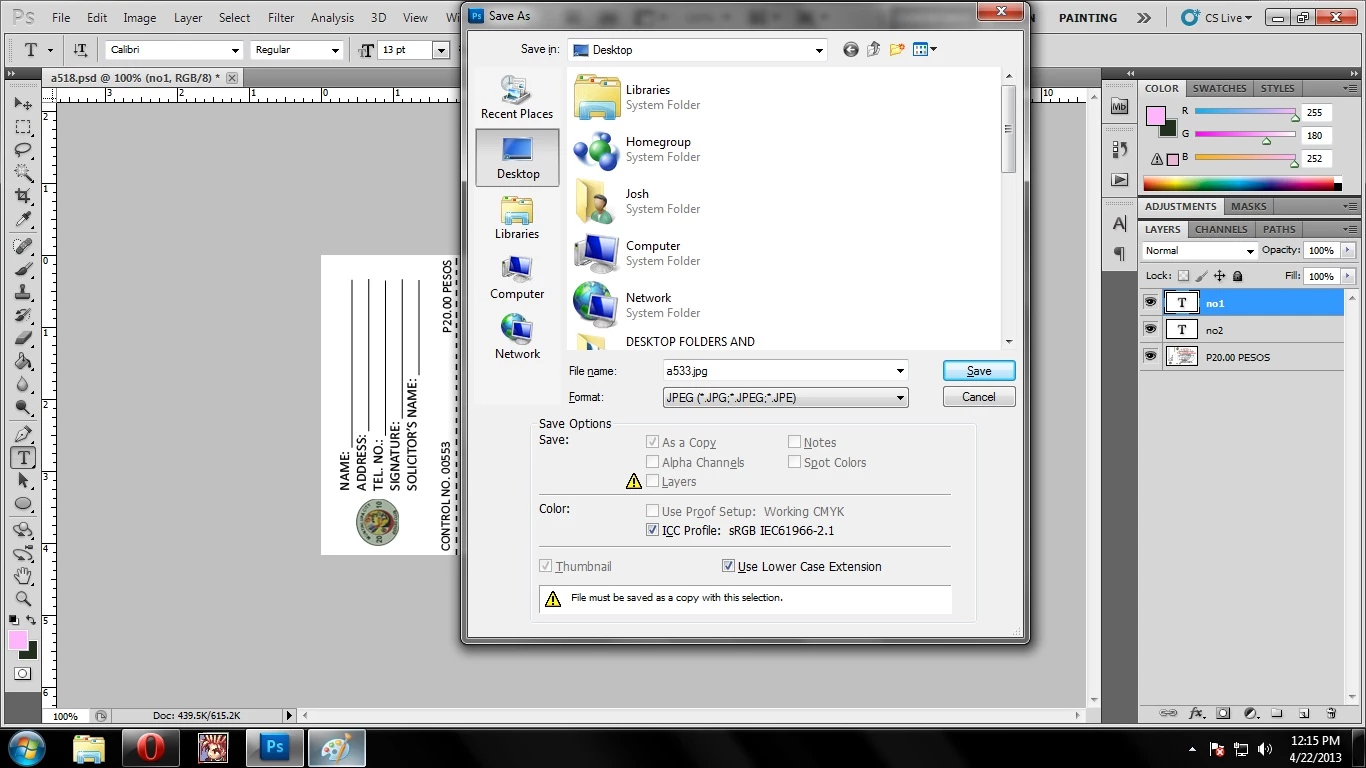
and repeat the process again ..
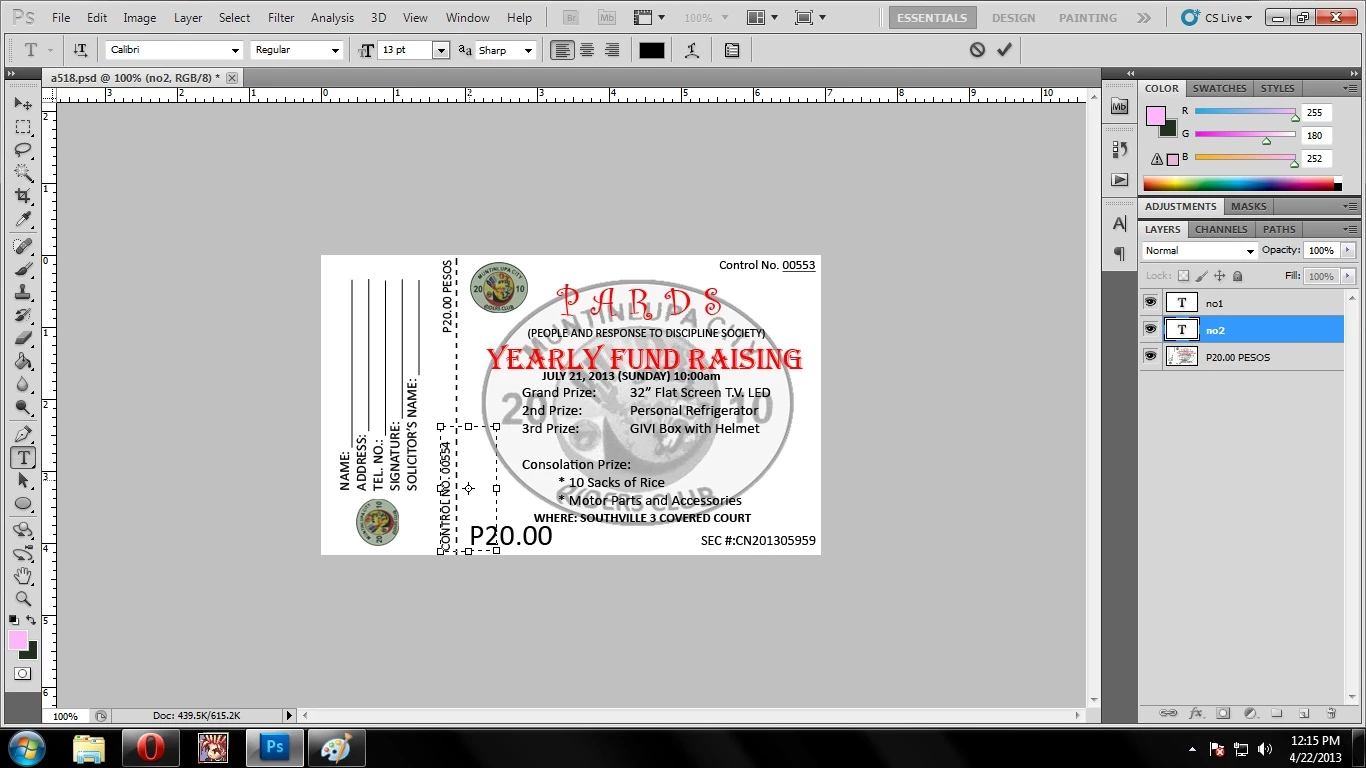
there.. i've tried using recording Action but it didn't help me.. T.T also i don't have any idea on how to use script, (if i have to use script, can you instruct me on a step-by-step procedure or atleast pinpoint me to a thread that explains it, because the ticket's deadline is on May 4th, and again i have 12,500 tickets to make)

also the way that i print this is first as you can see saving it one by one as .jpeg and selecting 9 of the .jpeg files, right click, then print as wallet size, for it to fit in a 8.5 / 11 paper.. there..

Thank  You guys in advance and please i'm desperate!

This topic has been closed for replies.
Correct answer Paul Riggott

This functionallity is built in to Photoshop.

It easier to watch a video to see how its done...

http://tv.adobe.com/watch/adobe-evangelists-julieanne-kost/working-with-variables/

4 replies

Inspiring
August 16, 2022

The Julieanne Kost video is great.
However, creating vector based items such as tickets, etc would be more correctly performed using variables in inDesign. Photoshop can be used to create tickets — but InDesign is the correct tool to use.

Stephen Marsh
Brainiac
August 16, 2022

@Steve K Walker wrote:

The Julieanne Kost video is great.
However, creating vector based items such as tickets, etc would be more correctly performed using variables in inDesign. Photoshop can be used to create tickets — but InDesign is the correct tool to use.


Agreed, or Illustrator...


https://prepression.blogspot.com/2015/03/illustrator-introducing.html


Paul Riggott
Paul RiggottCorrect answer
Inspiring
April 22, 2013

This functionallity is built in to Photoshop.

It easier to watch a video to see how its done...

http://tv.adobe.com/watch/adobe-evangelists-julieanne-kost/working-with-variables/

New Participant
April 22, 2013

this is exactly what i was looking for thank you so much Paul! i am now just processing the tickets into .jpeg thank you thank you so much!

,Josh

JJMack
Adobe Expert
April 22, 2013

Yes a template PSD file a ticket sheet multiple tickets with text layers for ticket numbers is the way to go. You should be able generate the data file required using a spread sheet to enumerate the ticket numbers and write the csv file.

JJMack
John Waller
Adobe Expert
April 22, 2013

If you have InDesign, that would allow you to achieve what you want.

https://www.google.com.au/search?q=indesign+sequential+ticket+numbers

JJMack
Adobe Expert
April 22, 2013

You would need to use Photoshop scripting actions can not do what you want to do. You could print them on roll paper with a script like my paste image roll or build that process into your script. Create large documents with many sequenced tickets laided out in them. The steps are the same steps yod would use in an action however you can use locic to update the sequence number in the setial text layer and position the tickets location.  You need to code in one of three supported scripting language. Javascript is the best choice. you fo not meed to have a dialog like pasteimagerollm Rou most likely want to have a ticket template file that your scrip opens and loop update its serial and paste mintp pace into your print document.  You can look at my pastimageroll script to see how to tile you ticket image into a document.

http://www.mouseprints.net/old/dpr/PasteImageRoll.jsx

JJMack