


Participant
February 4, 2017
Answered

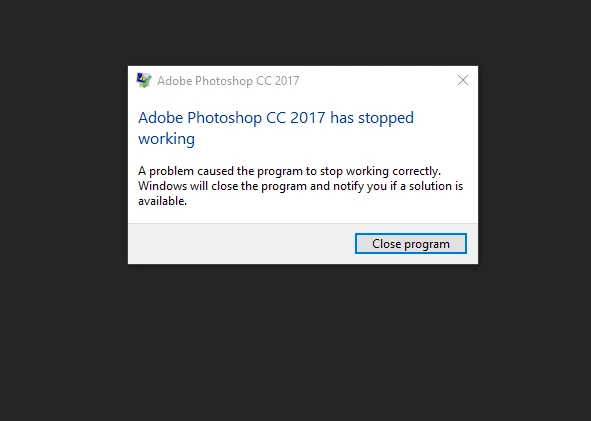
Adobe Photoshop has stopped working.
  • February 4, 2017
  • 3 replies
  • 2365 views

This is the error message I keep getting when starting up Photoshop.  I only down loaded the programme recently and have not been able to open it.  I have a ASUS i7 . Could someone please give me a solution to this problem. Thanks

    This topic has been closed for replies.
    Correct answer davescm

    Hi

    If you are on Windows 10, go to the reliability monitor (just type reliability into the windows search box). Then look for a red cross at the time of the Photoshop message. Click on that cross and you should see a critical event for Photoshop.

    Double Click on the Photoshop event and you will get a box showing details of what happened.

    Post a snapshot here.

    Note : If the details mention Lavasoft - then uninstall Web-Companion /Adaware and you should be fine

    Dave

    3 replies

    Participant
    April 20, 2023

    hardware error, please help


    gener7
    Community Expert
    Community Expert
    February 4, 2017

    Since the dialog is Windows, the common problem is usually Lavasoft's Web Companion.

    You look at Programs in your Control Panel, and if you see Web Companion, uninstall it and reboot your PC.

    Let me know if that worked.

    davescm
    Community Expert
    davescmCommunity ExpertCorrect answer
    Community Expert
    February 4, 2017

    Hi

    If you are on Windows 10, go to the reliability monitor (just type reliability into the windows search box). Then look for a red cross at the time of the Photoshop message. Click on that cross and you should see a critical event for Photoshop.

    Double Click on the Photoshop event and you will get a box showing details of what happened.

    Post a snapshot here.

    Note : If the details mention Lavasoft - then uninstall Web-Companion /Adaware and you should be fine

    Dave