


Question
Aligning Text in Photoshop without the bounding box
In Photoshop, whenever I align text with shapes it dosen't comes in center as shown in Image.
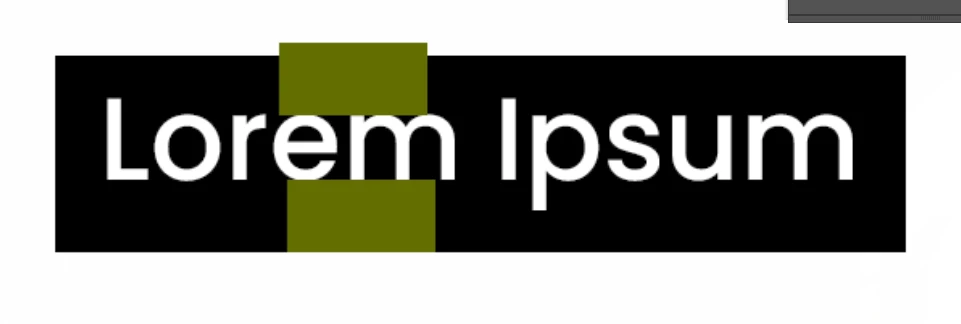
Placed a same shape at top and bottom for better understanding to show the space are not equal at the top and bottom.
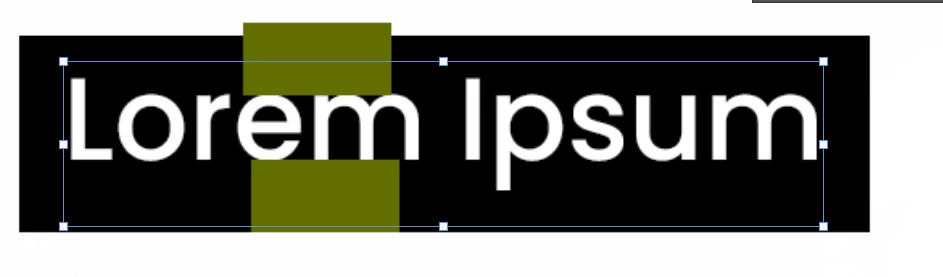
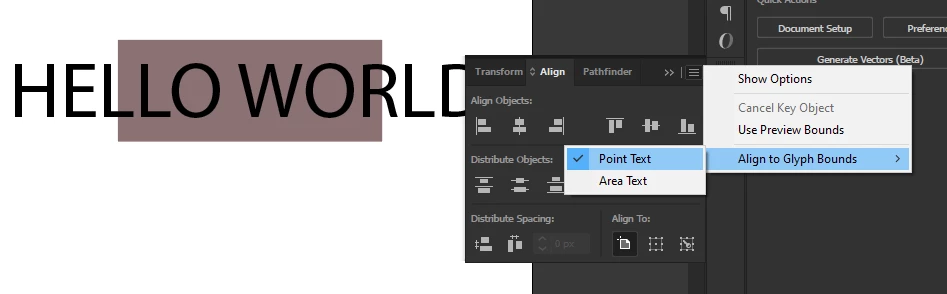
Text comes up with this bounding box when I press ctrl + T. How do I tell photoshop to reject the bounding box and align with point text. Just like Illustrator have option to align with point text.
 AdChoices