


Applying adjustment layer to multiple layers
Hi there,
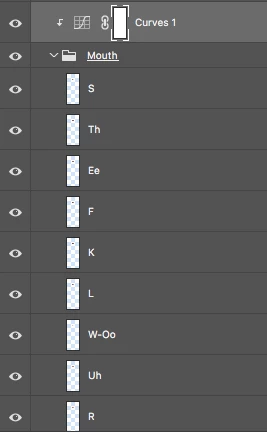
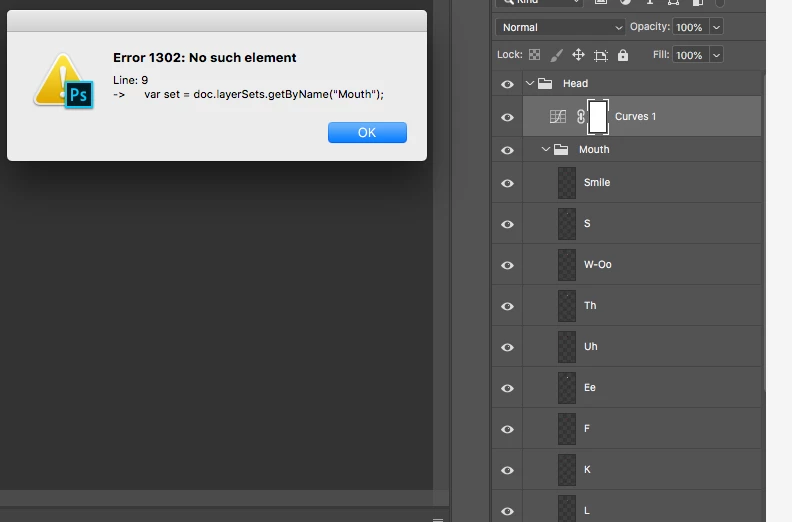
I've read many posts with this same question and earlier in the year I found the perfect solution in a script. I have since updated Photoshop and the script disappeared. Now I can't find it again. What I need to do is apply the adjustment layer to all the layers in the group. I need to do this to every mouth layer of every character I have going into Character animator. There are several of these so the manual way of applying the adjustment is very tedious. Especially as Photoshop names the merged layer according the top layer so I have to go through and rename everything on top of all the manual layer merging management. The script was very neat, you would put the adjustment layer or layers inside a group with all the layers in need of adjusting then run the script and it would adjust all layers in the group. Massive time saver. Has anyone out there come across this script???? I love script writers, you are my heroes.
 AdChoices