


Participant
September 17, 2014
Question

As a user of Extract, I would like to have the ability to open/access assets and information contained within smart objects or linked layers. Is this possible?

  • September 17, 2014
  • 7 replies
  • 4288 views

Problem:

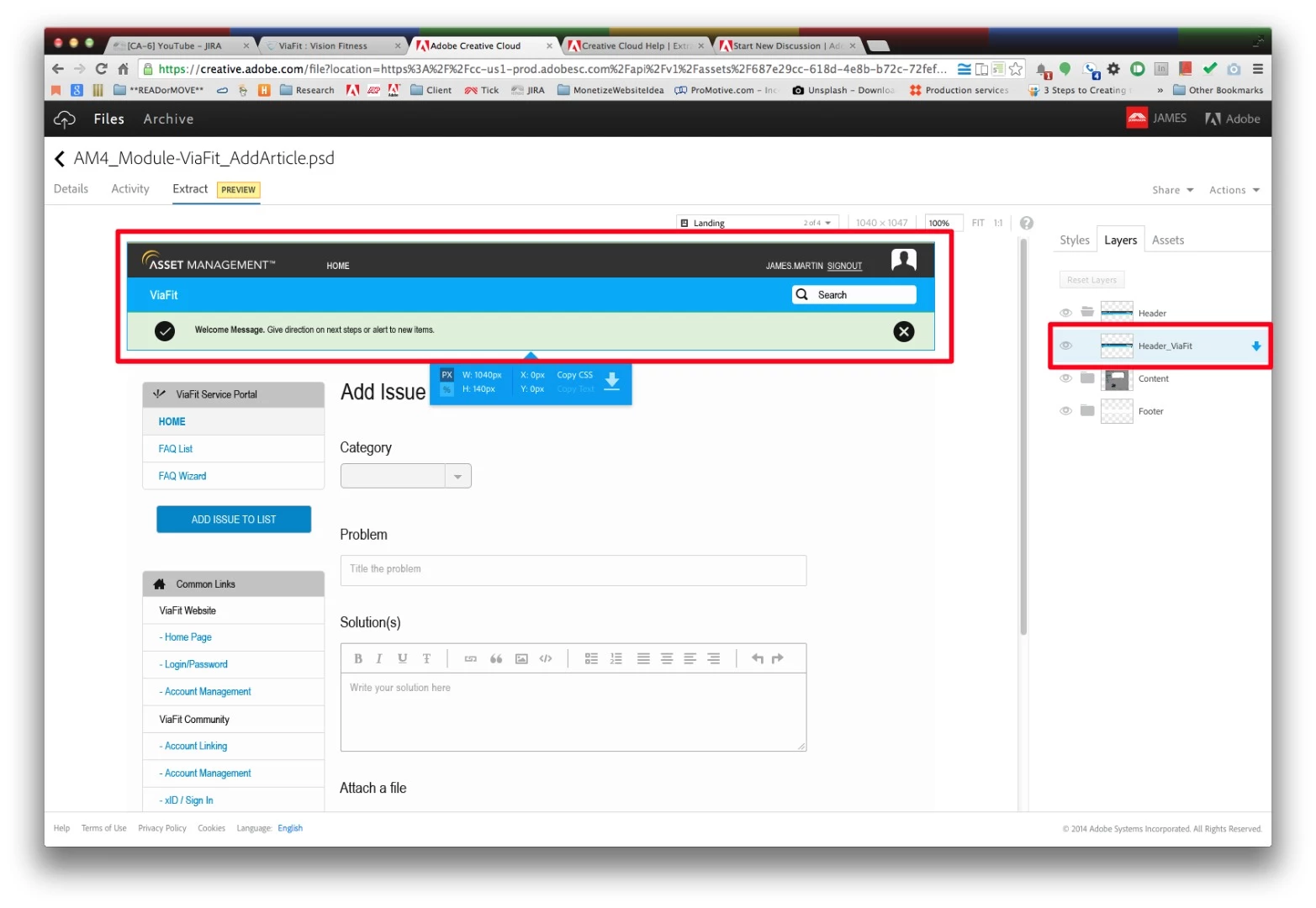
In Extract ( ) a user is unable to access assets or information from smart objects or linked layers.

Usage:

  • Smart Objects/Linked Layers are useful for templated web workflows
  • @Sectioning content allows for a holistic view with access to granular information

Possible Solution(s):

  • Could we create a link between to cloud files.
  • Could a smart object or linked layer be expanded on upload
  • Could we create a drop menu like the layer comps that includes related files
This topic has been closed for replies.

7 replies

Jose Somolinos Accedo
Inspiring
February 18, 2016

Then I don't understand the phrase " We also display the colors, fonts and gradients from the included Smart Objects in the Extract Styles panel." said by brucebowman‌ as the is not the case, at least in my files. I just see both types of smart object, linked and embedded, as I could see a flat jpg. The only info I can get is the relative distances and the total size, but not any more detail.

This is the normal behaviour or Bruce is write and some lucky users have the possibility to read some basic info into the smart objects.

Thanks,

José

Participant
February 17, 2016

Hi All --

Thanks so much for the input around drilling into smart objects. However, at this point we do not have plans to enhance the Extract functionality.

cheers,

-Ethan

brente206
Participating Frequently
February 17, 2016

"...at this point we do not have plans to enhance the Extract functionality."

Like, at all? Or just the smart objects stuff we've been kicking around on this thread?

There is so much more to build on Extract. 

-Brent

Participant
February 17, 2016

Sorry, I was only speaking about the smart object requests in this thread.

cheers,

-Ethan

christianm55602369
Participant
February 11, 2016

Hello,

Any progress on this? Embedded Smart Objects are part of our workflow for efficiency, and it's quite a task to unpack them before we upload to adobe assets for extraction.

cheers

Jose Somolinos Accedo
Inspiring
February 3, 2016

Both embedded and linked smart objects are important for our flow.

"We also display the colors, fonts and gradients from the included Smart Objects in the Extract Styles panel."

this does not work for us, we see smart objects as flatten images. We can't extract any information of them. Is this a bug or is just that the feature is not yet in place?

Thanks for any update on this, it is crucial for us.

José brucebowmanstuart k

Participant
January 4, 2016

We use linked objects in our workflow (far more powerful than embedded) and would also like to be able to read them in extract. Option A sounds fine, am sure the exact solution could be tweaked but would prefer any way at all the moment. Is there any update on this?

brucebowman
Participant
September 24, 2014

Hello Martin,

Our current support in Extract for Smart Objects includes showing them in the file, and using them on the backend when you request your layer(s) to be scaled while exporting (i.e., when scaling up, the highest quality image is used).  We also display the colors, fonts and gradients from the included Smart Objects in the Extract Styles panel.

We have considered providing a way to open Smart Objects from within Extract, and could use some feedback from you on how this user experience would work best for you. Would you prefer option a) or b) below, and why?

a) When opening a Smart Object, it opens in the current browser window, replacing your current view of the PSD.

b) When opening a Smart Object, it opens in a new browser window, which receives focus (is the frontmost browser tab/window).

Also, if you tried to open a Linked Smart Object when the linked file is not available, what would you expect to happen?

Would you describe in more detail what you mean by: "Could a smart object or linked layer be expanded on upload?" and how you'd use this feature?

Regards,

Bruce Bowman

Participant
March 27, 2015

Hi Bruce,

In lieu of the original poster, I would very much like to be able to inspect smart layers in my designs. My current workflow is manually extracting and saving them to creative cloud, which is pretty tedious. To answer your first question: I prefer option A with the choice of middle mouse click to open in a new screen, i.e how a link regularly works. The poster meant with "Could a smart object or linked layer be expanded on upload?" that, instead of a single layer of the linked smart object, we'd see the expanded group of layers inside of the current psd layers list.

An unavailable linked smart object is an error, though I doubt whether you'd be able to show it in the psd and extract colors from them in the first place?

Cheers,

Kilian

elainecc
Community Manager
Community Manager
September 24, 2014

Hi, Martin-

Just discovered your post in the Creative Cloud forums and moved it to the Extract forum. Great question!

-Elaine

Participant
September 24, 2014

Thanks Elaine