



Auto-Align in Stacking feature no longer works
I'm using PS CC version 20.0.6
I'm basically trying to stack two images of the moon.
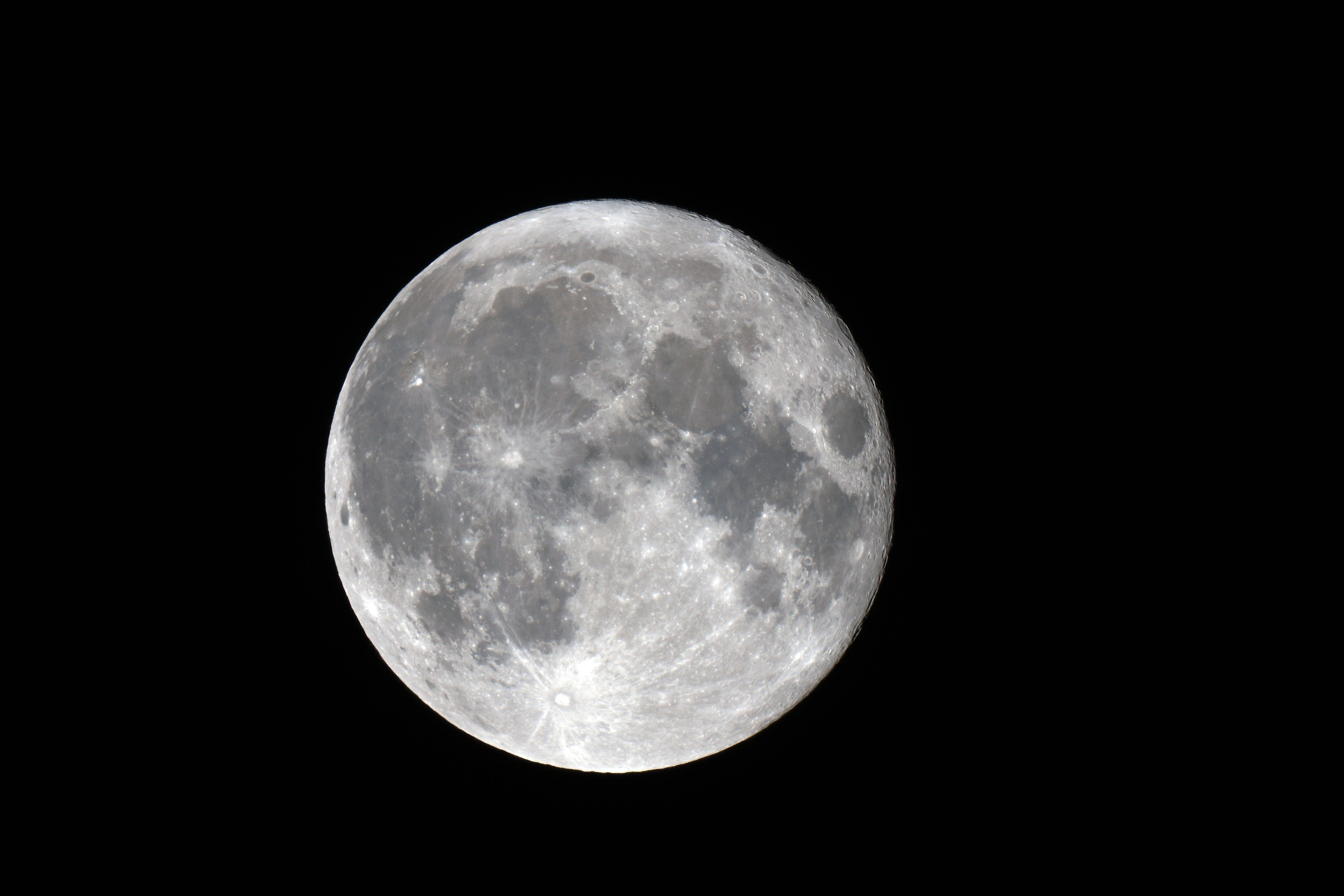
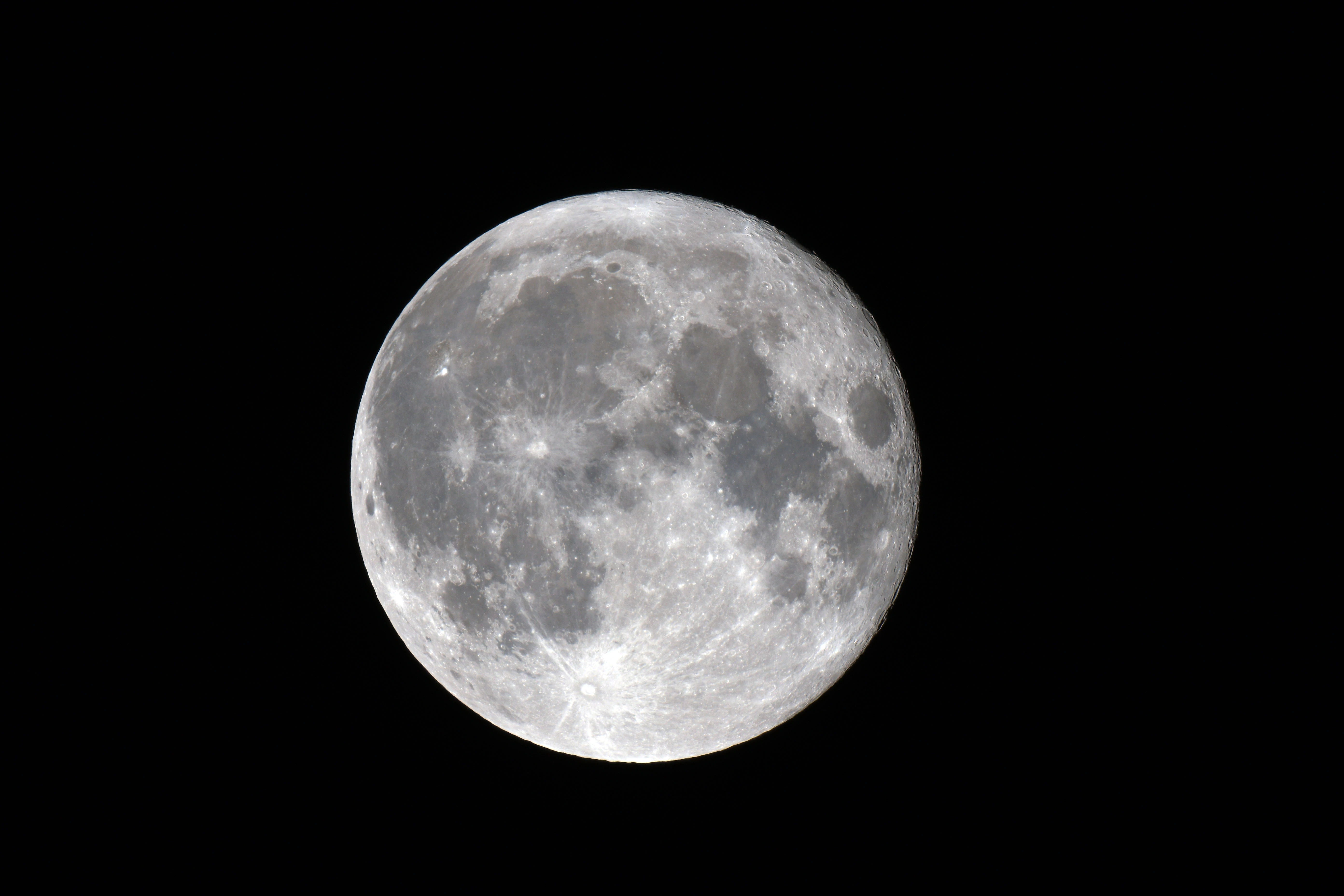
I have tried two different methods in trying to get the images to be aligned so that they can be properly stacked, both have failed because the auto-align feature is no longer working. Here are the exact steps I am doing:
Method #1
1. File > Scripts > Load Files into Stack
2. Click Browse, select files, check Attempt to Automatically Align Source Images, click OK
3. Open Layers and select all images
4. Edit > Auto-Blend Layers, select Stack Images, check Seamless Tones and Colors & Content Aware Fill..., click OK
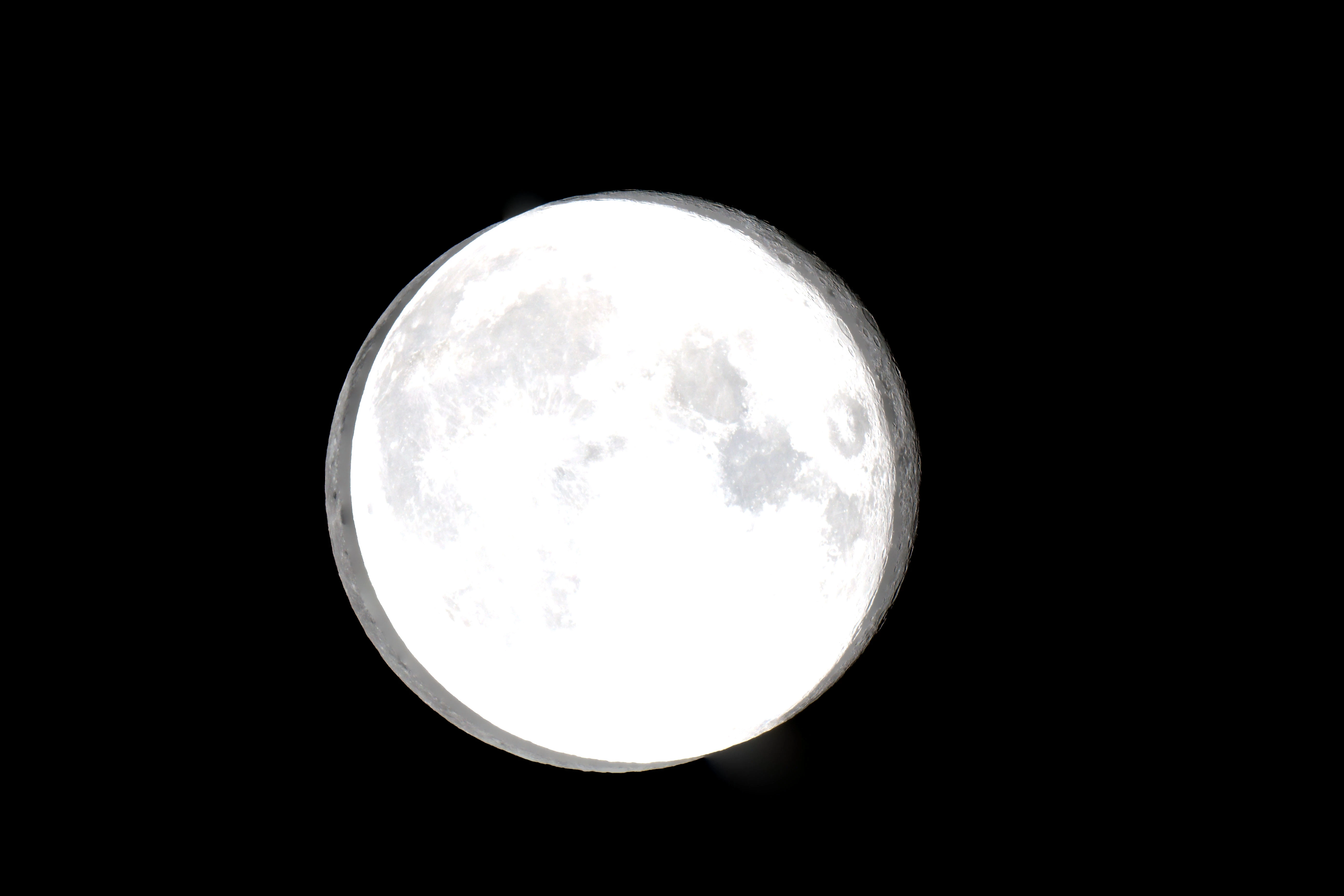
Images are skewed as the Automatic Align feature does not align the images as can be seen below.
Method #2
1. File > Scripts > Load Files into Stack
2. Click Browse, select files, click OK
3. Open Layers and select all images
4. Edit > Auto-Align Layers, select Auto, click OK
Get error message "Layers do not overlap enough to detect alignment". This is incorrect as 90+ percent of the images overlap.
I have done image stacking numerous times and have never had a problem until now, after the last update or two (it's been a couple of months since I have last done any stacking). Has something recently been changed that I can do to correct this? I am aware that I can align the images by hand but stacks more than a couple of images can be very time consuming.
 AdChoices