


Automatic Detection of Scale Bar/Insert New Scale Bar
Two quick questions. I have never scripted much, but I have an idea which would help my workflow professionally.
The first questions is whether there are any professional services which I might be able to contract in order to have a script developed?
The second question is in regards to whether my scripting idea would even be possible in Photoshop.
I do research using electron microscopes, and as such in every micrograph I collect there is a scale bar. Unfortunately, the scale bars are not aesthetically pleasing, and so I bring them into Photoshop. Typically I will rescale, cut, paste, etc to use the images to tell the story about the data. One of the things I always do is draw a line trace over the scale bar on the image (typically with my own font and applied stroke) and then adjust it (whether I want to double the scale, etc) to make it look more professional. On all of my micrographs there is a black information bar with white lettering and a white scale bar (see attached). Is there any way to write a script that would automatically read the region where the scale bar is located and then draw a new layer with a line the same size (with the line properties desired) using a Fourier transform or some other mathematical algorithm? If that is possible, the next step would be to read the scale bar size and do a similar function with inserted text.
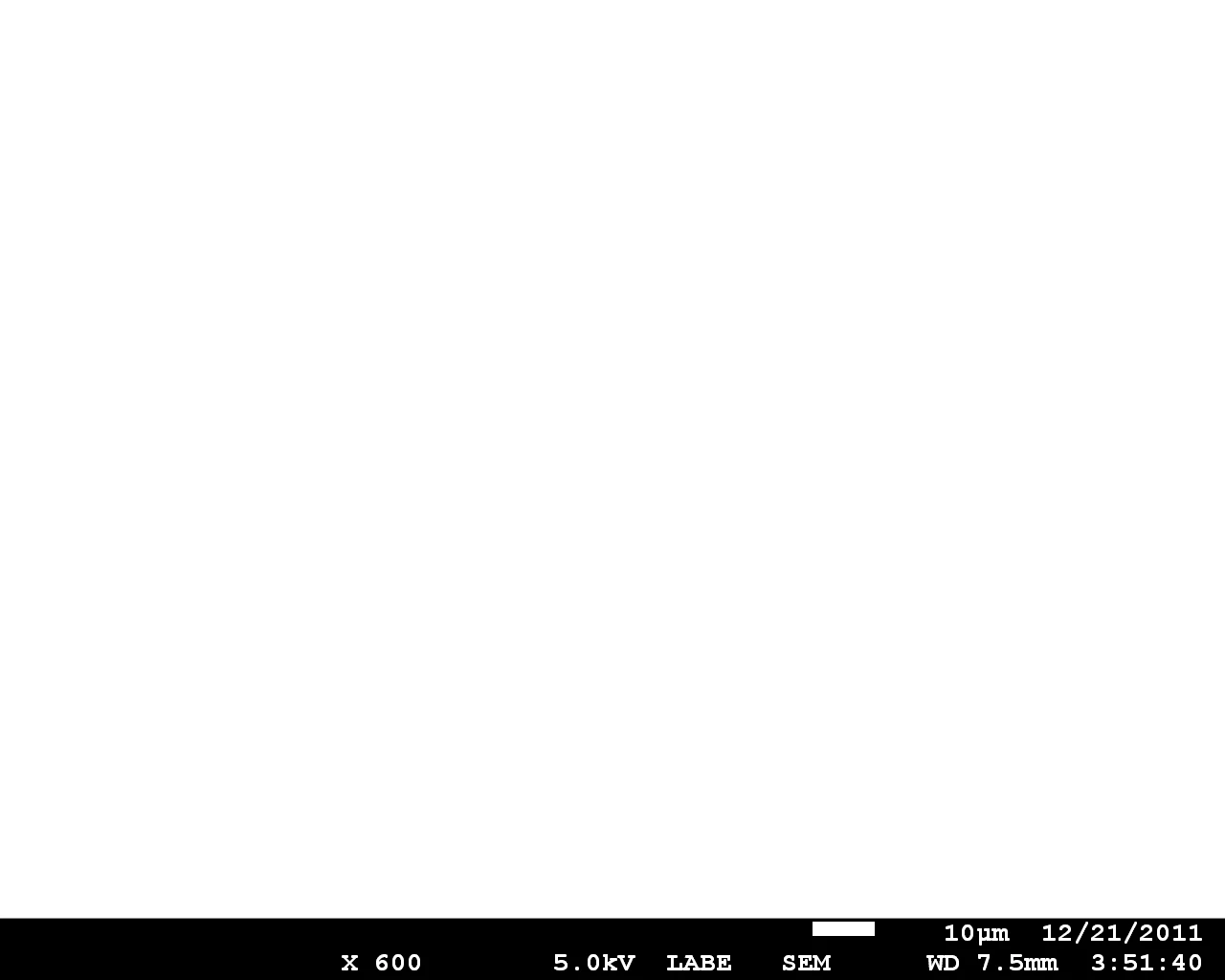
Thanks,
Matt
 AdChoices