


New Participant
July 6, 2017
Answered

bitmap extrusion wall expansion

  • July 6, 2017
  • 1 reply
  • 364 views

Ok. This can't be too hard to understand? eh?

This is a bitmap created from an indoor scan of a Mall.

I've been using them to be extruded into 3d models.

(inserted below)
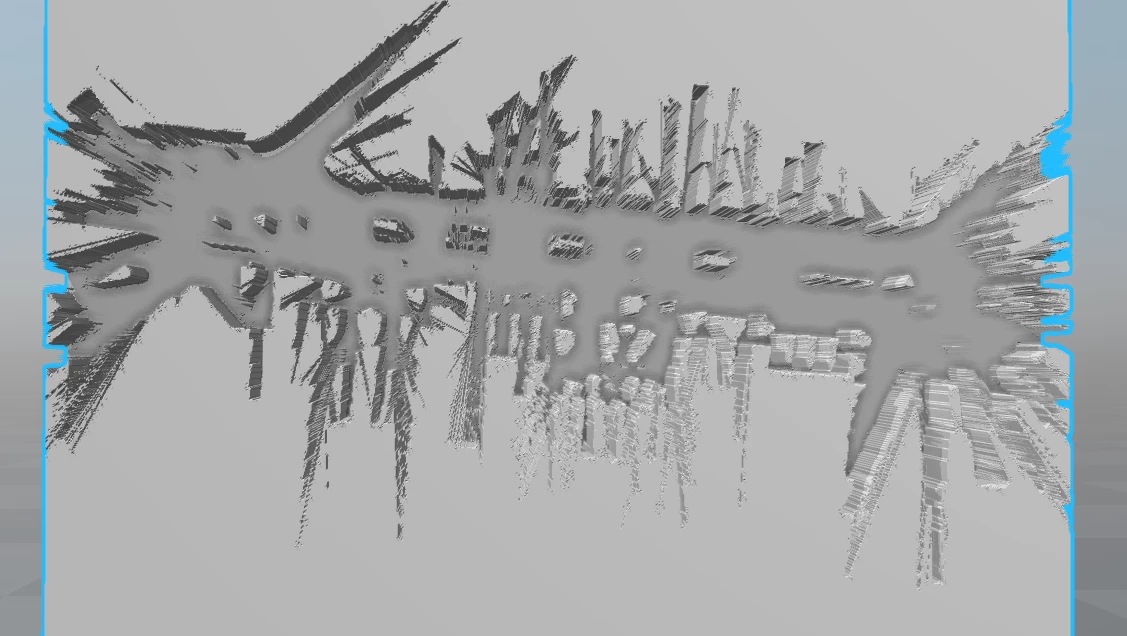
however, This is really messy and instead of having dugout-type hallways, I want to have building-like walls. To do this, the black pixels on the edge of the scan need to be combined and thickened. Is there any way I can outline or expand the size of each black pixel to join with the next black pixel and make a wall?

sorry if it's confusing. here's an example of what im looking to do.
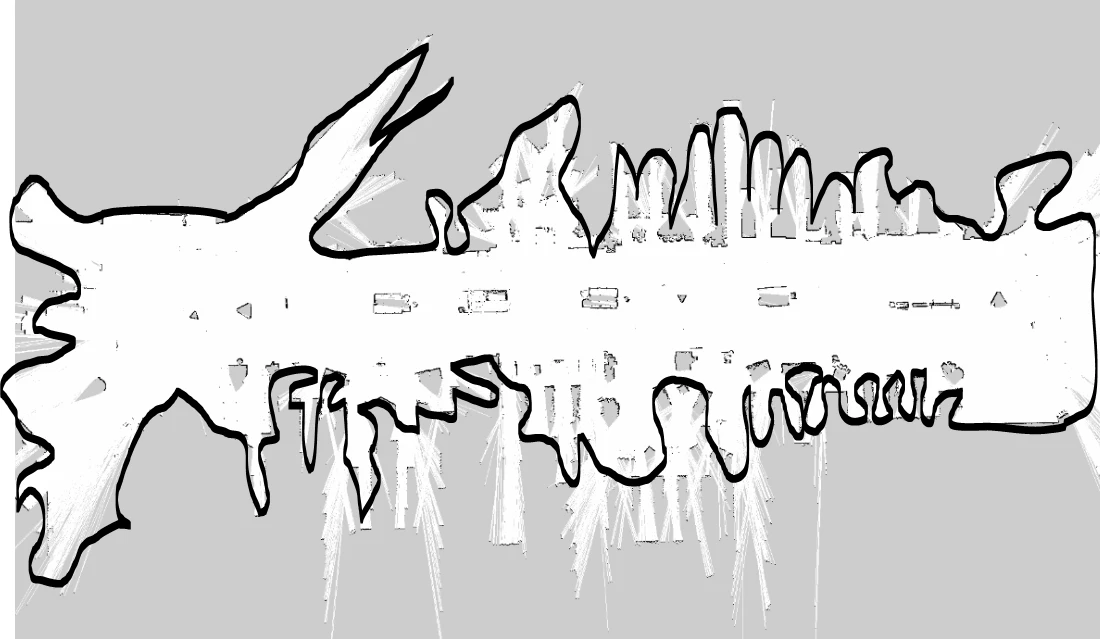
Yes, this is very rough, and there's probably no way to make it complete the line all the way around, but can I use those black pixels on the edge to connect somehow or bleed outwards so it's more than one or two pixels of edge all the way around?

thanks

-Jon

This topic has been closed for replies.
Correct answer davescm

It took about 30 seconds.

I selected the grey colour with select color range.

Added a layer layer mask hiding that selection.

Then added a layer style with the black stroke. (that layer style could be copied and pasted to other layers).

Dave

1 reply

davescm
Community Expert
July 6, 2017

Do you mean like this - which was just a mask then a layer style stroke

Or have I missed the point? If so - please explain further

Dave

New Participant
July 7, 2017

That looks like a good option, but I have like 20 of these files and I don't want to do it manually. Is there an effect or something that would automatically do that so I don't have to manually do that? I've been using batches and automatic processes to go through each bitmap.

davescm
davescmCorrect answer
Community Expert
July 7, 2017

It took about 30 seconds.

I selected the grey colour with select color range.

Added a layer layer mask hiding that selection.

Then added a layer style with the black stroke. (that layer style could be copied and pasted to other layers).

Dave