Participant
June 21, 2017
Answered

Blank Screen in Photoshop

  • June 21, 2017
  • 1 reply
  • 912 views

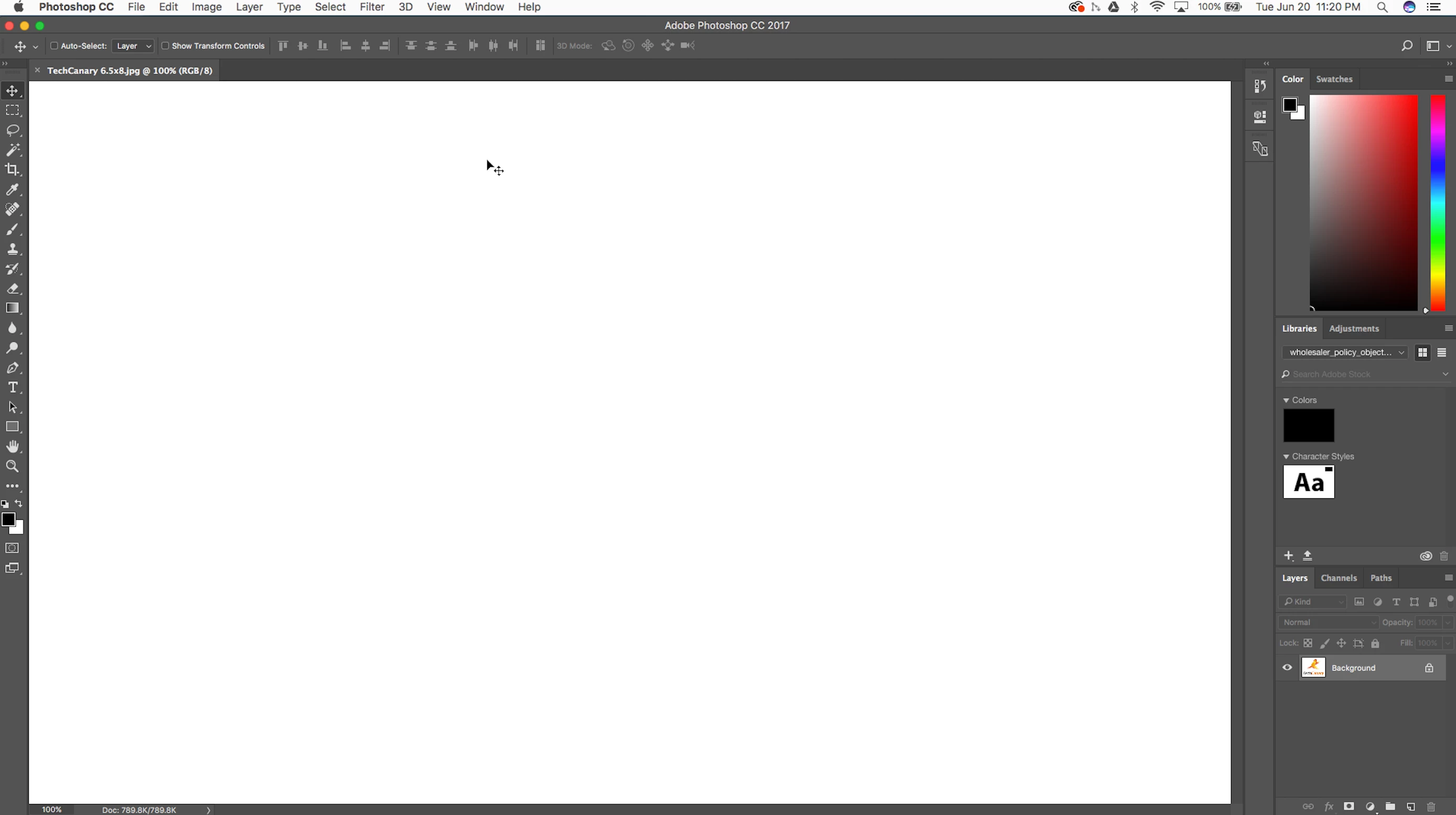
No matter what I do, Photoshop from always shows a plain black or white art board and if I move the cursor over it, white and black squares and streaks appear. Any images I open in the application can't be seen. I've tried reinstalling it, but it just won't work properly. Has anyone experienced this? Have you heard of a solution? It's been months now where I can't use it at all... Thanks for any help.

MacBook Pro

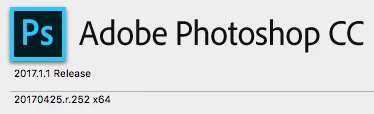
MacOS Sierra 10.12.2
This topic has been closed for replies.
Correct answer c.pfaffenbichler

Does turning off »Use Graphics Processor« in the Performance Preferences (Photoshop > Preferences > Performance > Graphic Processor Settings) and restarting Photoshop have any bearing on the issue?

1 reply

c.pfaffenbichler
Community Expert
c.pfaffenbichlerCommunity ExpertCorrect answer
Community Expert
June 21, 2017

Does turning off »Use Graphics Processor« in the Performance Preferences (Photoshop > Preferences > Performance > Graphic Processor Settings) and restarting Photoshop have any bearing on the issue?

ThorCampAuthor
Participant
September 19, 2017

YES!!! Thank You!!!

c.pfaffenbichler
Community Expert
Community Expert
September 19, 2017

That is no proper solution as it invalidates GPU dependent features (like the Rotate View Tool for example) but it indicates problems with the GPU driver or the OS.