


Blending in objects with different colors
Heya!
I'm really a beginner with PS and only recently started using it to create a few images of everyday objects as if they were turned into gold.
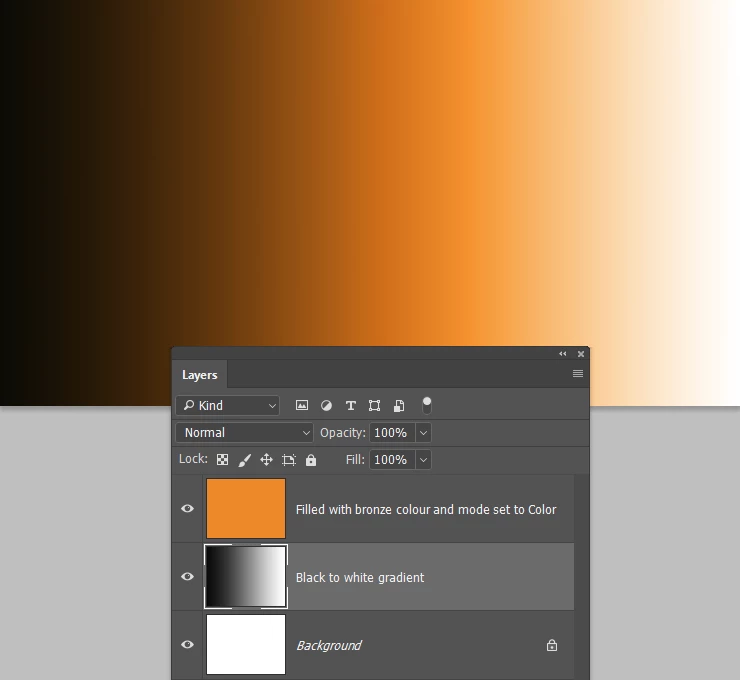
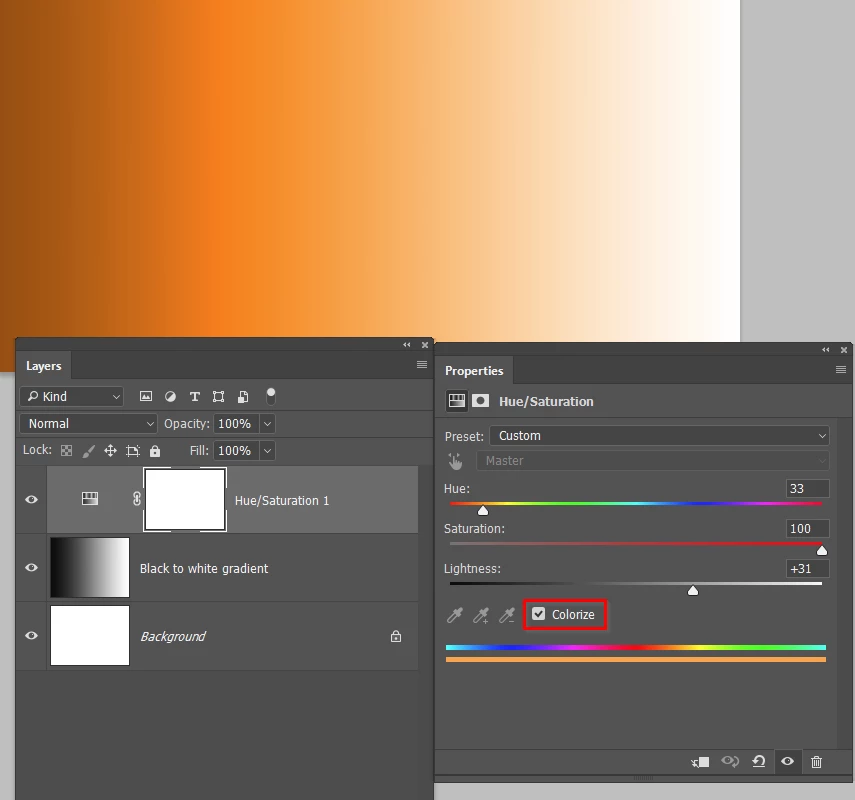
I first select the items out of the picture, then I add a solid color layer with a light yellow color and set it's mode to "color", then I add a curves layer for the shine.
The object itself looks not bad, and I don't really need any more detail, but it just seems like it doesn't blend in well, and very easily noticed to be edited.
This is probably a super common question, but I was wondering how can I make it seem as if it was natural, to blend in with the background more.
I'll attach links to 2 edited images that i've made, so you can take a look at what I mean.
I just can't put my finger on what's wrong, I believe it's something with the lighting, and if so - how can I fix it?
Thanks in advance!

 AdChoices