



Calibrated my monitor using DisplayCAL, and now overwhelmed and frustrated with color management...
So, I've pretty much only ever work in sRGB, and I recently got a SpyderX and calibrated my monitor using DisplayCAL. That all worked out well, and my profile says my monitor is 99.9% sRGB coverage.
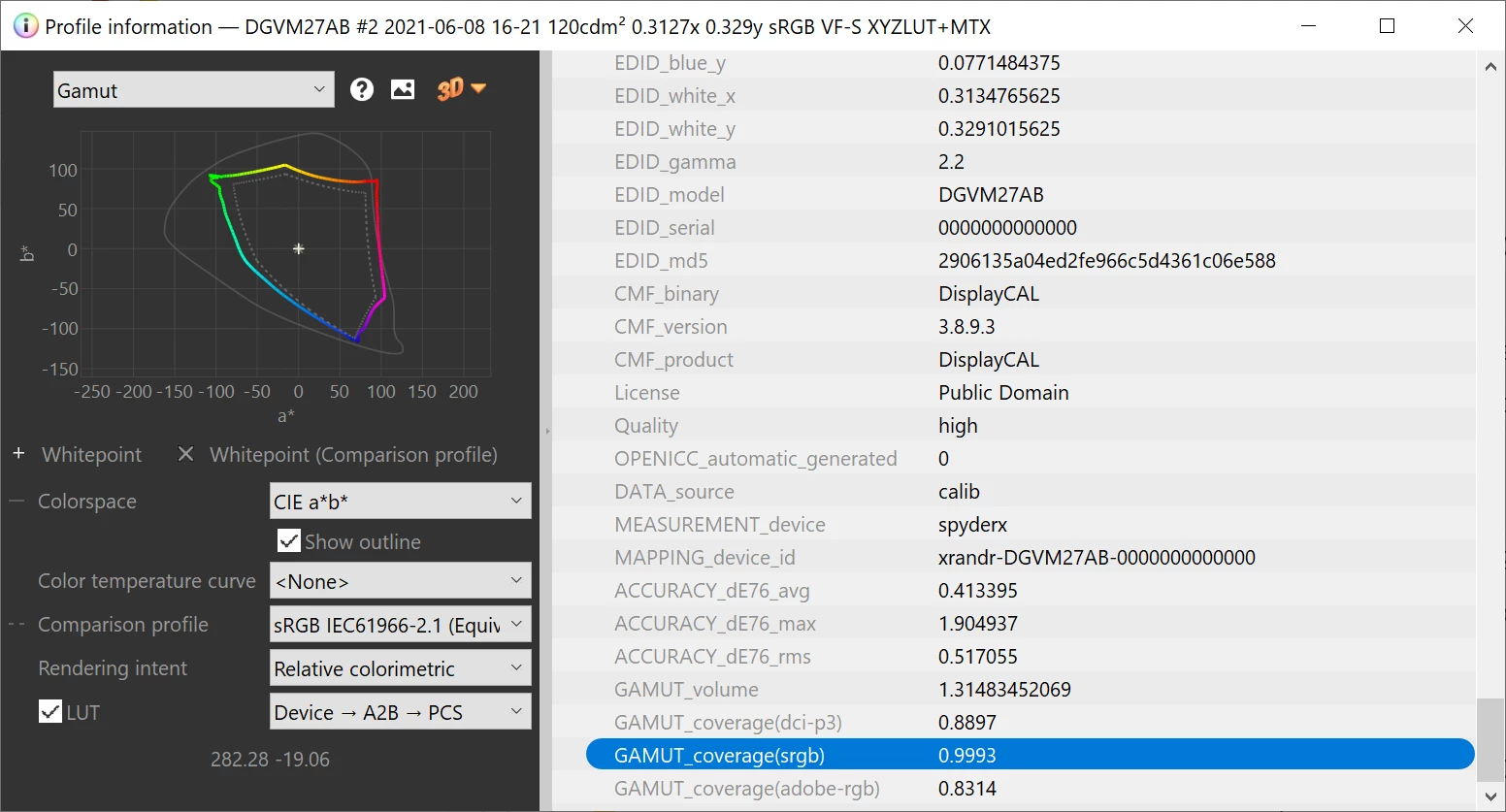
So is it wrong for me to expect images I look at say using Windows Photo browser or even Chrome not to look identical or at least close to the same when working on them in Photoshop using the sRGB color space? Because they don't, and it's driving me crazy. Images in Photoshop look more desaturated, and maybe a tiny hint of yellow. When I export it using the sRGB profile, and then open it anywhere else, it's pretty good. Why does this happen if my display is nearly 100% sRGB? I'm so confused on what is happening, and how to fix it, if it even can be fixed. Here is a side by side of what I see in Photoshop, vs what I see in Windows Photo...
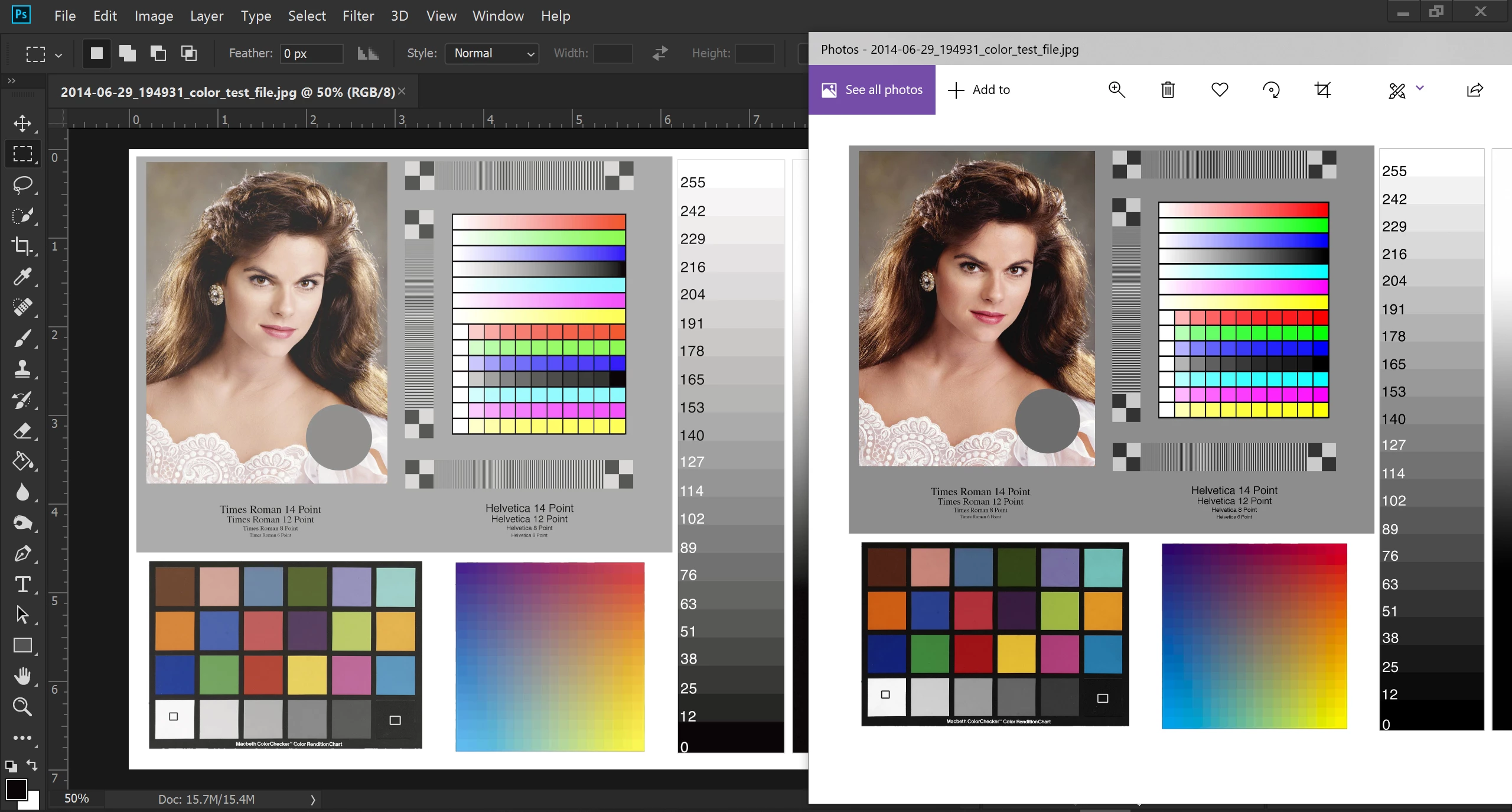
Here is another example, and where I really started to notice the changes...
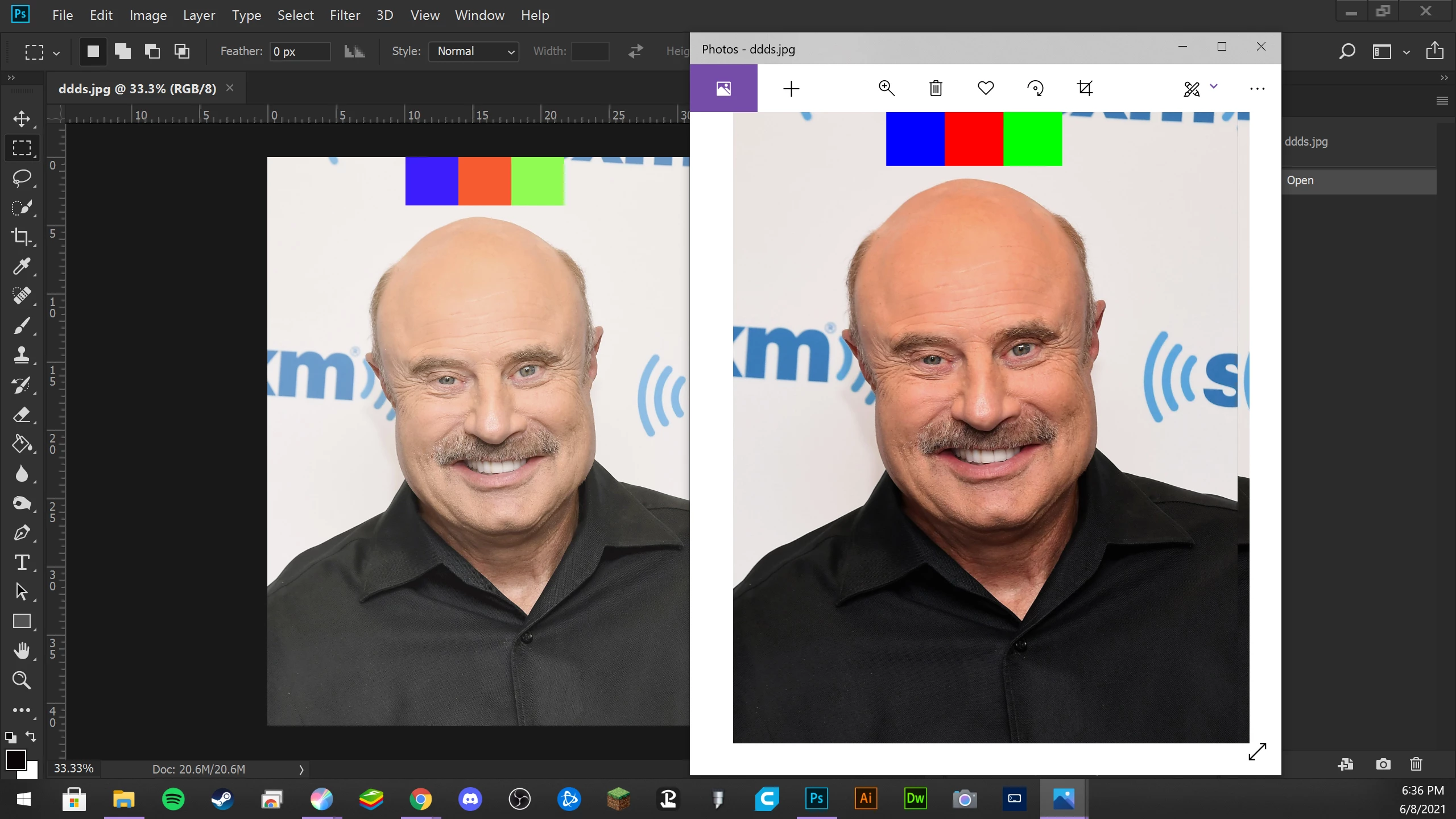
From this photo I feel like what Photoshop is showing looks more accurate. You can actually see detail in his shirt, and what Windows Photo shows is darker and more saturated. However, it's not just Windows Photo, it's pretty much anywhere outside of the working file in Photoshop. Even at the Photoshop start screen where it shows thumbnails of recently opened images it is darker and more saturated.
I'm going crazy over here, if anyone has any ideas, suggestions, or pointing out what I'm doing wrong. I'd appreciate it. Thank you
 AdChoices