


Can't change image size when exporting in Save to Web
- July 14, 2021
- 7 replies
- 7778 views
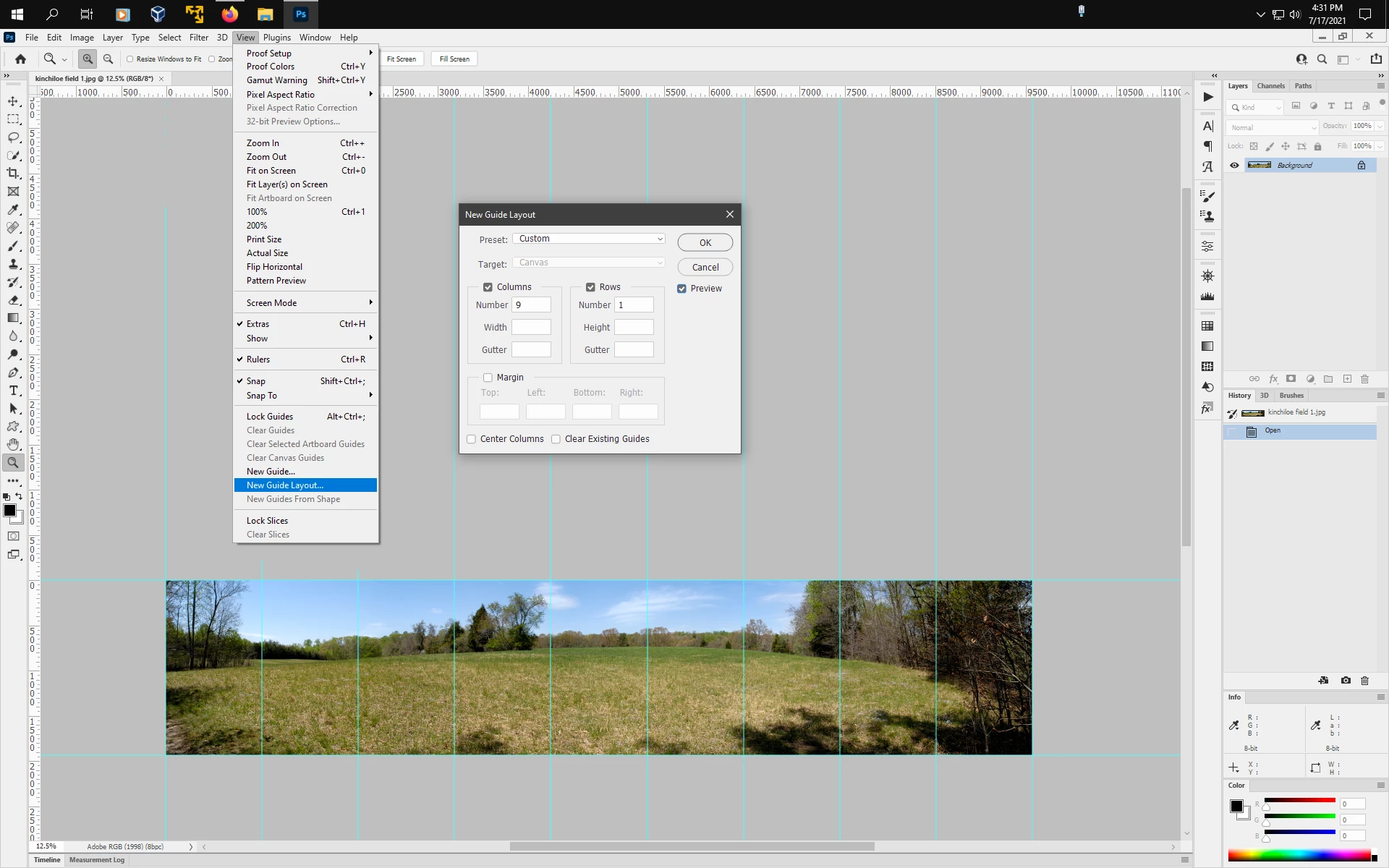
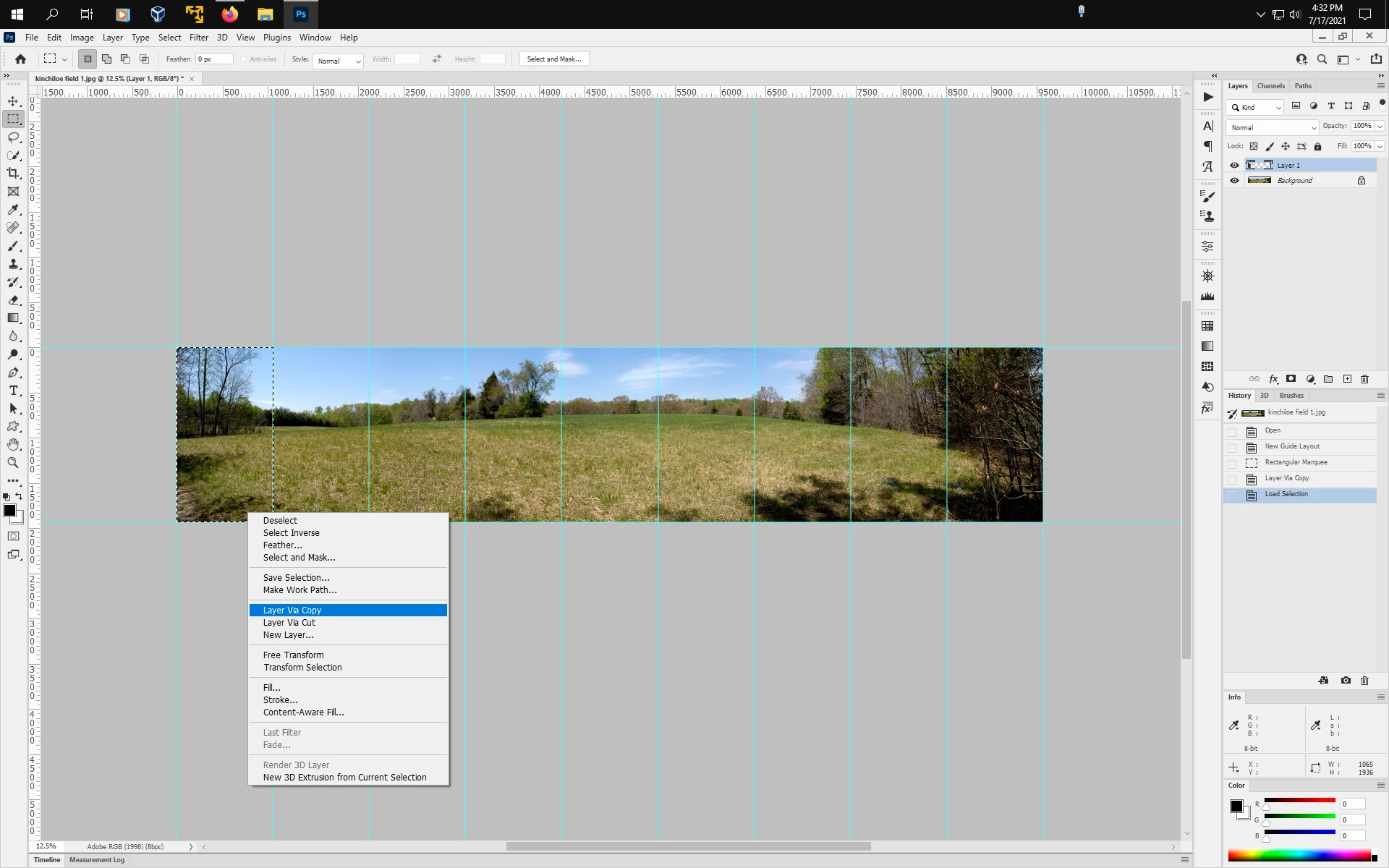
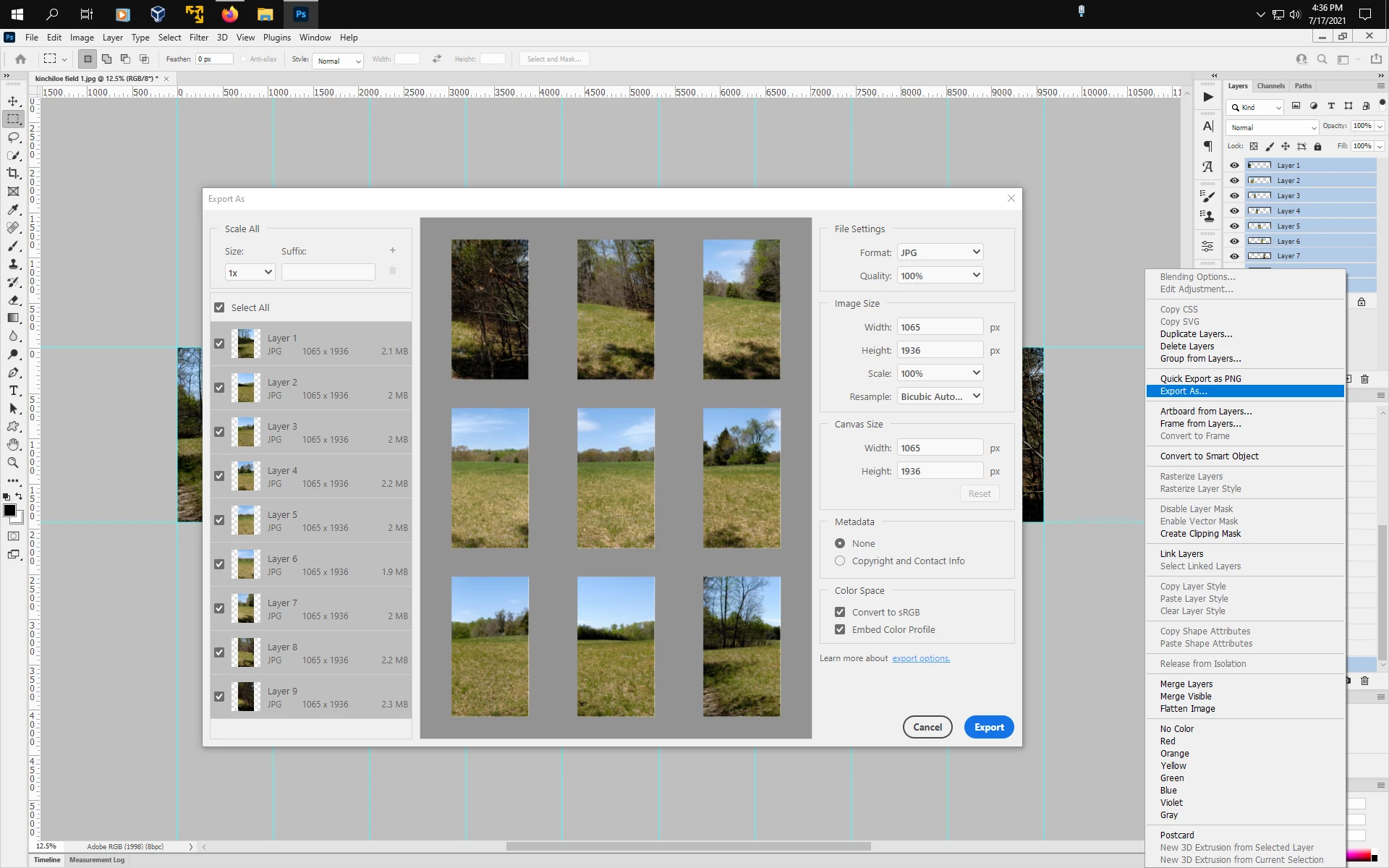
Hi, I am creating an instagram carousel in photoshop - i.e. a very long canvas. I created a new blank canvas with the custom dimensions of 1350 for height and 9720 for width (it will equal 9 slides that are 1080). I added multiple images and then split the canvas into 1080 sections. When I go to export Save for web legacy, it shows that the image size is 8192 W and 1138 H. That's odd. When I try to change it to 9720 and 1350, it gives me this error. So I went with it to see what the images would look like but that has reduced the quality of my image slides. I go back in and double check that my canvas size is still what I put it as and sure enough it still is 9720 + 1350. So shouldn't the image size in export match that? If so how can I change it?
 AdChoices