


Can't edit a path from pen tool because the path window only shows mask options
I've spent an obscene portion of my holiday googling how to color a line in Photoshop 2022, so any help would be appreciated!
When I drew this line, the pen tool was set to create a shape, not a mask, which I realize I should have adjusted first, but it's still weird to me that I would have no ability to edit a shape either. All options to either stroke the path or edit the stroke of the shape are unavailable, and the only options for converting the mask I can find are to convert it into a smart shape (which led to several other dead ends), a frame, or rasterized layer.
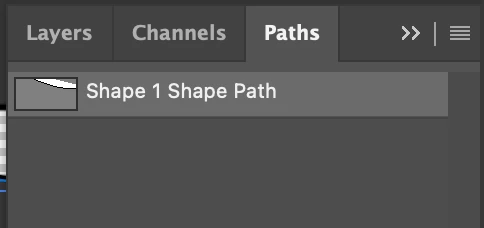
This is all I see in the path window when the layer is selected:
And here is what shows up for properties:
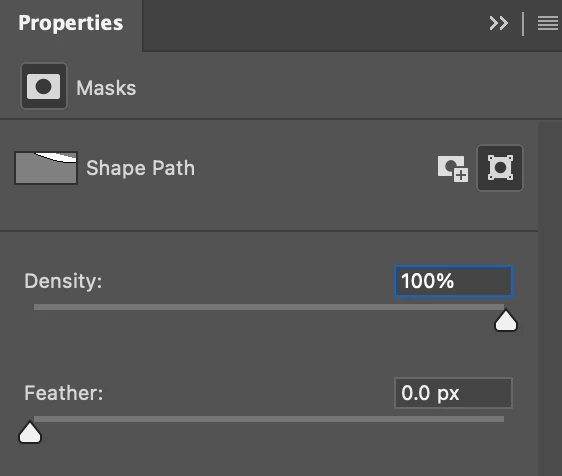
The vector mask cannot be deselected.
How do I disable this feature? All I want to do is edit the color of the lines that I've now based my whole design on.
 AdChoices