OK, we can work with that.
In the time line use the drop down and change it to Frame Animation.
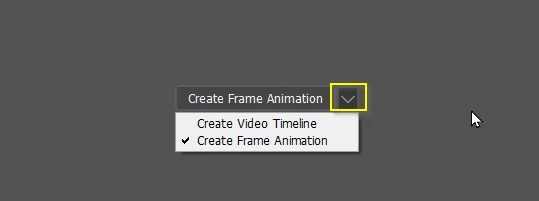
Click on Create Frame Animation which will create your first frame.
In the pop out menu in the top right corner of the timeline, click on Make Frames From Layers.
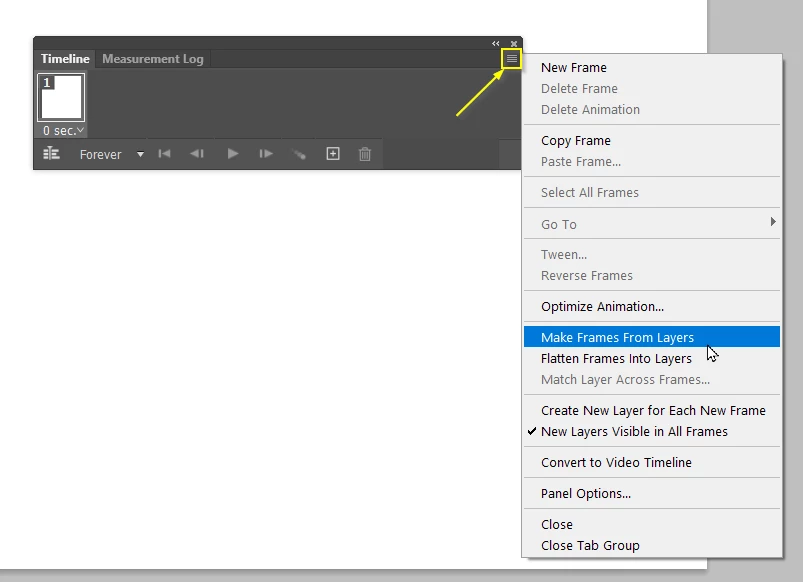
You are nine tenths there then, but you might have errant frames like the background layer that you'll need to create. You might have no background, in which case, if it is white, don't worry about it. If it is an image, you'll need to select all of the frames (Click on the first frame and Shift click on the last frame) then turn the image from on. Don't forget that it need to be at the bottom of the layer stack.
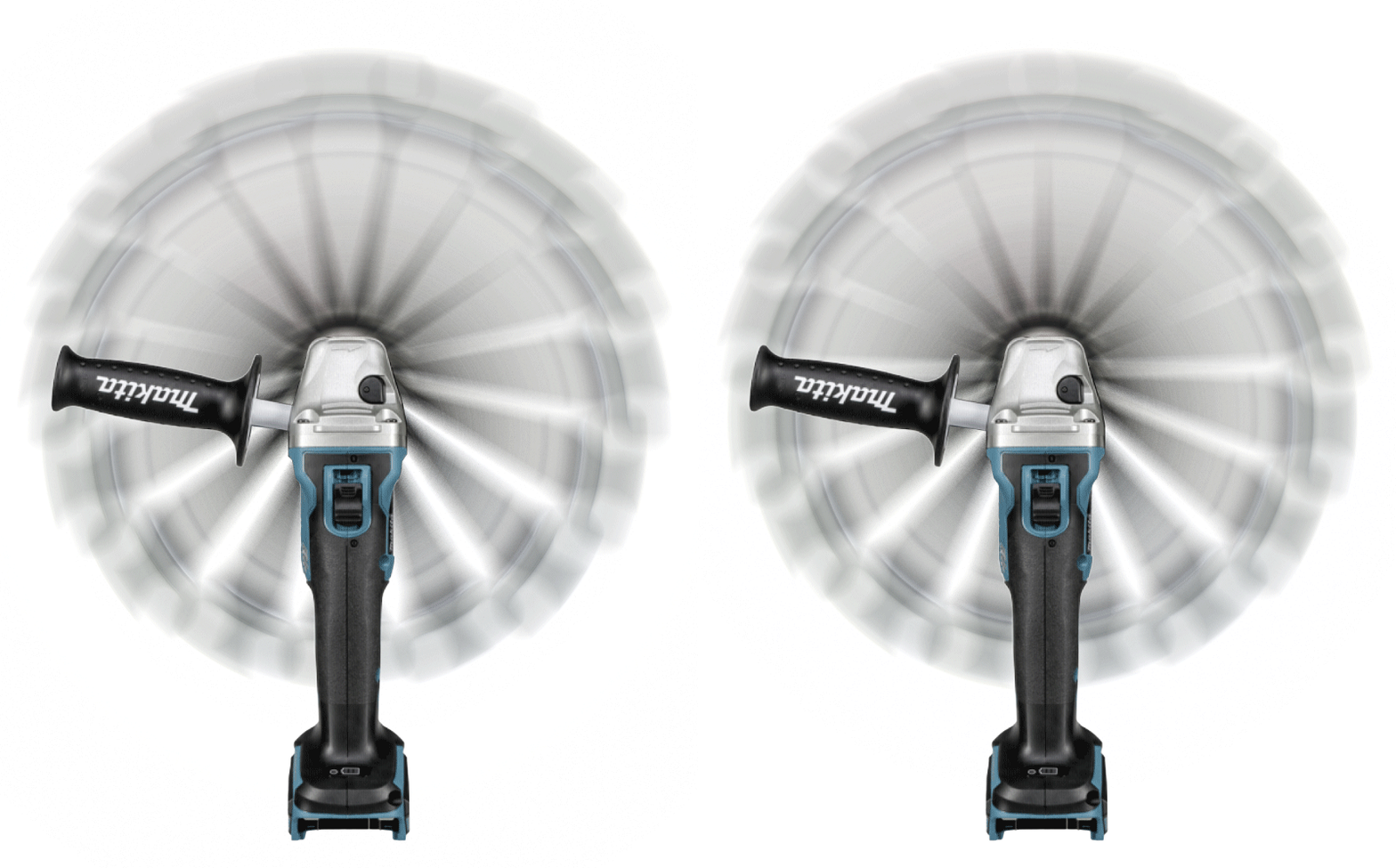
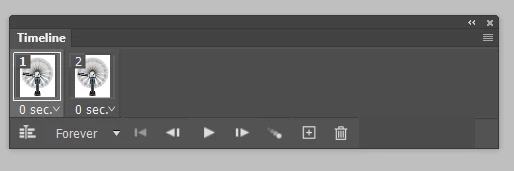
As already alluded to back this thread, frame animations need to have small file sizes so the most I would normall work with is 1000 pixels square, but a bit more if you have just a few frames (say ten). You can make them work with hardly any frames. This one from the current Something For The Weekend thread has just two frames for instance, because each frame only has to rotate half way to the next spanner and the movement is concentric.
Have a play with Tweening. In its simplest form, you start with one frame
copy the frame and move the object
Select both frames and use Tweening to create the steps in between. These can look very jerky so we might blur each frame to minise that.
Show us what you create, but it needs to be no bigger than 4Mb. To add an animation click on the add image icon, and then Find file.
 AdChoices