


Answered
Cannot edit text layer in template PSD file.
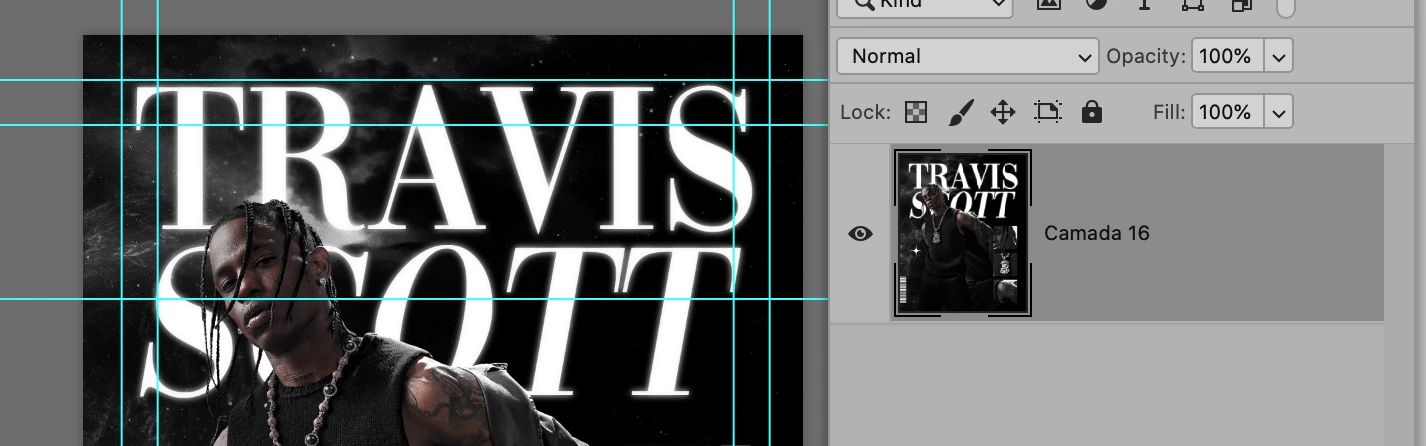
I was wondering how I can edit the text layer (travis scott) in this psd file here:
https://drive.google.com/file/d/1vUvO79U_wUM_BGn2XjTv9gcss8HWWRJ4/view?usp=share_link
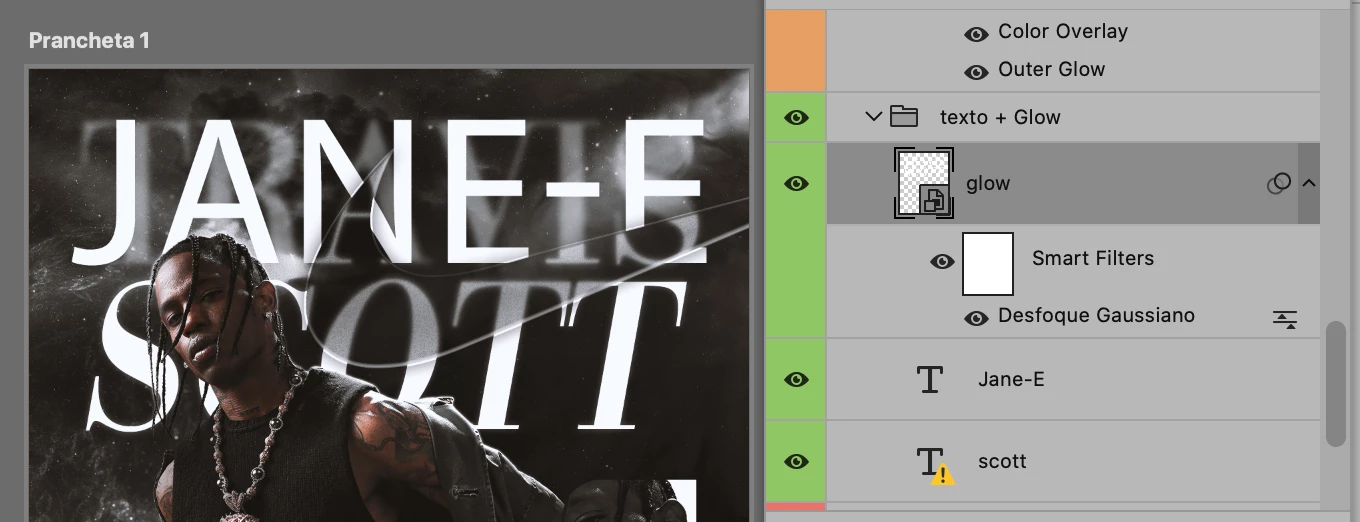
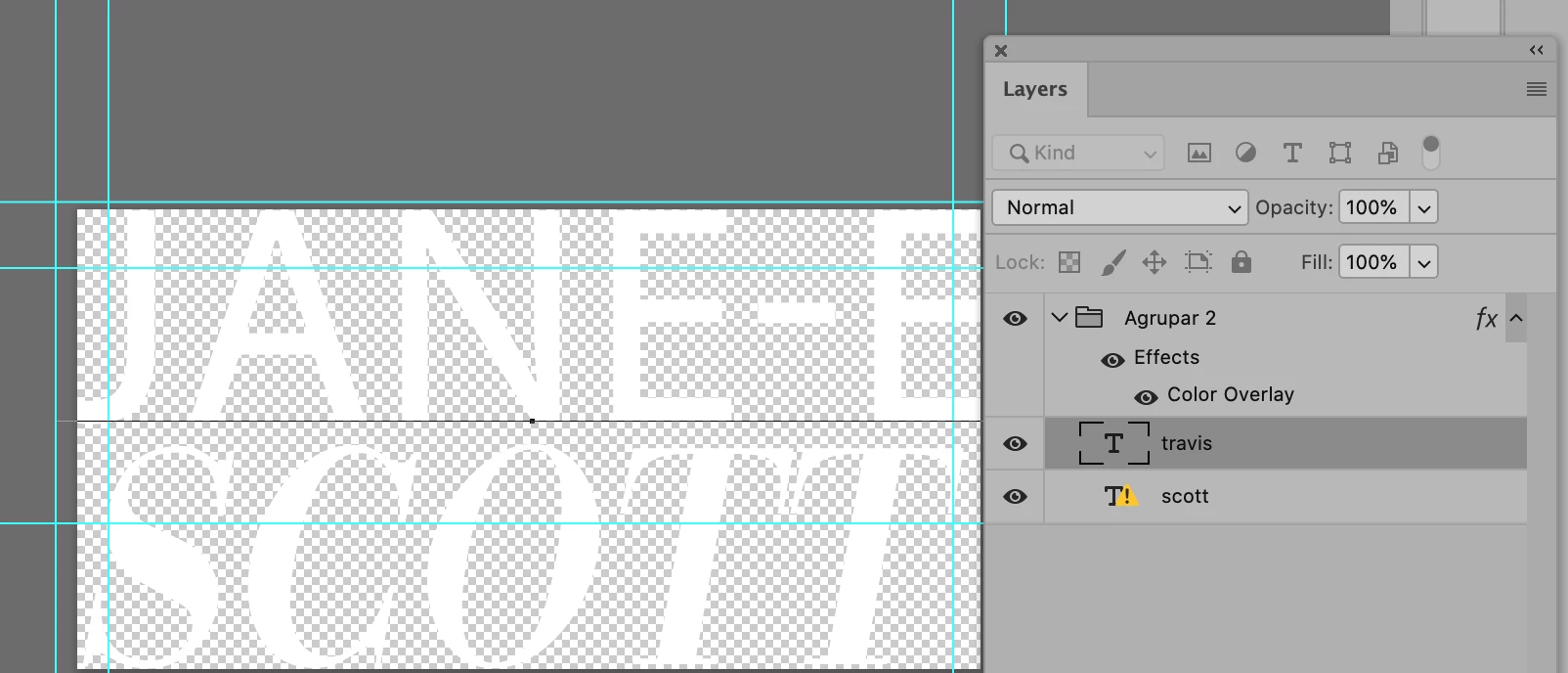
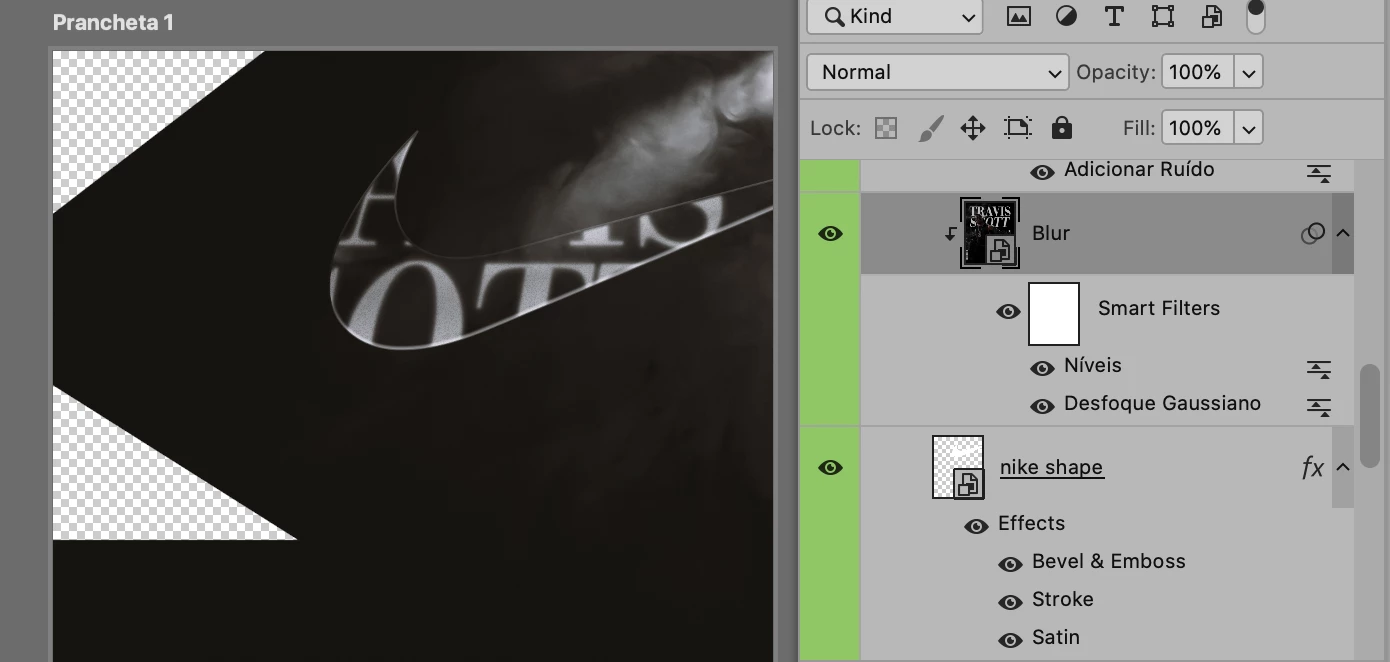
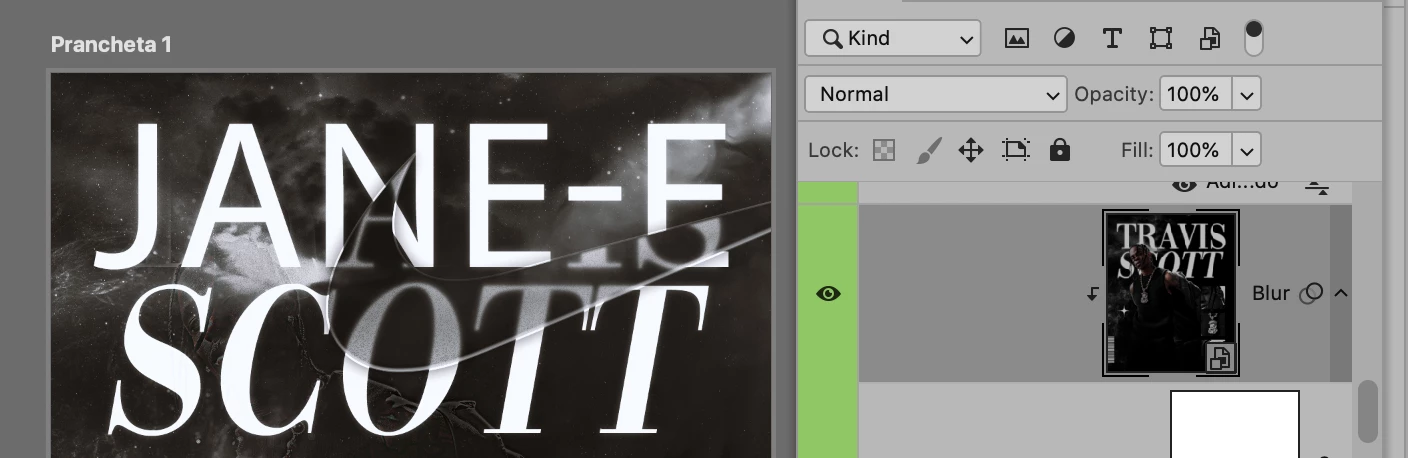
I can confirm that it's a text layer (the "T" symbol). However, after highlighting with the text tool and edit it, only a layer at the back is edited. I'm not sure how to proceed from this.
Any help would me appreciated!
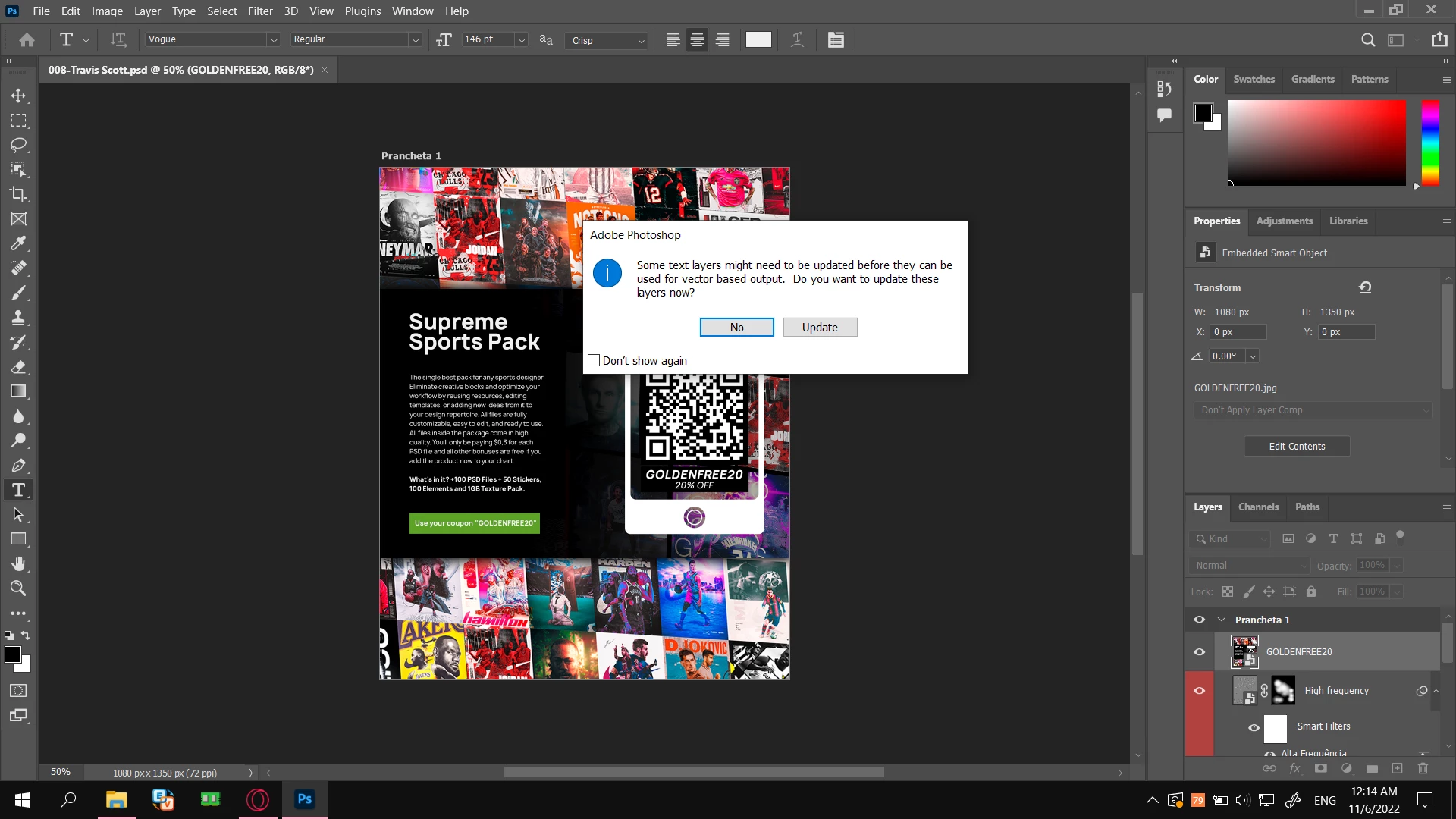
This appeared when I first opened the psd file, not sure what to choose.
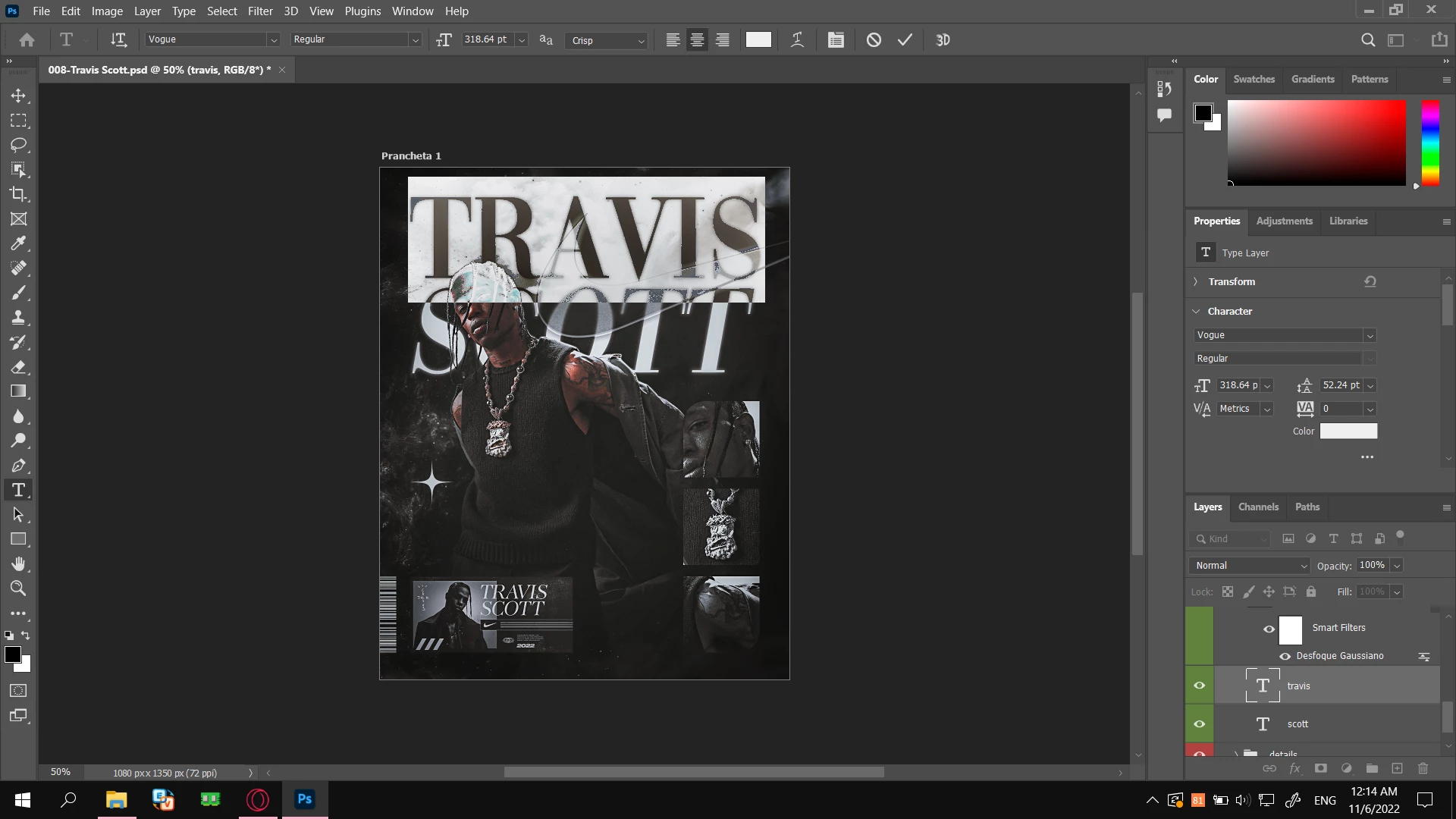
The text I want to edit.
 AdChoices